Software Version C
- 142 -
optek-converter C4101 Version 07.2009_1.2US, 23.07.2009
www.optek.com
9.11.5 Calibration scattered light
This chapter only applies to converters C4201, C4202, C4221, C4222, C4322,
C4422, C4251, C4252, C4352 and C4452 since one or two scattered light
sensors can be connected to them.
With this function, you can enter calibration factors for two model TF16 scattered
light sensors. Sensor 1 is assigned to inputs A and C and sensor 2 is assigned
to inputs B and D.
1. Select MAINTENANCE from the main menu and press [ENTER].
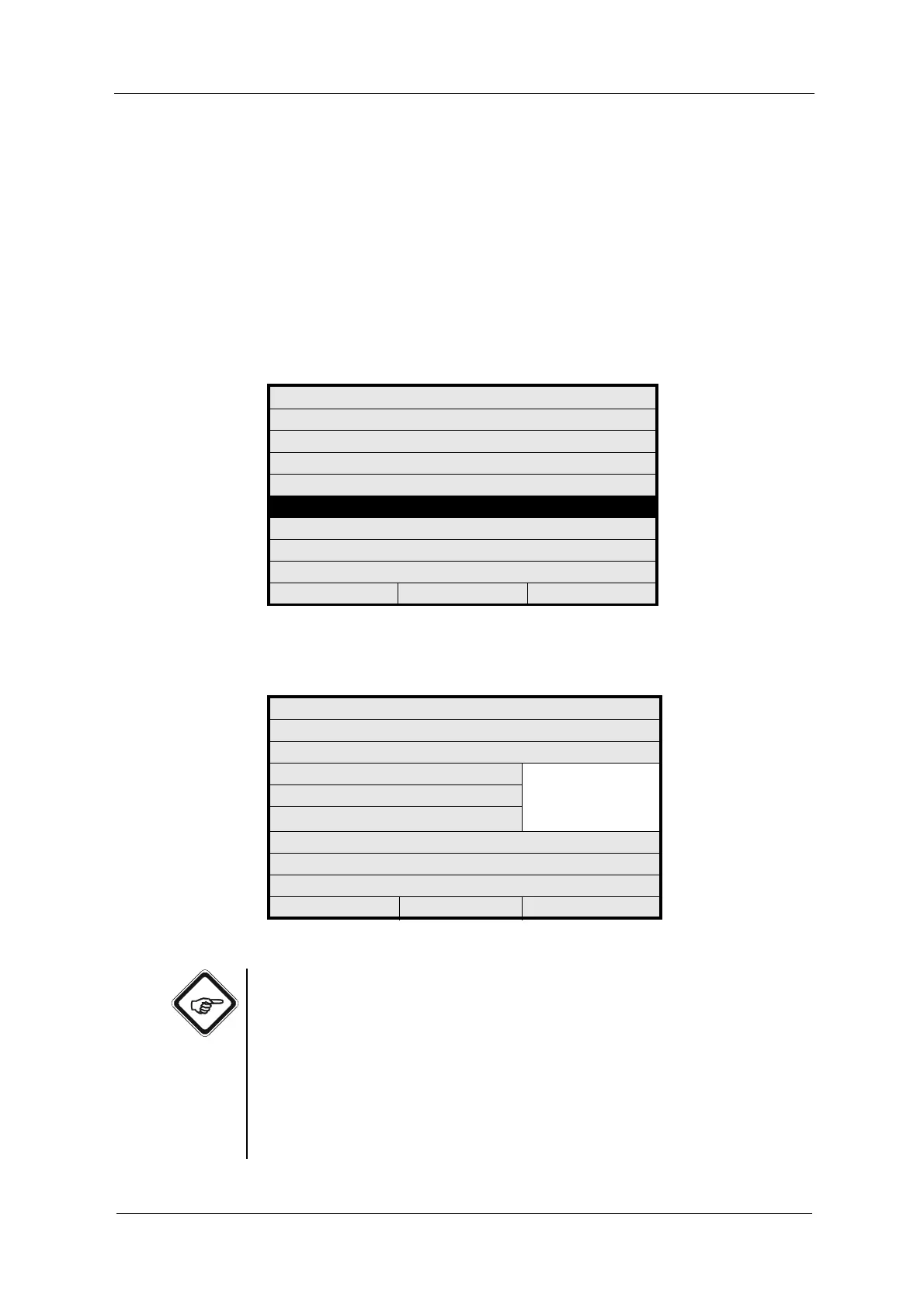
2. Select CALIBRATION SCATTERED LIGHT and press [ENTER].
Fig. 152 Menu maintenance, choosing calibration scattered light
3. Select SENSOR TF16 and press [ENTER]. A list appears.
Fig. 153 Calibration scattered light menu, choosing sensor
Note!
SENSOR (A/C) or (B/D) NEW: Uses the new scattered light parameter
(18 digits) provided with sensors shipped after 1st December 2007. The 18-digit
scattered light parameter contains the data of the calibration factor, the medium
and the sensor type.
SENSOR (A/C) or (B/D) OLD: Uses the old scattered light parameter
(6 digits) provided with sensors shipped before 1st December 2007.
Select your sensor accordingly and press [ENTER].
MAINTENANCE
HOLD MANUALLY
ZERO POINT SETTING MANUALLY
SYSTEM DIAGNOSTICS
SENSOR ADAPTATION
CALIBRATION SCATTERED LIGHT
CALIBRATION mA INPUTS
CALIBRATION mA OUTPUTS
SERVICE
20:05:2006 P01 11:26:55
CALIBRATION SCATTERED LIGHT
CHOOSE YOUR SENSOR
SENSOR TF16 SENSOR1 (A/C) NEW
SENSOR2 (B/D) NEW
SENSOR1 (A/C) OLD
SENSOR2 (B/D) OLD
PARAMETER INPUT
REJECT P01 SAVE



 To Next Page