Software Version C
- 143 -
optek-converter C4101 Version 07.2009_1.2US, 23.07.2009
www.optek.com
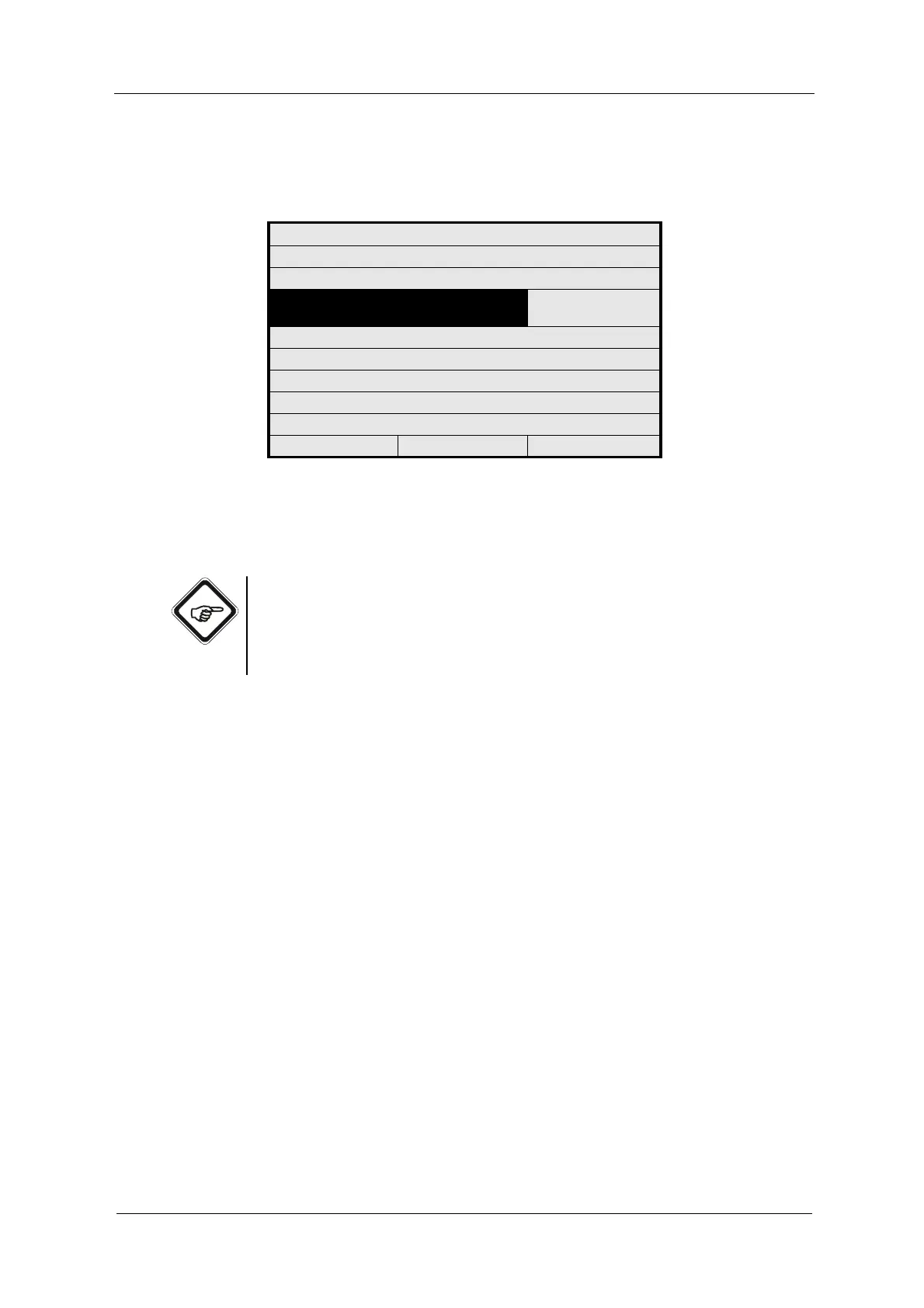
4. Press [ENTER] again. Parameters for calibration are displayed. Enter the
parameters via the numerical keyboard and press [ENTER].
Fig. 154 Calibration scattered light menu, parameter input
5. Repeat the entries for the other sensor if necessary.
6. Save the setting.
Note!
To be able to use new sensors with old converters (delivery before the 1st
December 2007), the old 6-digit scattered light parameter is still provided next
to the new 18-digit scattered light parameter. The value can be entered the usual
way into old converters.
If a sensor, which was calibrated with the old 6-digit scattered light parameter
before the 1st December 2007, is to be operated with a new converter (delivery
after 1st December 2007), choose SENSOR (A/C) or (B/D) OLD and enter the
6-digit scattered light factor via the numeric keyboard the usual way.
CALIBRATION SCATTERED LIGHT
CHOOSE YOUR SENSOR
SENSOR: SENSOR 1 (A/C)
NEW
PARAMETER INPUT:
100000000000100046
REJECT P01 SAVE



 To Next Page