Software Version C
- 53 -
optek-converter C4101 Version 07.2009_1.2US, 23.07.2009
www.optek.com
9.5.2 Define product name
With this function, you can change the preset product name of P01 – P08 to a
name of your choice. To do this, you can use 12 characters maximum.
1. Select the DEFINE PRODUCT NAME menu item in the PRODUCT menu
and press [ENTER].
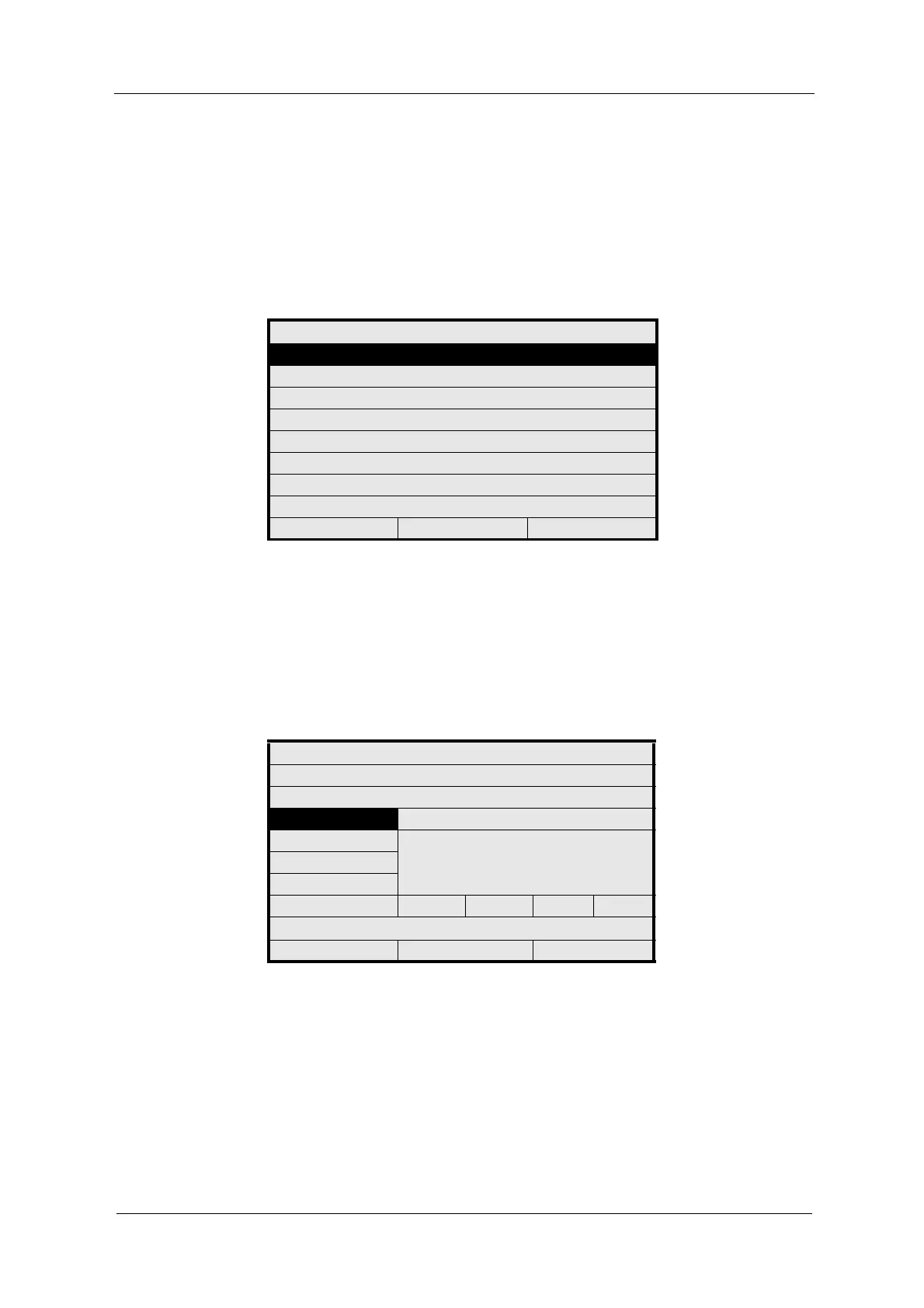
Fig. 46 Choosing define product name
2. The DEFINE PRODUCT NAME menu appears. The NEW NAME menu item
is marked. Press [ENTER].
3. Enter a new name via the character field (see chapter 9.2, page 37).
4. Save the new name.
5. After saving the name, the previous menu with the new product name
appears.
Fig. 47 Define product name
PRODUCT: P02
DEFINE PRODUCT NAME
DEFINE MEASURING RESULT
DEFINE LINEARIZATION
DEFINE OFFSET + SLOPE SET
DEFINE LIMIT VALUES
DEFINE DISPLAY
DISPLAY FORMULA
DISPLAY L21 - L28
20:05:2006 P02 11:26:55
DEFINE PRODUCT NAME
CURRENT NAME:
P02
NEW NAME P02 A
ABCDEFGHIJKLMNOPQ
RSTUVWXYZ ()
+ - / *0123456789 .%
<<< >>> DEL OK
REJECT P02 SAVE



 To Next Page