Software Version C
- 52 -
optek-converter C4101 Version 07.2009_1.2US, 23.07.2009
www.optek.com
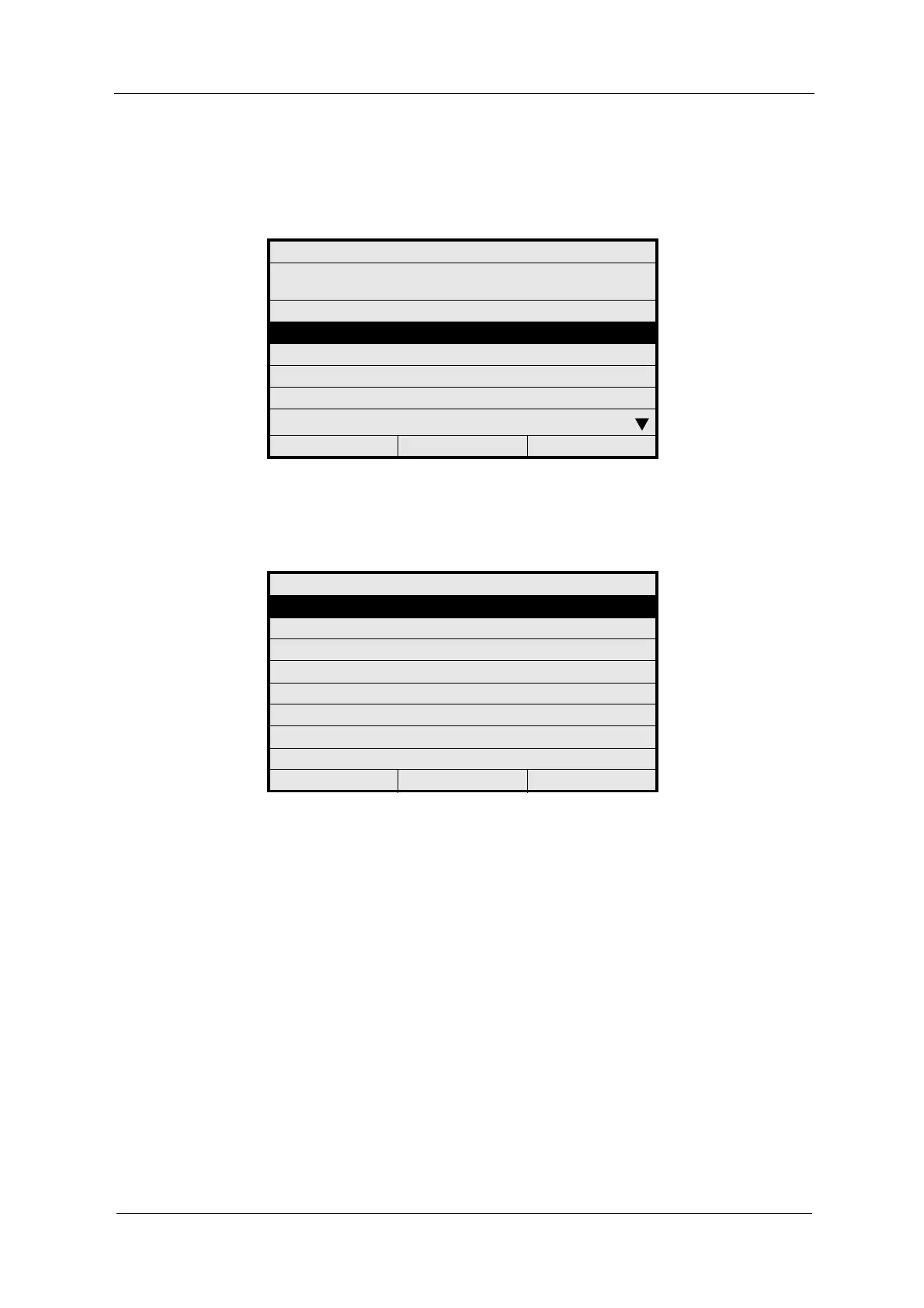
2. Select a product (P01 - P08) in the PRODUCT CONFIGURATION menu
and press [ENTER]. The name of the selected product (P02 in fig. 45)
appears in the center of the status bar below.
Fig. 44 Choosing a product
3. The menu of the selected product appears. Here it is the PRODUCT P02
menu.
Fig. 45 Choosing define product name
PRODUCT CONFIGURATION
SELECT THE PRODUCT TO BE
DEFINED
P01
P02
P03
P04
P05
P06
20:05:2006 P01 11:26:55
PRODUCT: P02
DEFINE PRODUCT NAME
DEFINE MEASURING RESULT
DEFINE LINEARIZATION
DEFINE OFFSET + SLOPE SET
DEFINE LIMIT VALUES
DEFINE DISPLAY
DISPLAY FORMULA
DISPLAY L21 - L28
20:05:2006 P02 11:26:55



 To Next Page