Software Version C
- 156 -
optek-converter C4101 Version 07.2009_1.2US, 23.07.2009
www.optek.com
9.11.8.2.4 mA Monitor
This function allows you to display mA outputs and mA inputs in mA and %.
1. Select the mA MONITOR function in the MONITORS menu and press
[ENTER].
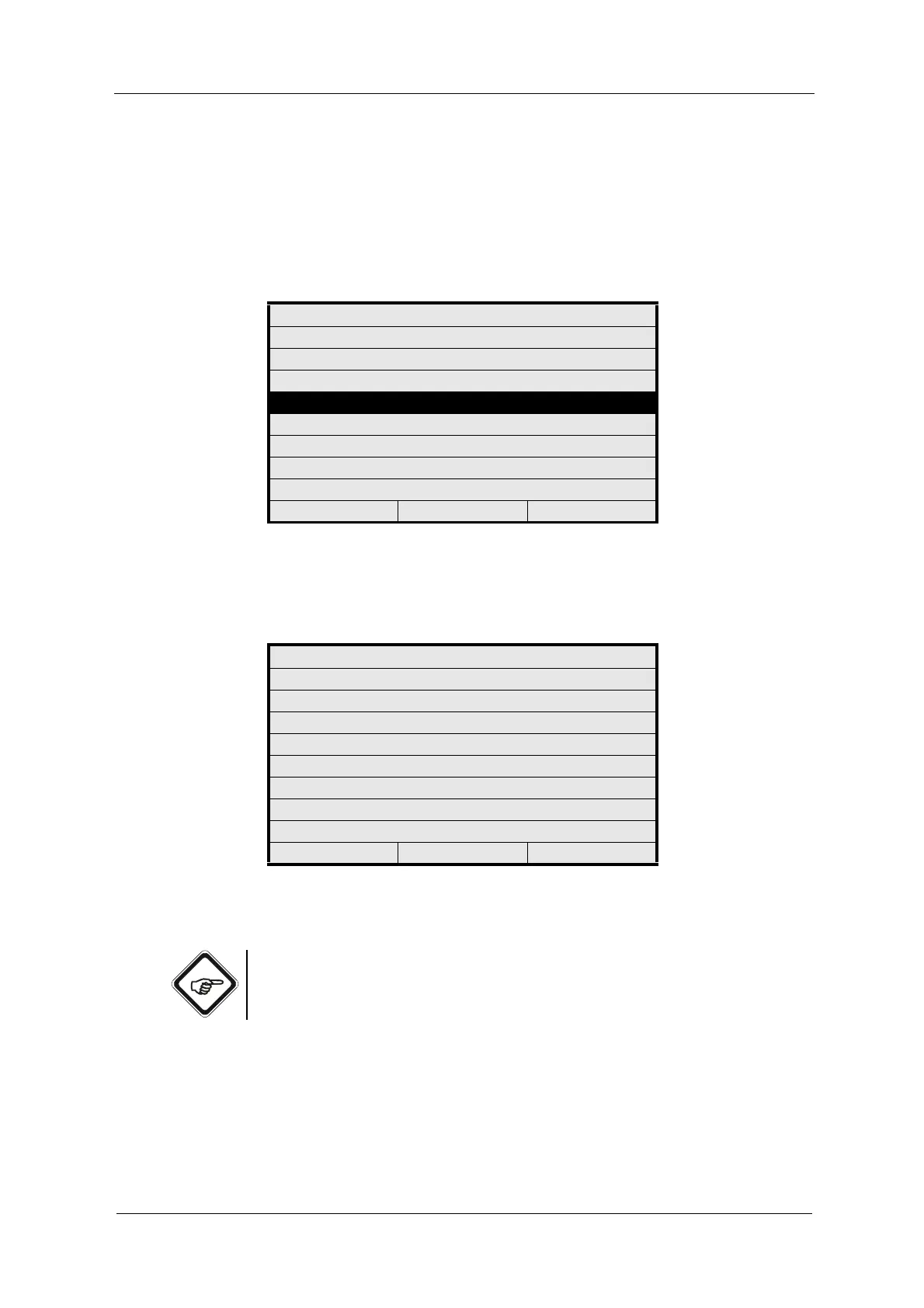
Fig. 170 Menu service, choosing mA monitor
2. The mA MONITOR menu appears. The system display mA outputs and
mA inputs in mA and %.
Fig. 171 mA monitor menu
3. Press [CLEAR] to return to the previous menu.
Note!
If inputs or outputs are not available, no values are displayed.
MONITORS
LAMP MONITOR
DETECTOR MONITOR
MEASURING RESULT MONITOR
mA MONITOR
RELAY + LED MONITOR
REMOTE IN MONITOR
SUBASSEMBLY MONITOR
20:05:2006 P01 11:26:55
mA MONITOR
[mA] [%]
mA OUTPUT 1 21.60 110.00
mA OUTPUT 2 21.60 110.00
mA OUTPUT 3 21.60 110.00
mA OUTPUT 4 21.60 110.00
mA INPUT 1 0.02 -24.83
mA INPUT 2 0.03 -24.77
20:05:2006 P01 11:26:55



 To Next Page