Software Version C
- 179 -
optek-converter C4101 Version 07.2009_1.2US, 23.07.2009
www.optek.com
9.14.2 Lamp failure
The converter pops up error messages for lamp failures in all menus. They
provide precise instructions for rapid troubleshooting.
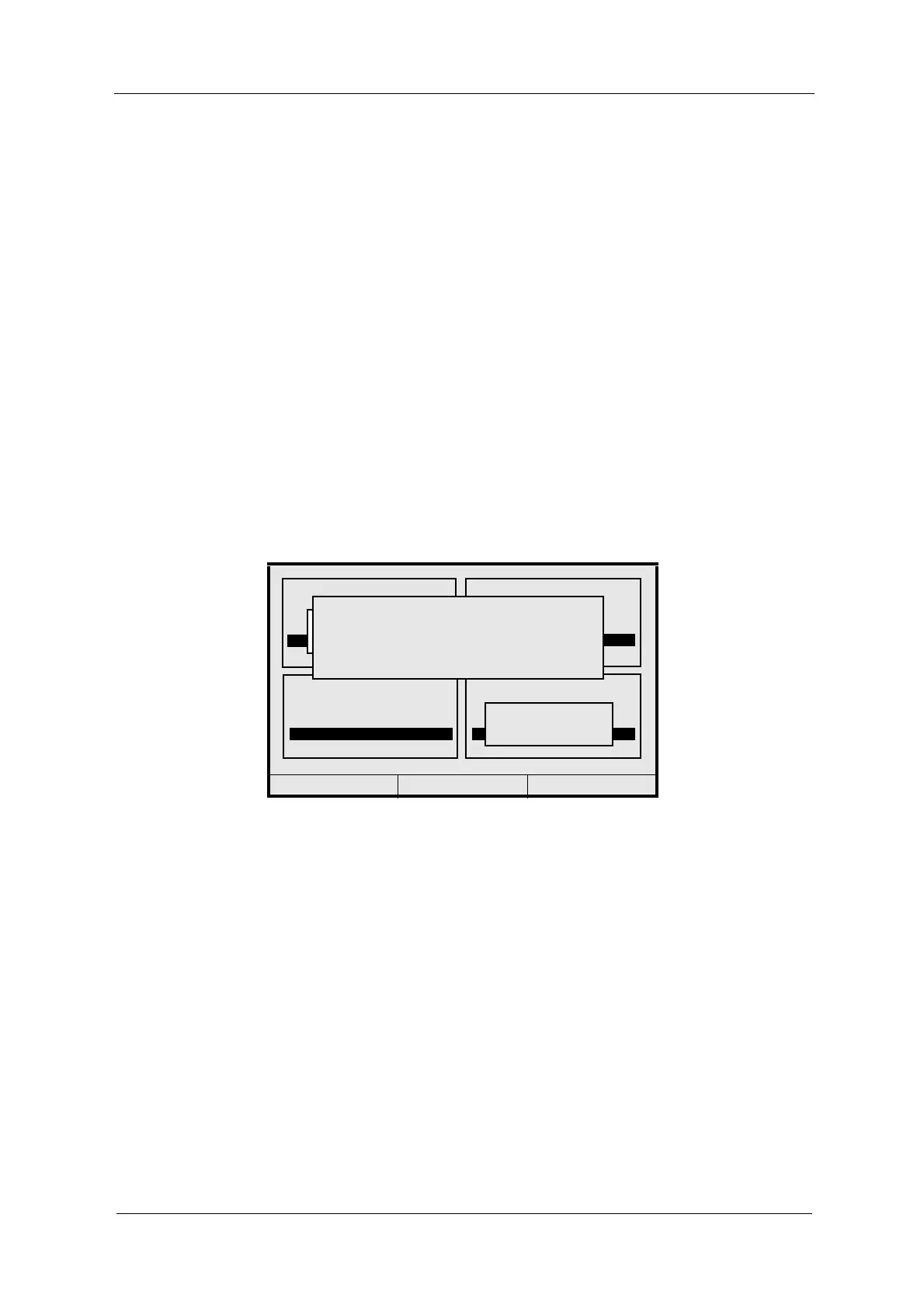
The system displays the "Lamp failure" error message for output F. Additionally,
the "Signal loss" error message has occurred at inputs B and D for the
measuring result M04.
There are 11 error messages for lamp outputs indicating the failure of individual
lamps as well as overload of lamp power units. The error messages do not pop
up when a lamp output is switched off.
Lamp error messages trigger a system alarm (relay) and cause the
system LED (5) to flash red.
Lamp error messages have top priority and overwrite other error messages!
Deactivate the error message by pressing [CLEAR]. The converter returns to
measuring mode.
Fig. 187 Error message "Failure lamp"
20:05:2006 P01 11:26:55
M01
M02
0.00 5.00
0.00 5.00
SIGNAL LOSS
A
1.56 CU
M03
0.00 5.00
2.47 CU
M04
0.00 5.00
SIGNAL LOSS
B+D+MA1
FAILURE LAMP F
1004



 To Next Page