Software Version C
- 80 -
optek-converter C4101 Version 07.2009_1.2US, 23.07.2009
www.optek.com
9.5.6.3 Limit value - define delay time
This function triggers the alarm when values fall below or exceed limit values
and can be delayed within a time span from 0 to 999 seconds. The delay time is
only applied to the limit value output. The front status LED for the limit value
responds immediately.
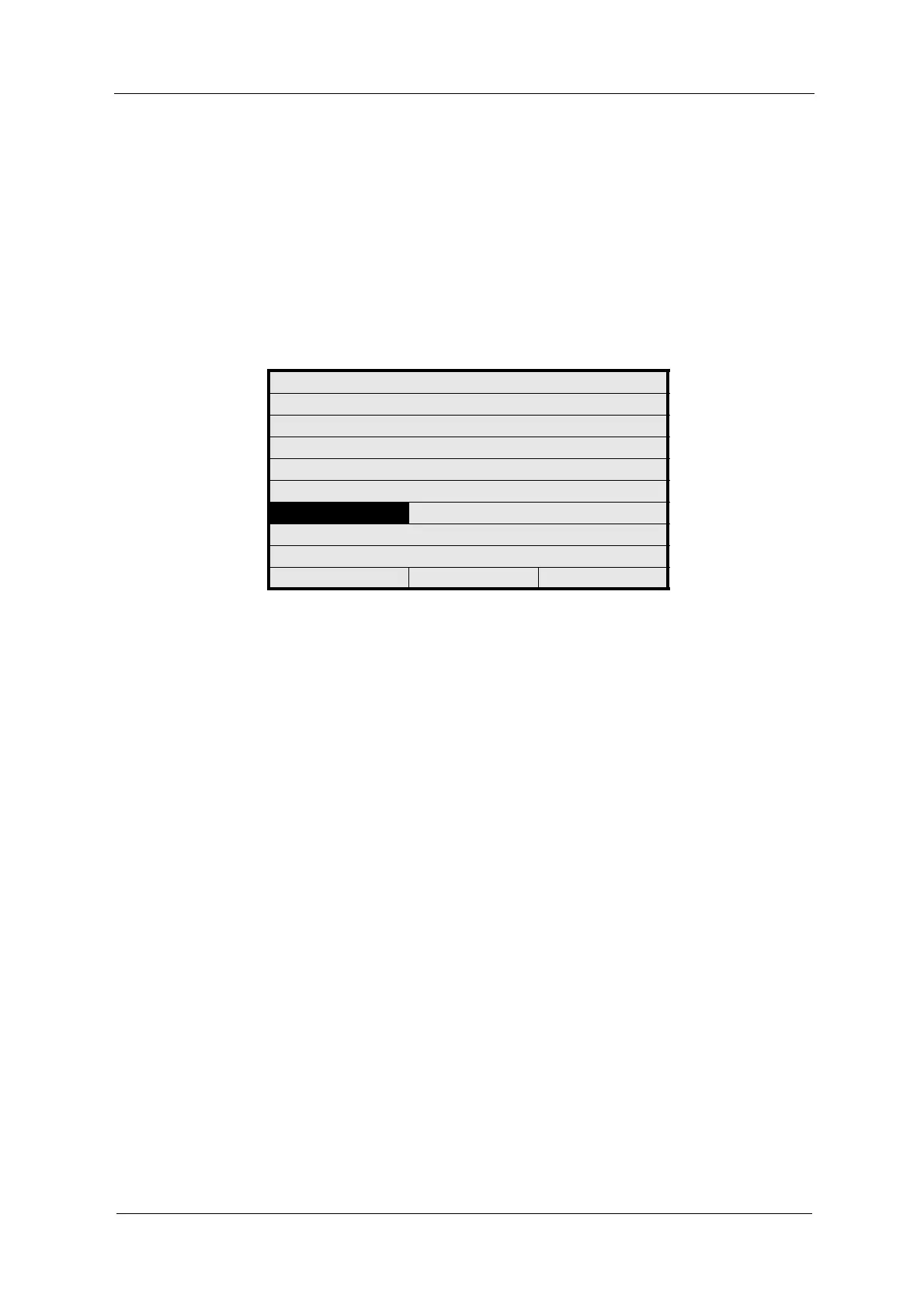
1. Select the ALARM AFTER SEC. menu item in the LIM. VALUE menu and
press [ENTER].
Fig. 74 Limit value – define delay time
2. Type in a delay time via the numerical keyboard and press [ENTER]. The
ALARM TYPE menu item is marked.
3. Save the settings.
LIM. VALUE: G01
MEASUR. RESULT M01
RANGE BEGIN 0.0000
RANGE END 5.0000
UNIT CU
LIMIT VALUE 1.0000
ALARM AFTER SEC. 2
ALARM TYPE LOW
REJECT P01 SAVE



 To Next Page