Software Version C
- 82 -
optek-converter C4101 Version 07.2009_1.2US, 23.07.2009
www.optek.com
9.5.7 Define display
With this function, you can configure how the measuring results are displayed.
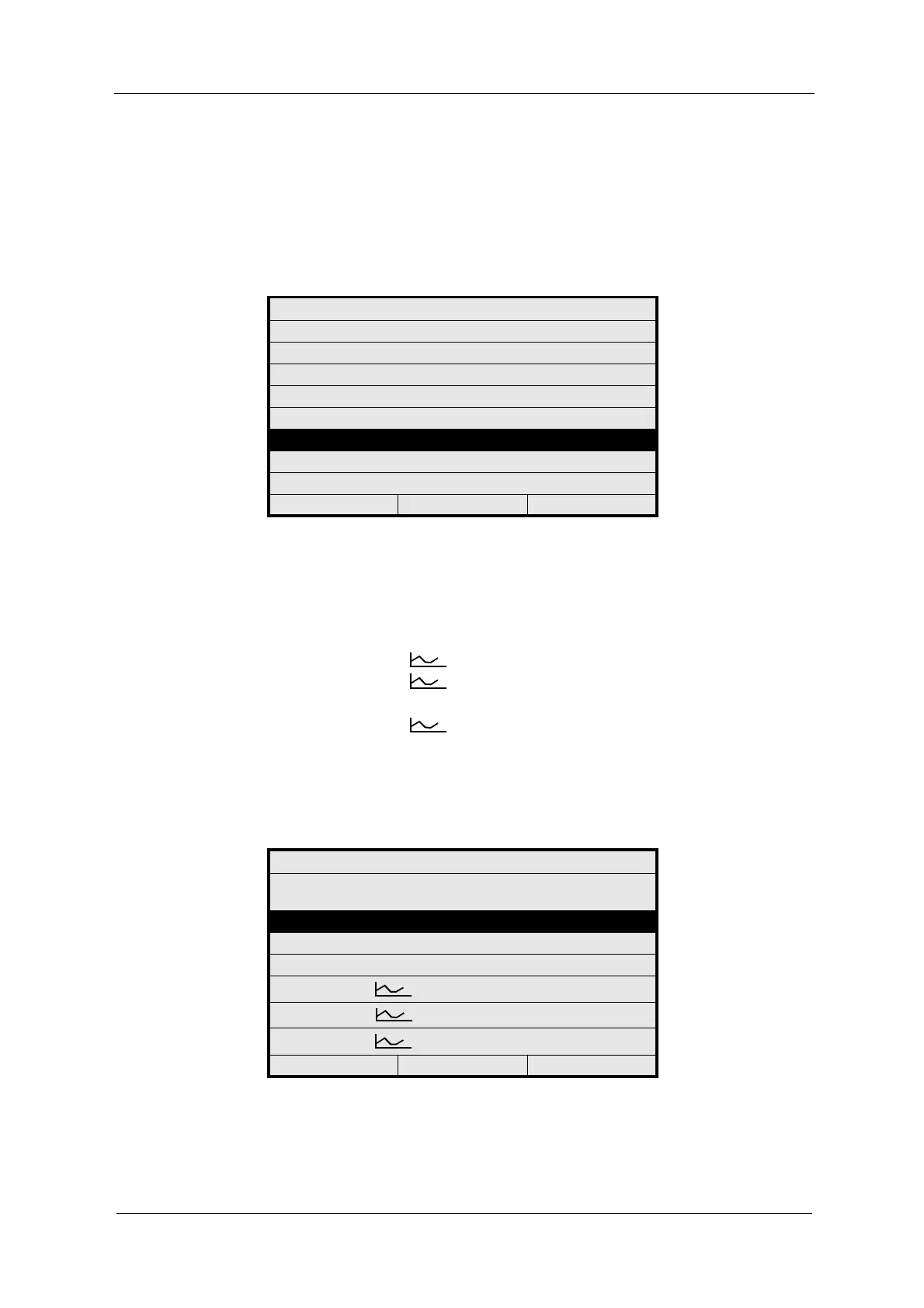
1. Select the DEFINE DISPLAY menu item in the PRODUCT menu and press
[ENTER].
Fig. 76 Choosing define display
2. Select the desired type of display. The following options are possible:
• 1 x 888.8 1 figure display with bargraph
• 2 x 888.8 2 figure displays with bargraph
• 4 x 888.8 4 figure displays with bargraph
• 1 x 888.8 1 x 1 figure display and 1 trend chart right
• 3 x 888.8 1 x 3 figure displays and 1 trend chart
lower right
• 2 x 888.8 2 x 2 figure displays and 2 trend charts
lower left and lower right
The current setting is indicated with an arrow <-- at the right-hand edge.
3. Press [ENTER].
Fig. 77 Define display
PRODUCT: P01
DEFINE PRODUCT NAME
DEFINE MEASURING RESULT
DEFINE LINEARIZATION
DEFINE OFFSET + SLOPE SET
DEFINE LIMIT VALUES
DEFINE DISPLAY
DISPLAY FORMULA
DISPLAY L21 - L28
20:05:2006 P01 11:26:55
DEFINE DISPLAY
SELECT DISPLAY SETUP TO
BE USED
1 x 888.8
2 x 888.8
4 x 888.8
1 x 888.8 1 x
3 x 888.8 1 x
2 x 888.8 2 x
20:05:2006 P01 11:26:55



 To Next Page