Software Version C
- 58 -
optek-converter C4101 Version 07.2009_1.2US, 23.07.2009
www.optek.com
9.5.3.2 Measuring result - define function
With this function, you can define, specifically to application, the measuring
function for evaluating the detector signals in the MEASURING RESULT menu.
1. Select FUNCTION and press [ENTER].
2. A list appears. Select a function. The choice of function depends on the
converter model, on the number and type of sensors connected to the
converter and on the measuring tasks in the application. In table 7,
"Measuring functions for evaluating detector signals" on page 59 all
possibilities are listed.
Abbreviations mean the following:
• ABS absorbance
• TRANSM transmission
• TURB turbidity
• A, B, C, D detector input to which the sensor is connected
• CU concentration units
• PROD product (also see table 19 on page 174)
The data in brackets describe the processing of signals according to the
used optek inputs.
3. Save and press [ENTER]. The menu item X mA INPUT is marked.
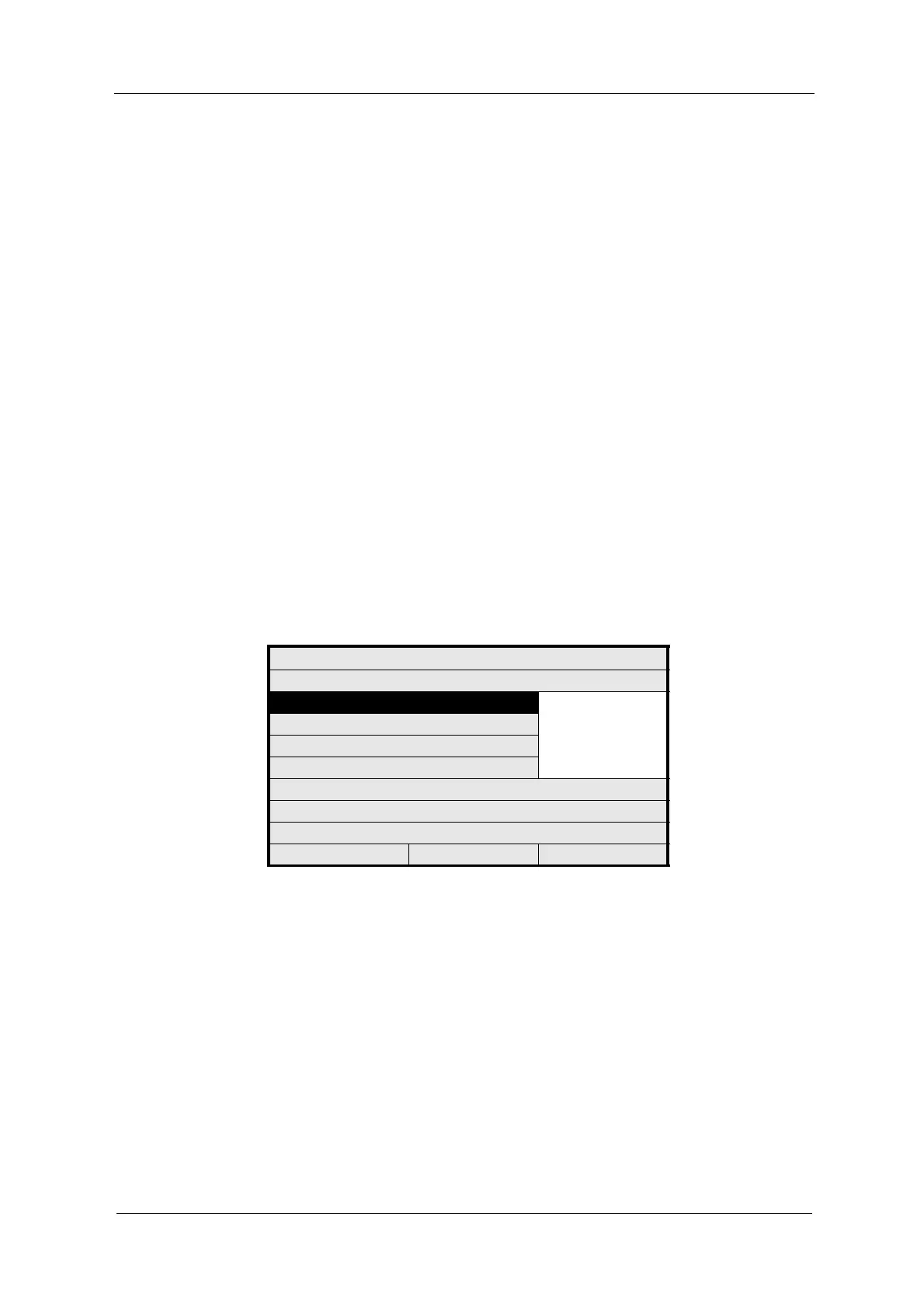
Fig. 52 Choosing define function
4. Save the new function.
MEASURING RESULT: M01
DEFINE NAME:
FUNCTION ABS -CU (A)
ABS -CU (B)
ABS -CU (C)
...
PROD_FEEDBACK
X mA INPUT
X LINEARIZATION
X SLOPE + OFFSET
RANGE BEGIN / END 0.0 5.0
UNIT
FORMAT
REJECT P01 SAVE



 To Next Page