Software Version C
- 125 -
optek-converter C4101 Version 07.2009_1.2US, 23.07.2009
www.optek.com
9.10.14.2 Password allocation
Here you can determine which password ("1", "2" or "3") protects which function
or software setting. Password level "--" allows access without entering a
password.
1. Select the PASSWORD ALLOCATION menu item in the PASSWORD menu
and press [ENTER]. All menu items which can be protected by a password
appear.
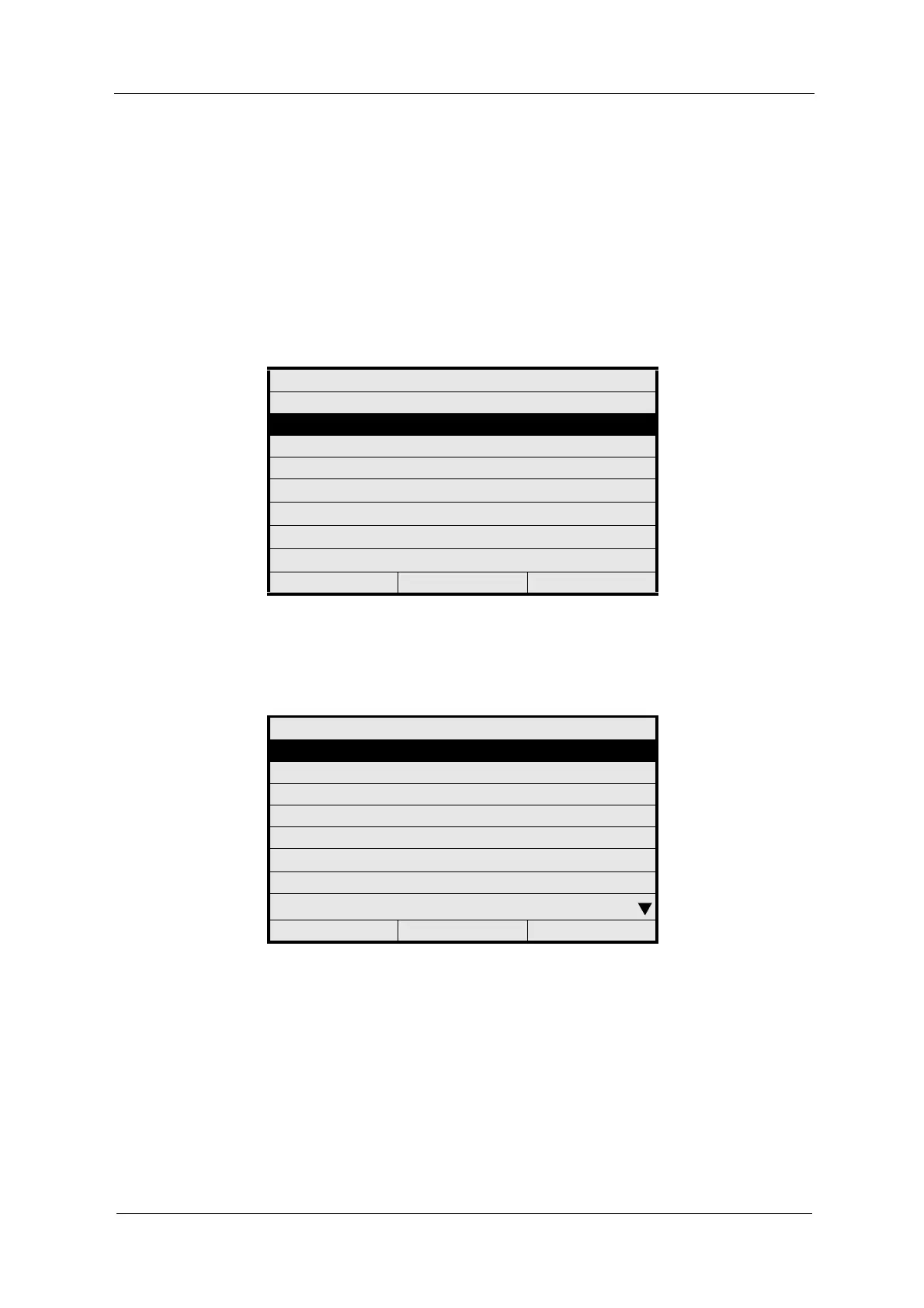
Fig. 130 Choosing password allocation
2. Select menu items that you want to protect one after the other and press
[ENTER]. A list with password levels appears.
Fig. 131 Menu password allocation
PASSWORD
PASSWORD DEFINITION
PASSWORD ALLOCATION
PASSWORD DURATION
20:05:2006 P01 11:26:55
PASSWORD ALLOCATION
PRODUCT CHANGE
PRODUCT CONFIGURATION
SYSTEM SETTINGS
MAINTENANCE
LANGUAGE
SERVICE
PC TRANSFER
HOLD MANUALLY
20:05:2006 P01 11:26:55



 To Next Page