Software Version C
- 126 -
optek-converter C4101 Version 07.2009_1.2US, 23.07.2009
www.optek.com
3. Select a password level ("--", "1", "2" or "3") and press [ENTER].
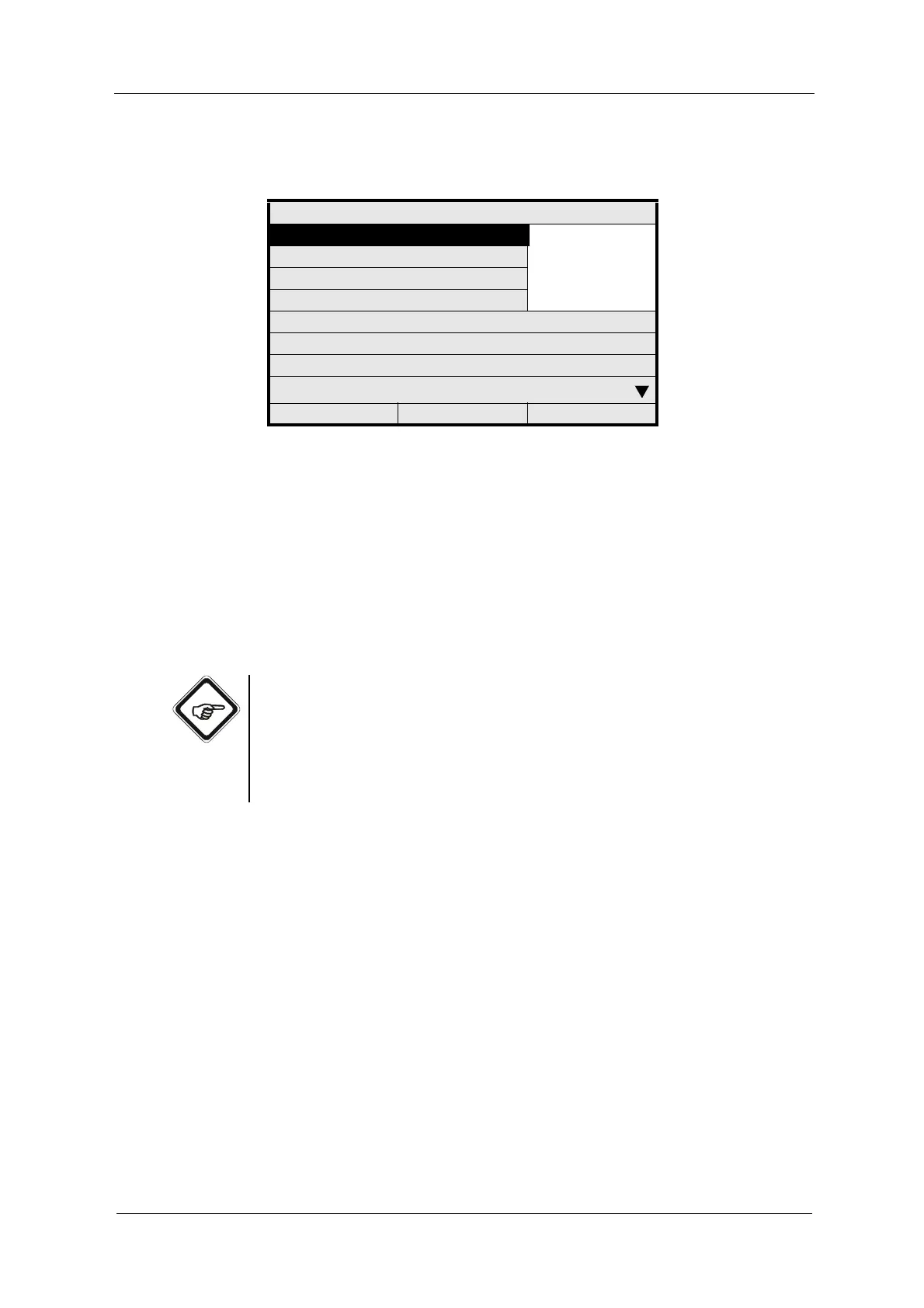
Fig. 132 Allocating a password level
4. Repeat the entries for all menu items.
5. Allocate and press [CLEAR] to return to the PASSWORD menu.
When you have entered and allocated passwords, these passwords are valid
the very moment you leave the PASSWORD ALLOCATION menu.
After entering a password, you can access all functions and menu items
protected by this password level or the lower password levels.
Note!
• To protect the PASSWORD PROTECTION menu item in the system
settings, the PASSWORD menu item has to be protected by a password.
• When using the PC transfer software, the menu item PC TRANSFER
must be protected with a password to prevent unauthorized persons from
accessing. Keep your parameter set in a safe place.
PASSWORD ALLOCATION
PRODUCT CHANGE --
- 1 -
- 2 -
- 3 -
PRODUCT CONFIGURATION
SYSTEM SETTINGS
MAINTENANCE
LANGUAGE
SERVICE
PC TRANSFER
HOLD MANUALLY
20:05:2006 P01 11:26:55



 To Next Page