Software Version C
- 151 -
optek-converter C4101 Version 07.2009_1.2US, 23.07.2009
www.optek.com
9.11.8.2.1 Lamp monitor
This function shows the set lamp voltage and the measured lamp current.
1. Select the LAMP MONITOR function in the MONITORS menu and press
[ENTER].
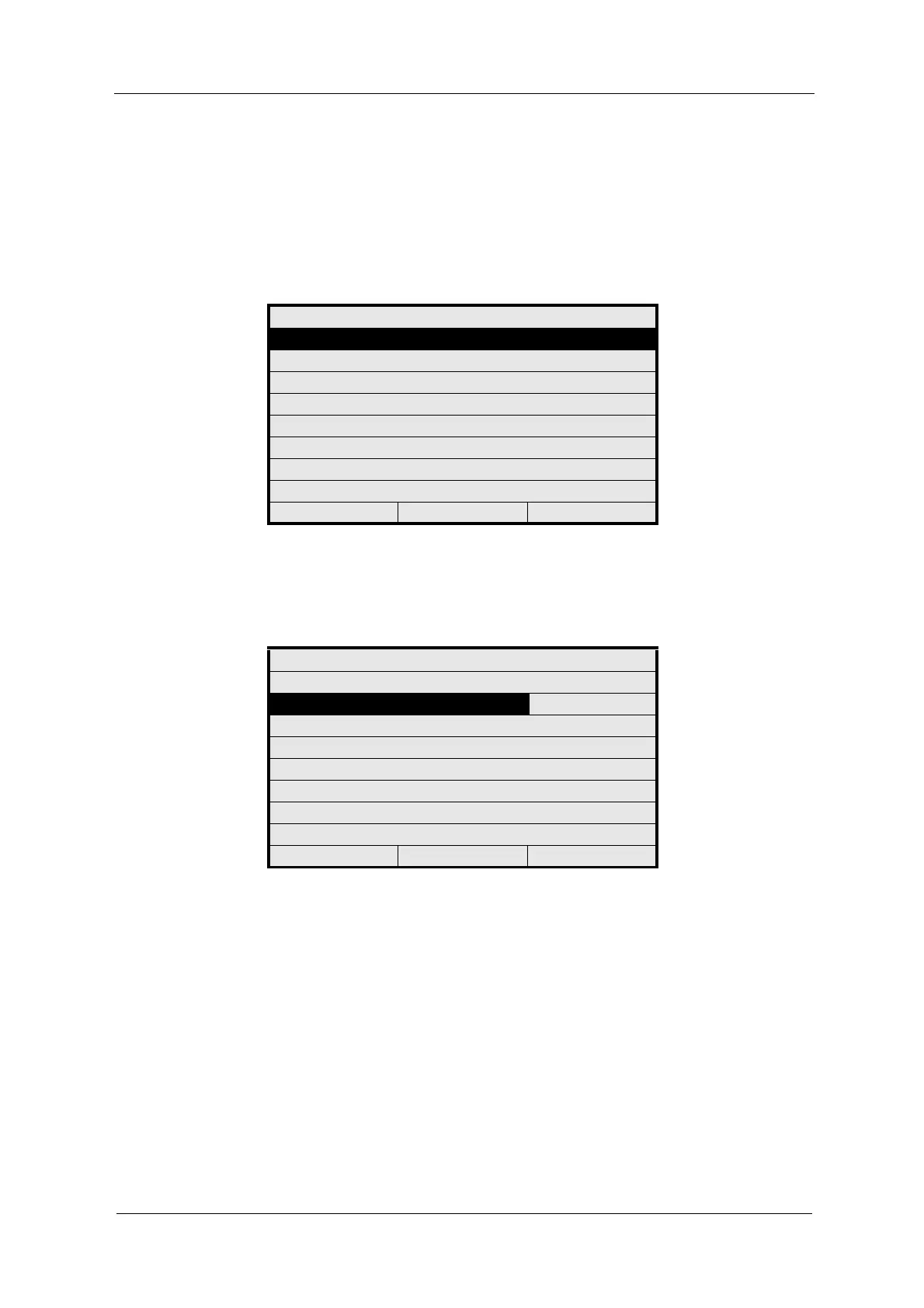
Fig. 164 Menu service, choosing lamp monitor
2. Select LAMP OUTPUT. A list appears. Select a lamp output (e. g. lamp E)
and press [ENTER].
Fig. 165 Lamp monitor
3. The cursor moves to the SWITCH LAMP menu item. Press [ENTER]. A list
appears. Choose if you want to switch the lamp output on or off and press
[ENTER]. When the lamp output is switched off, the system sets the lamp
voltage to 0.00 VDC. The current measured falls under 0.05 ADC.
4. Press [CLEAR] to return to the previous menu.
MONITORS
LAMP MONITOR
DETECTOR MONITOR
MEASURING RESULT MONITOR
mA MONITOR
RELAY + LED MONITOR
REMOTE IN MONITOR
SUBASSEMBLY MONITOR
20:05:2006 P01 11:26:55
LAMP MONITOR
LAMP OUTPUT : LAMP E
SWITCH LAMP : ON
LAMP VOLTAGE (VDC) : 4.80
LAMP CURRENT (ADC) : 0.00
NUMBER OF SENSORS AT E : 1
20:05:2006 P01 11:26:55



 To Next Page