Software Version C
- 51 -
optek-converter C4101 Version 07.2009_1.2US, 23.07.2009
www.optek.com
9.5 Entering products in the software
After having carried out the system settings according to chapter 9.4, page 43,
you must create the products to be measured. You can define four measuring
results for up to eight products. A product can be for example the process
medium to be measured, a detergent medium or a medium occurring when
changing the charge of the system.
Enter a maximum of 32 different names for the measuring results M01 to M04
of the products P01 to P08.
When entering the products, carry out the following steps:
• Product configuration
• Define product name
• Define measuring result
• Define linearization
• Define offset + slope set
• Define limit values
• Define display
9.5.1 Product configuration
With this function, you can set the products and their application-specific
measuring results.
Note!
Measuring mode is switched off during product configuration. Measuring mode
is restarted upon return to the main menu.
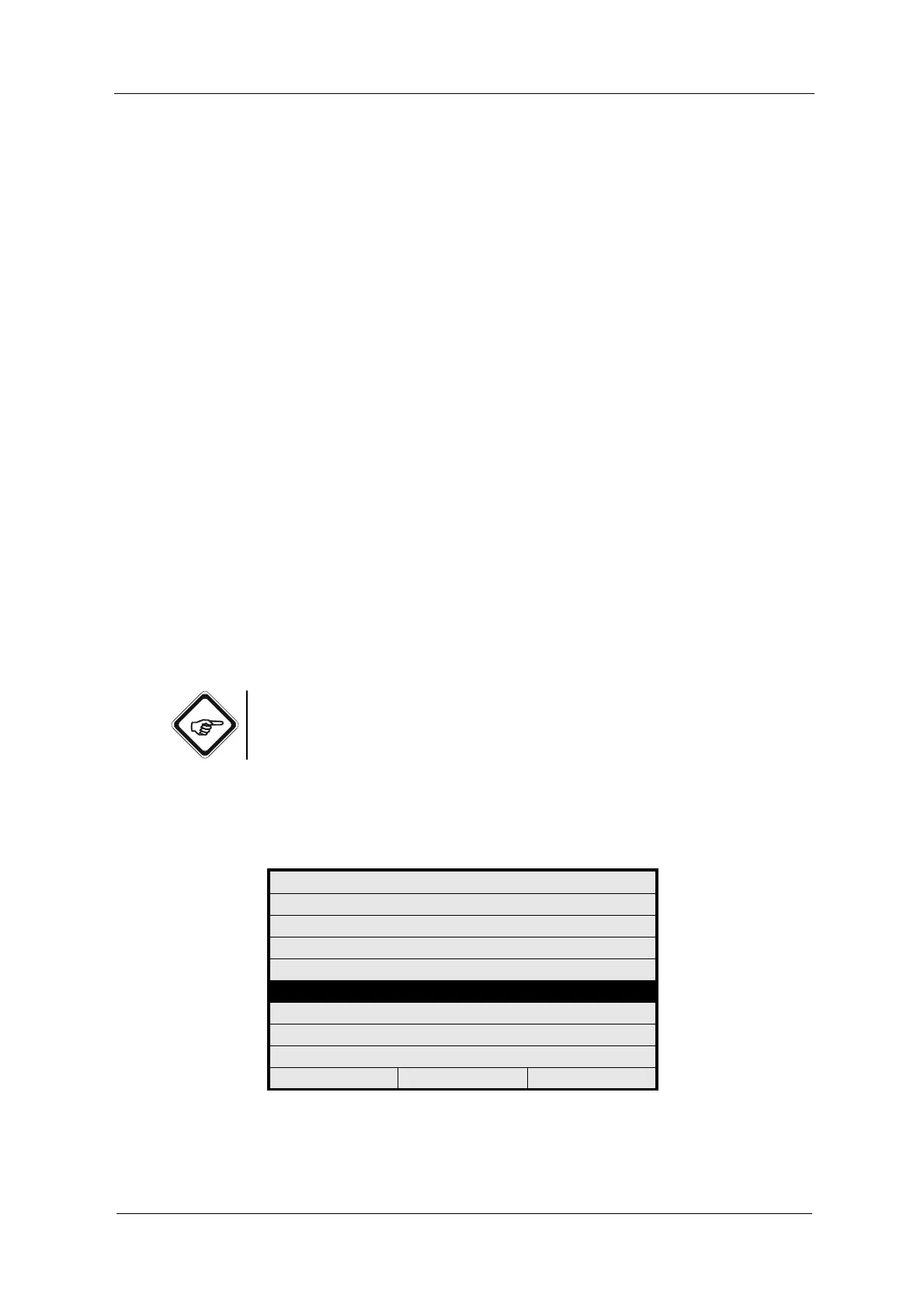
1. Select PRODUCT CONFIGURATION from the main menu and press
[ENTER].
Fig. 43 Main menu, choosing product configuration
MAIN MENU
MEASUREMENT DISPLAY
DATA LOGGER DISPLAY
SYSTEM INFORMATION DISPLAY
PRODUCT CHANGE
PRODUCT CONFIGURATION
SYSTEM SETTINGS
MAINTENANCE
LANGUAGE / SPRACHE
20:05:2006 P01 11:26:55



 To Next Page