Software Version C
- 138 -
optek-converter C4101 Version 07.2009_1.2US, 23.07.2009
www.optek.com
9.11.3 System diagnostics
With this function, the converter can perform a self test. The self test lasts
approx. 1 to 2 minutes, depending on the number of inputs to be checked.
During the self test, the current hardware configuration is checked and
compared to the configuration found upon booting of the converter. Compliance
is indicated by a check mark.
The following components are checked or tested:
• Communication between the various microcontrollers at the converter
• Memory for calibration data and system parameters
• Inputs A to D, if available, regarding leakage current and calibration
A successfully completed self test verifies that the system is working properly. If
a fault is found, a corresponding error message including fault number appears
(also see chapter 9.14, page 177).
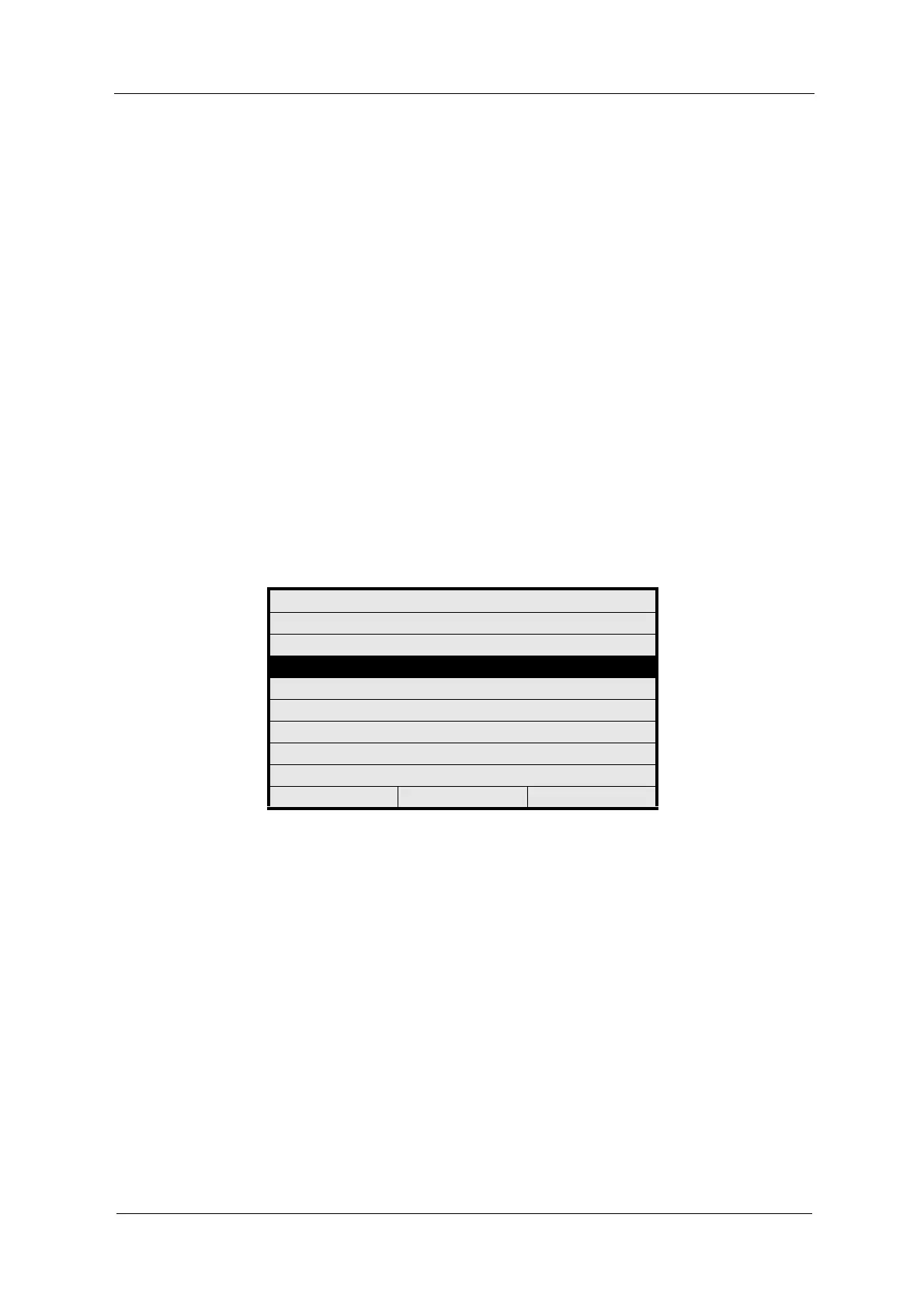
1. Select MAINTENANCE from the main menu and press [ENTER].
2. Select SYSTEM DIAGNOSTICS and press [ENTER].
Fig. 146 Menu maintenance, choosing system diagnostics
3. To start the self test, press [ENTER]. The progress of the individual tests and
checks is displayed graphically, a successfully completed test is indicated by
a check mark.
MAINTENANCE
HOLD MANUALLY
ZERO POINT SETTING MANUALLY
SYSTEM DIAGNOSTICS
SENSOR ADAPTATION
CALIBRATION SCATTERED LIGHT
CALIBRATION mA INPUTS
CALIBRATION mA OUTPUTS
SERVICE
20:05:2006 P01 11:26:55



 To Next Page