Commissioning
- 31 -
optek-converter C4101 Version 07.2009_1.2US, 23.07.2009
www.optek.com
8 Commissioning
8.1 Requirements for commissioning
Before commissioning the converter or the whole measuring system, carry out
the following activities:
• Install the armature (see instruction manual of armature).
• Check the pipeline with the armature for leaks.
• Check armature windows. They must not be dirty.
• Install the sensor (see instruction manual of the sensor).
• Ensure that the converter is mounted correctly (chapter 6).
• Verify correct wiring of the converter (chapter 7).
8.2 Switching the converter on
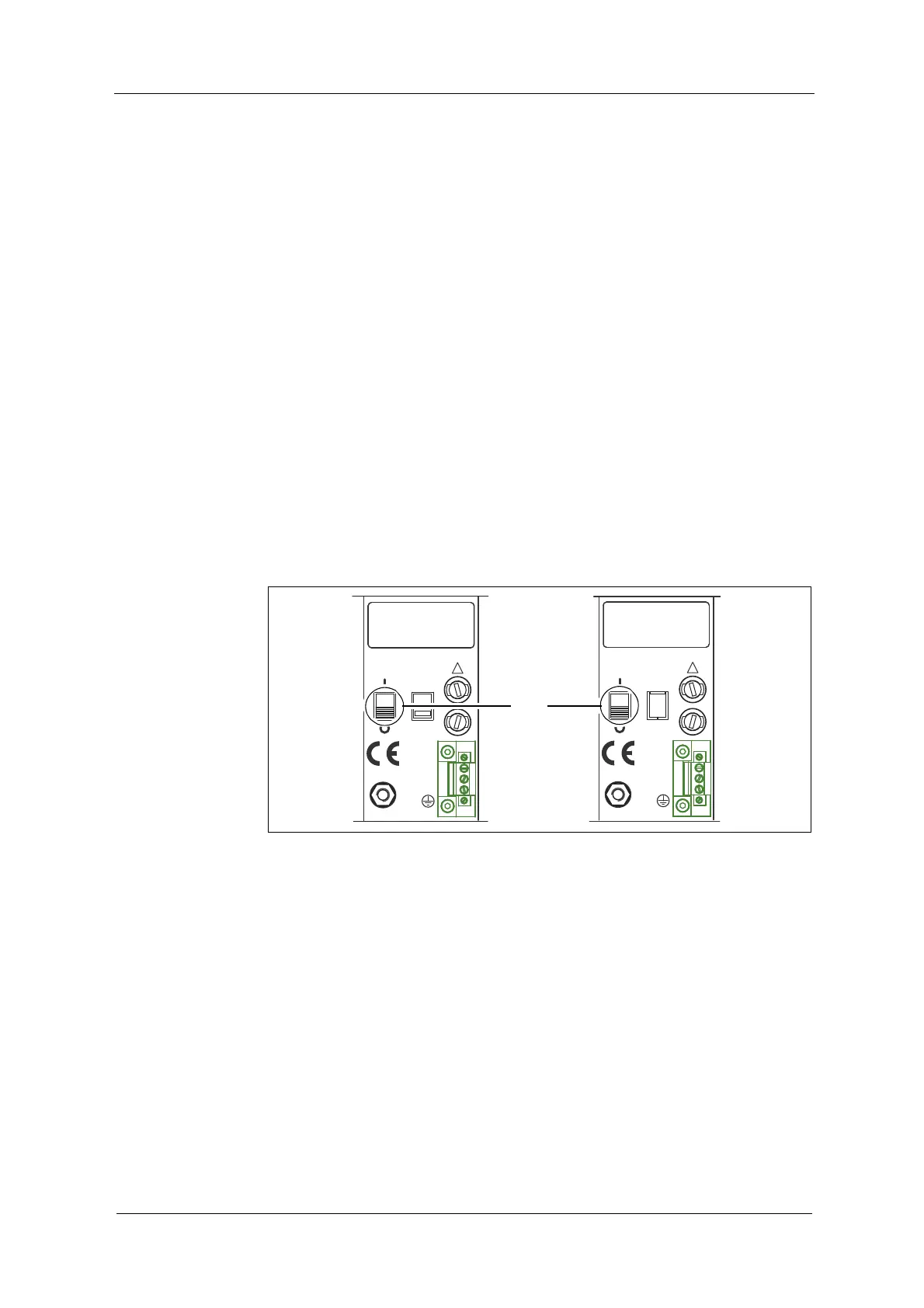
1. Flip the converter power switch (15) to I (ON) position.
Fig. 21 Converter power switch
2. Switch on the external release device.
3. Wait for approx. 15 minutes, until the system has reached the operating
temperature.
2119 20
M6
PA
PE
L
N
24 V, DC / 50 / 60 Hz, 50 VA
24 V, T 3,15 A
!
20 2119
PA
M6
N
PE
L
115 / 230 V, 50 / 60 Hz, 50 VA
115 / 230 V, T 1,6 A
230V
!



 To Next Page