Software Version C
- 79 -
optek-converter C4101 Version 07.2009_1.2US, 23.07.2009
www.optek.com
9.5.6.2 Limit value - define limit value
With this function, you can enter the limit value. Only figures from the displayed
measuring range are admissible.
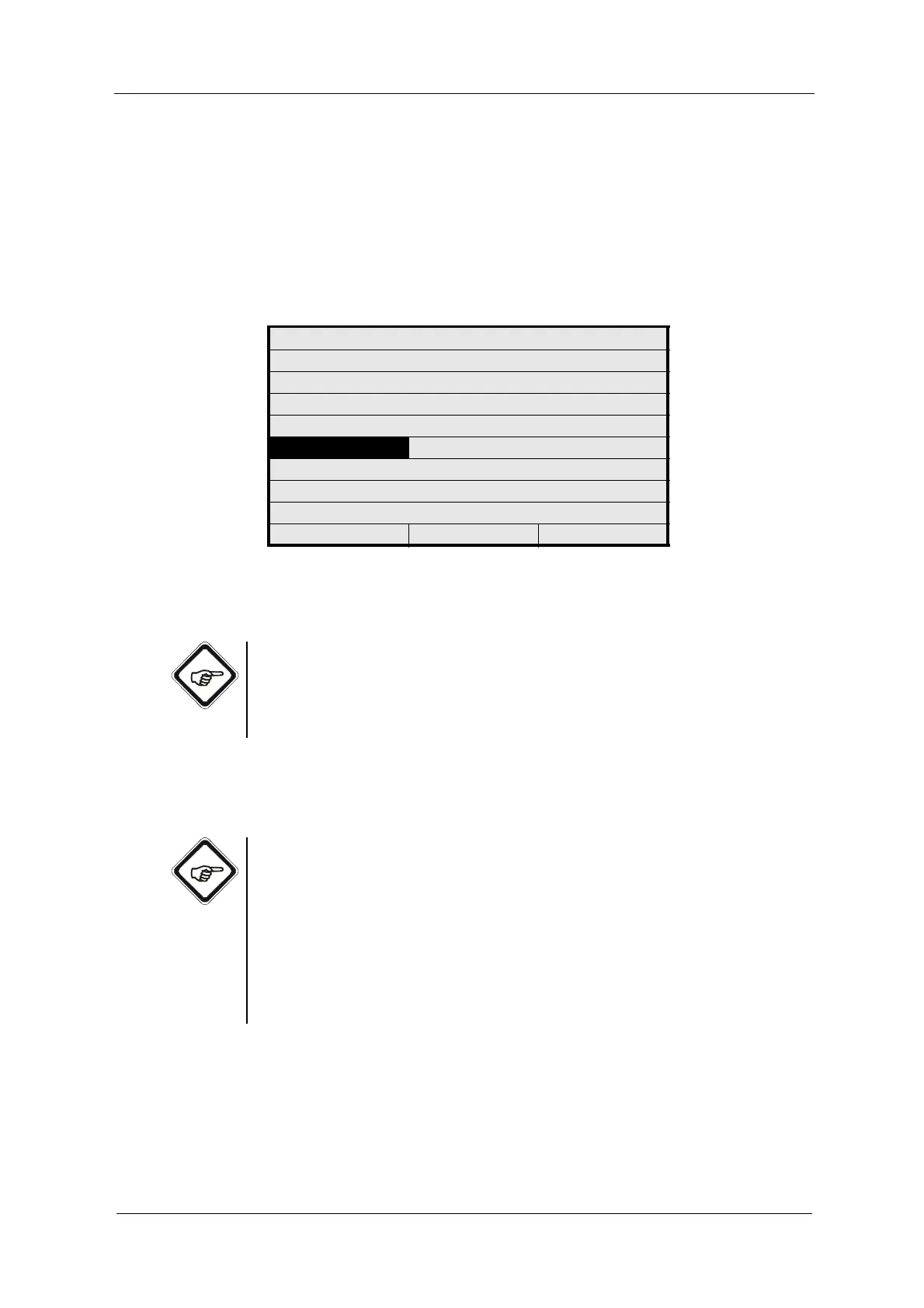
1. Select the LIMIT VALUE menu item in the LIM. VALUE menu and press
[ENTER].
Fig. 73 Limit value – define figure
2. Type in the limit value via the numerical keyboard.
Note!
Observe that this limit value must not exceed the RANGE END value. When the
entry is not within the measuring range, the "Unacceptable input" error message
appears. Close the error message by pressing [CLEAR] and enter a correct
value.
3. Press [ENTER]. The ALARM AFTER SEC. menu item is marked.
4. Save the new settings.
Note!
The software automatically opens the LIM. VALUE menu if, due to later change
of the measuring range, the set limit value does not lie within the measuring
range.
Due to internal data processing, a calculated limit value lying within the
measuring range is provided. During saving, this value is adopted, when
rejecting, the old limit value is used.
Check this limit value and redefine it, if necessary.
LIM. VALUE: G01
MEASUR. RESULT M01
RANGE BEGIN 0.0000
RANGE END 5.0000
UNIT CU
LIMIT VALUE 1.0000
ALARM AFTER SEC. 2
ALARM TYPE LOW
REJECT P01 SAVE



 To Next Page