Software Version C
- 70 -
optek-converter C4101 Version 07.2009_1.2US, 23.07.2009
www.optek.com
9.5.4.1 Linearization - define table name
With this function, you can change the preset linearization table name from
L01 – L16 to a name of your choice. To do this, you can use 12 characters
maximum.
1. Select the DEFINE NAME menu item in the LINEARIZATION menu and
press [ENTER].
2. The character field appears.
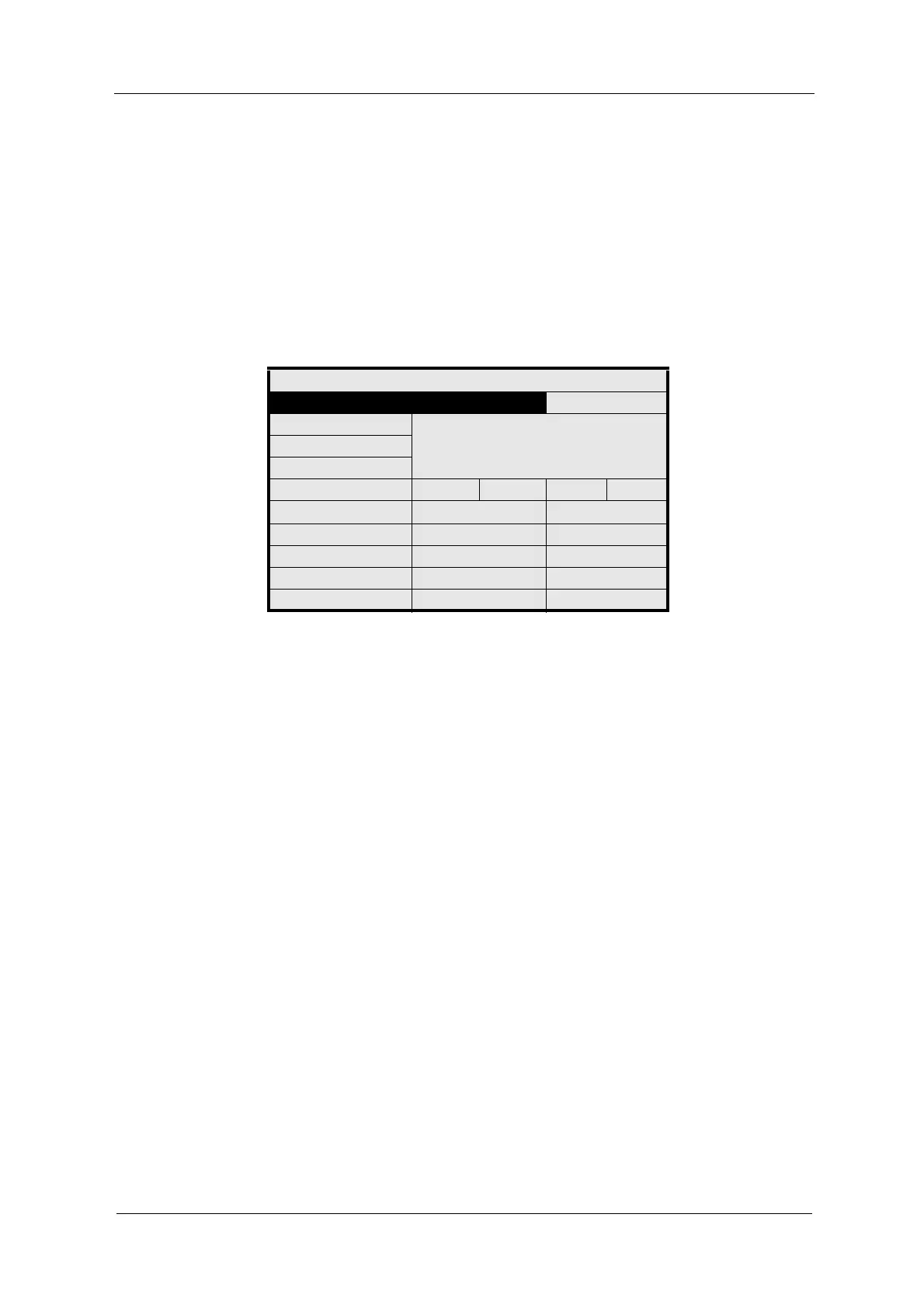
Fig. 62 Define linearization table names
3. Enter a new name via the character field (see chapter 9.2, page 37).
4. Select OK and press [ENTER]. The character field is closed. The menu
item 01: is marked.
5. Save the new name of the linearization or enter the linearization points.
LINEARIZATION: M01
DEFINE NAME: L01
ABCDEFGHIJKLMNOPQ
RSTUVWXYZ ()
+ - / *0123456789 .%
<<< >>> DEL OK
01: 0.0000 0.0000
02: 1.0000 1.0000
03:
REJECT P01 SAVE



 To Next Page