Software Version C
- 166 -
optek-converter C4101 Version 07.2009_1.2US, 23.07.2009
www.optek.com
9.12.1.2 Product change, setting the system zero point and the hold function
in the Remote In 1 function
To perform a product change, to set the system zero point and the Hold function
via the control system, the following signals must be allocated to the inputs
"Remote In".
The signals should be allocated for at least one second to trigger a function.
Before triggering a function, a confirmation signal (R8 = HIGH = VALID) is
always necessary.
Note!
During product change, the converter is inoperable for three seconds since the
parameter set of the new product configuration has to be loaded. All outputs with
values set so far are frozen during this time!
"Remote In" inputs have the following functions:
• R1 + R2 + R3 = see table 11 = product selection P01 to P08
• R4 + R5 = low = not occupied
• R6 = low = no zeroing
• R6 = HIGH = global zeroing
as long as R6 + R8 = HIGH
• R7 = low = do not freeze system
• R7 = HIGH = freeze system
as long as R7 and R8 = HIGH
• R8 = HIGH = perform functions according to R1 to
R7
• RR = return of signals = returning signals
Note!
If the signals for global zeroing and for the hold function are simultaneously
triggered with R6 = R7 = HIGH, HOLD is enabled first. When HOLD is disabled,
the measuring results are calculated with the current zeroing.
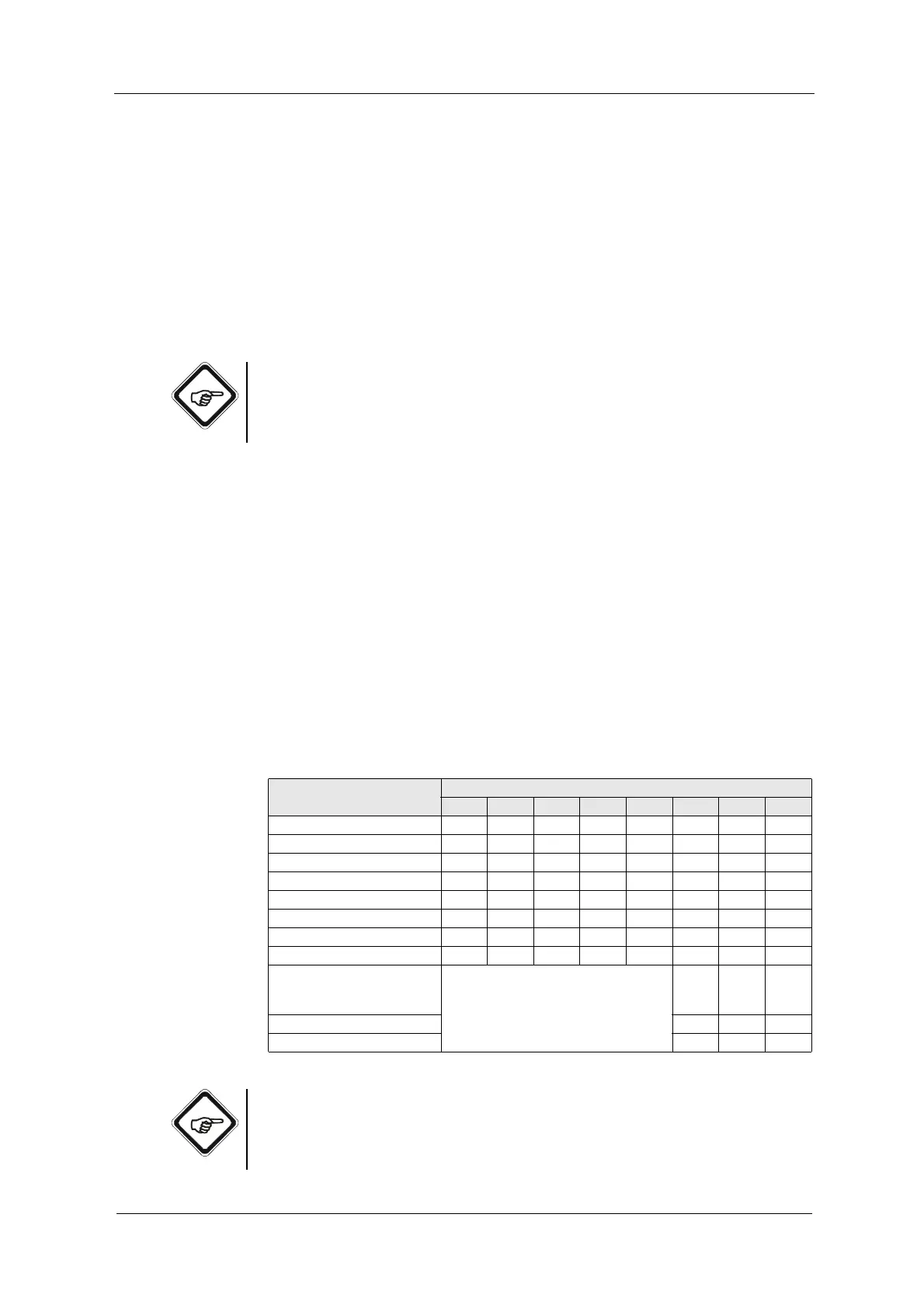
Tab. 11 Remote signals at Remote In 1
Function
Remote input
R1 R2 R3 R4 R5 R6 R7 R8
Product change to product 1 low low low low low low low HIGH
Product change to product 2 low low HIGH low low low low HIGH
Product change to product 3 low HIGH low low low low low HIGH
Product change to product 4 low HIGH HIGH low low low low HIGH
Product change to product 5 HIGH low low low low low low HIGH
Product change to product 6 HIGH low HIGH low low low low HIGH
Product change to product 7 HIGH HIGH low low low low low HIGH
Product change to product 8 HIGH HIGH HIGH low low low low HIGH
Global zeroing for measuring
results M01 to M04 for all
products
Current product (see above) HIGH low HIGH
HOLD (show, freeze outputs) low HIGH HIGH
Disable HOLD low low HIGH



 To Next Page