Software Version C
- 165 -
optek-converter C4101 Version 07.2009_1.2US, 23.07.2009
www.optek.com
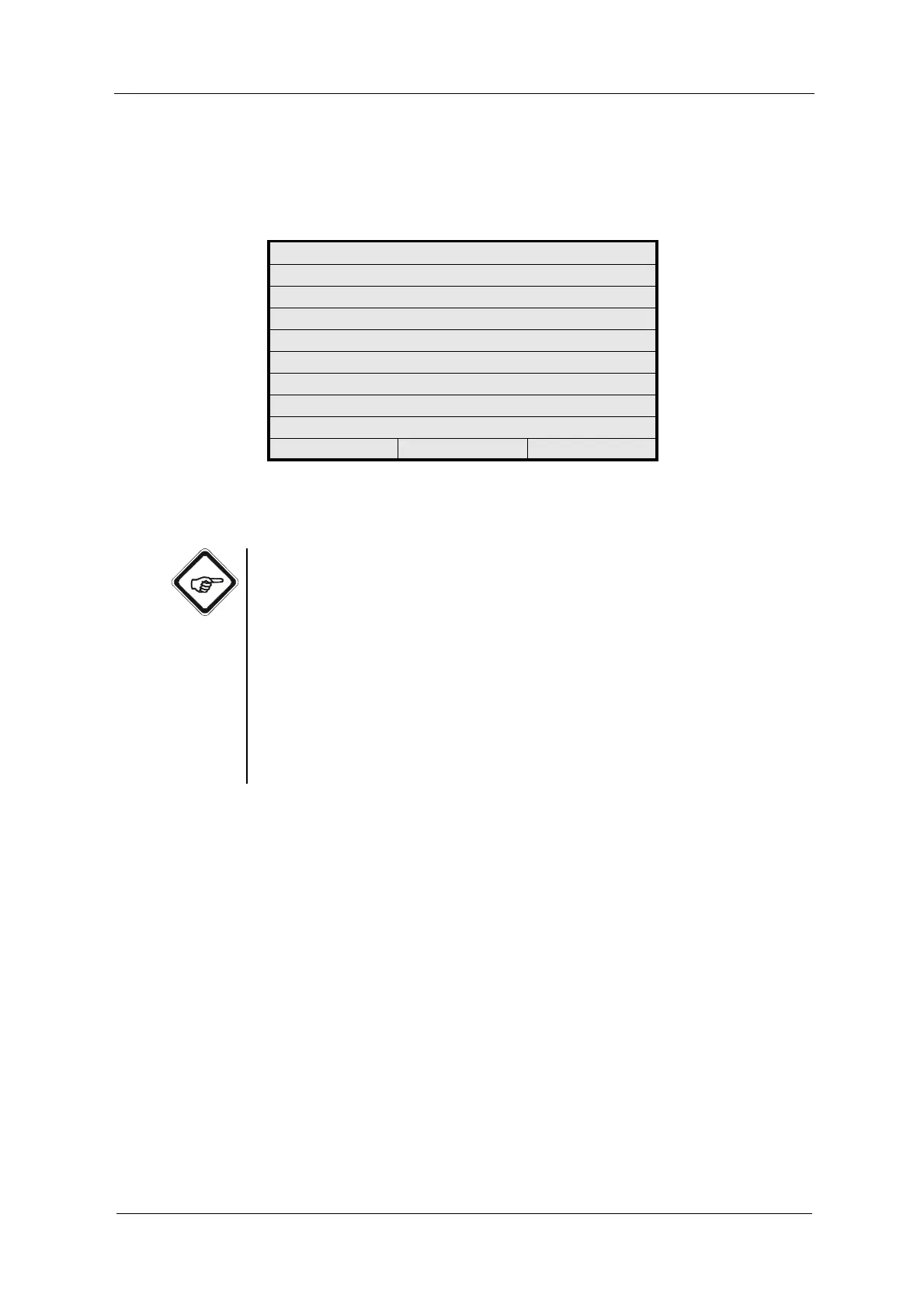
4. The REMOTE IN MONITOR menu appears. If the displays do not
correspond to the current levels (wiring at Remote In), a hardware failure has
probably occurred. The input R5 is not applied in this software.
Fig. 181 Menu Remote In Monitor
5. Press [CLEAR] to return to the previous menu.
Note!
• Voltages of 19 - 29 VDC are detected as HIGH and voltages of 0 VDC as
LOW.
• With R6 (RZ) = HIGH the system reads in the zero point (ZERO) when
HIGH is confirmed by R8 (RV) = HIGH. The zero point is updated as long
as R6 and R8 are in the HIGH state.
• With R7 (RH) the system enables or disables HOLD when HIGH is
confirmed by R8 (RV) = HIGH. The system remains in this state which is
selected by R7 when R8 becomes "LOW".
• When defining RV, the set states are taken over, i. e. product change,
system zero point and hold can be triggered in the monitor!
REMOTE IN MONITOR
REMOTE IN R1 : LOW
REMOTE IN R2 : LOW
REMOTE IN R3 : LOW
REMOTE IN R4 : LOW
REMOTE IN R5 : LOW
REMOTE IN RZ : LOW
REMOTE IN RH : LOW
REMOTE IN RV : LOW
20:05:2006 P01 11:26:55



 To Next Page