Software Version C
- 119 -
optek-converter C4101 Version 07.2009_1.2US, 23.07.2009
www.optek.com
9.10.12 Hold
With this function, you can determine the measuring system behavior when the
hold function in the MAINTENANCE menu is switched on. The hold functions
freeze outputs and displays:
• HOLD 1 freezes the measurement display, all LEDs, the data logger and
all mA-outputs of the converter.
• HOLD 2 only freezes the data logger and the mA-outputs of the converter.
All local displays remain active (are updated for maintenance). Thus,
HOLD 2 allows maintenance at the site with measuring results.
• Both hold functions freeze alarms when the relay outputs were set to
ALARM (see chapter 9.10.10, page 115).
• Both hold functions do not freeze the status feedback when the relay
outputs were set to Remote Out (see chapter 9.10.10, page 115).
• Both hold functions do not affect the system relay.
• When the hold function is enabled, a product change is possible.
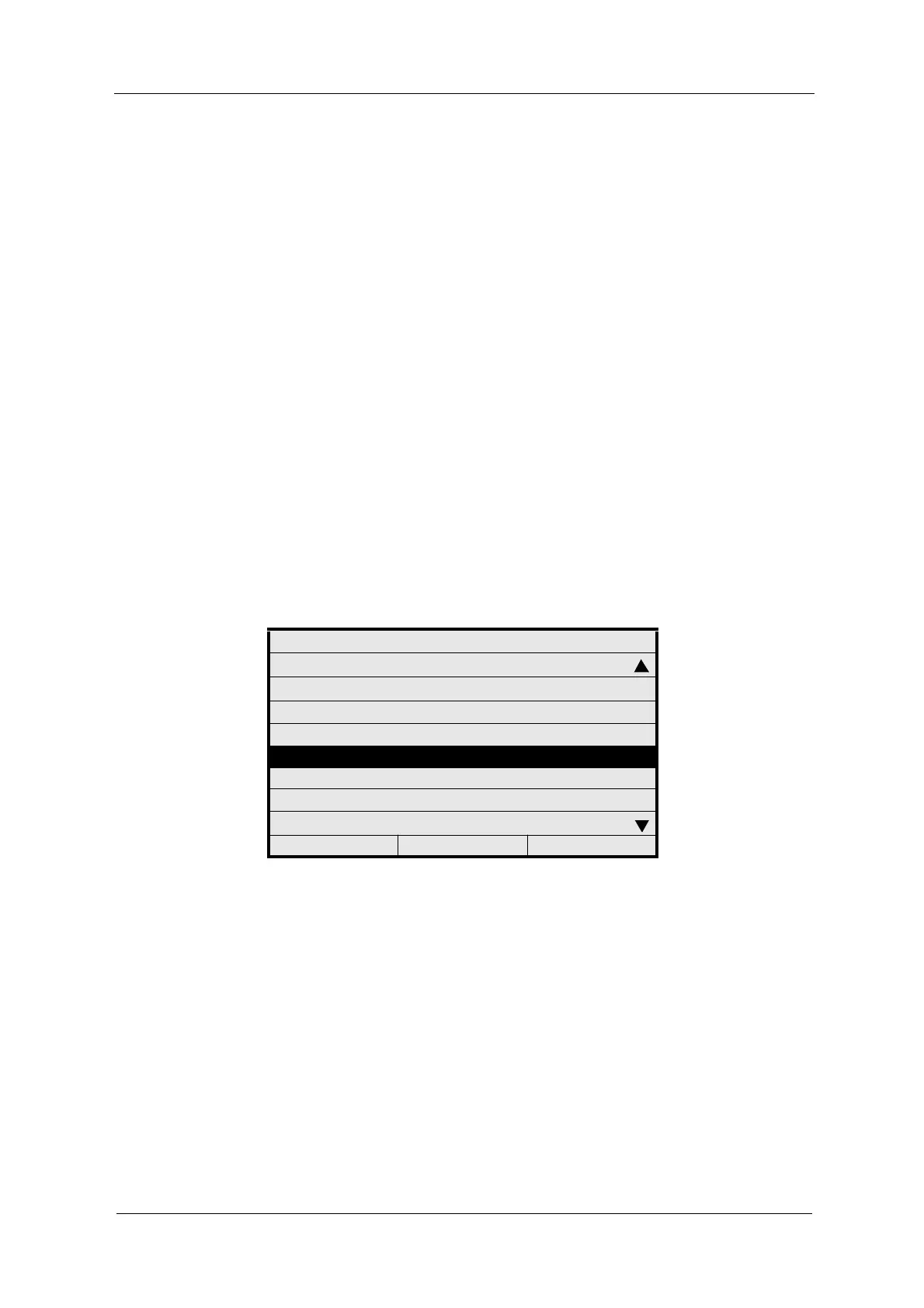
1. Select SYSTEM SETTINGS from the main menu and press [ENTER].
2. Select HOLD and press [ENTER].
Fig. 123 Menu system settings, choosing hold
SYSTEM SETTINGS
SENSOR TF
mA OUTPUTS
RELAY OUTPUTS
REMOTE IN
HOLD
FAILSAFE
PASSWORD PROTECTION
OPTEK INPUTS
20:05:2006 P01 11:26:55



 To Next Page