Software Version C
- 118 -
optek-converter C4101 Version 07.2009_1.2US, 23.07.2009
www.optek.com
Note!
If this function is not available (C4101, C4201, C4202, C4151, C4251, C4252,
C4352, C4452) the "Remote In requires PCB IO-12 (optional)" message
appears.
3. A new menu appears. Press [ENTER], select the desired setting, and press
[ENTER] again.
4. Save the setting. The SYSTEM SETTINGS menu appears.
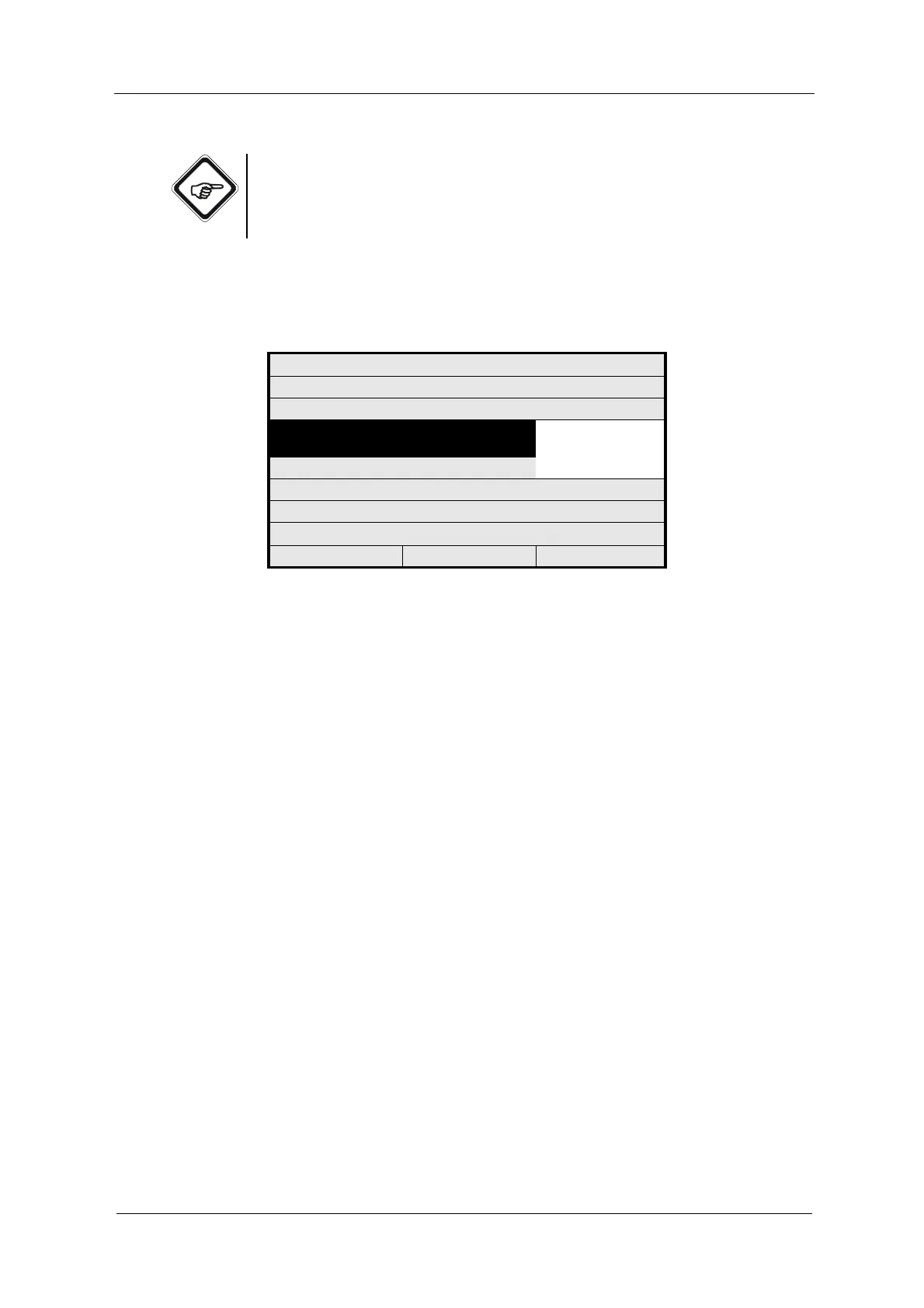
Fig. 122 Choosing the remote input function
SYSTEM SETTINGS
SELECT THE FUNCTION YOU WANT TO
USE FOR REMOTE IN
REMOTE IN 1
REMOTE IN 2
REJECT P01 SAVE



 To Next Page