Software Version C
- 131 -
optek-converter C4101 Version 07.2009_1.2US, 23.07.2009
www.optek.com
9.10.18 Fieldbus
In this menu you can define the device description for converters C4151, C4251,
C4252, C4352 and C4452. The description can then also be transferred via
PROFIBUS
®
PA.
1. Select the FIELDBUS menu item in the SYSTEM SETTINGS menu and
press [ENTER].
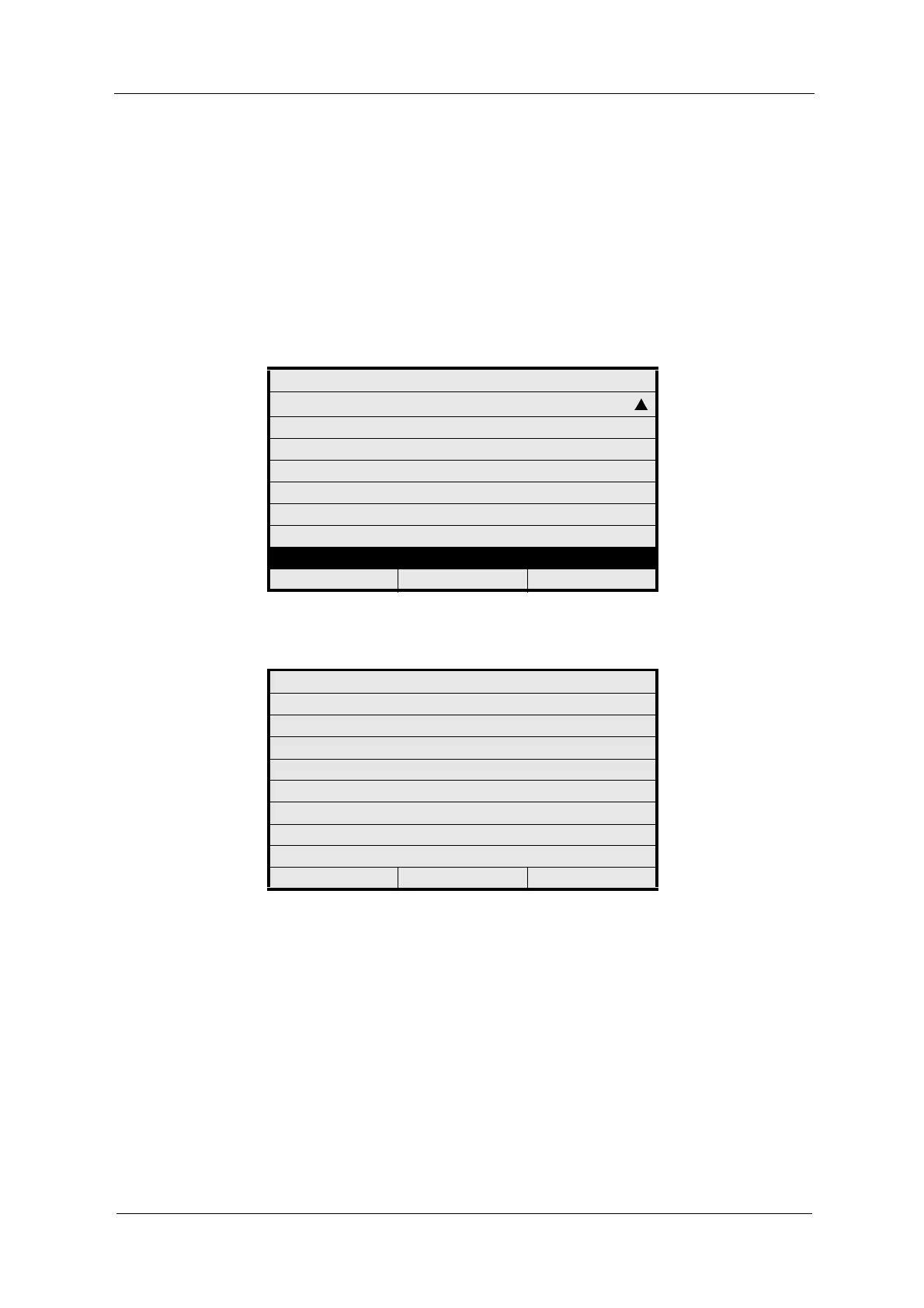
Fig. 138 System settings menu, choosing fieldbus
Fig. 139 Enter the device description
2. Select DESCRIPTOR and press [ENTER]. The character field appears.
3. Via the character field, enter a new name for the DESCRIPTOR. It is saved
with the relative index 20 of the physical block (see instruction manual
PROFIBUS
®
PA).
4. After entering the text, select OK and press [ENTER].
The character field is closed and the cursor moves to the DEVICE
MESSAGE menu item.
5. Press [ENTER].
The character field appears.
SYSTEM SETTINGS
PASSWORD PROTECTION
OPTEK INPUTS
mA INPUTS
SYSTEM DATA SENSOR 1
SYSTEM DATA SENSOR 2
SYSTEM DATA SENSOR 3
SYSTEM DATA SENSOR 4
FIELDBUS
20:05:2006 P01 11:26:55
SYSTEM SETTINGS
ENTER THE DEVICE DESCRIPTION
DESCRIPTOR :
DEVICE MESSAGE :
DEVICE INSTALLATION DATE:
REJECT P01 SAVE



 To Next Page