Software Version C
- 135 -
optek-converter C4101 Version 07.2009_1.2US, 23.07.2009
www.optek.com
9.11.2 Setting system zero point
9.11.2.1 System zero point manually
During commissioning, and routine checks, after lamp change or maintenance,
always check the system zero point. To check or set the system zero point
correctly, proceed as follows:
• Clean the windows of the sensor body or the probe.
• Fill the sensor body with clean particle-free water.
• There must not be any gas bubbles in the medium.
• Remove gas bubbles from the windows.
• Cover the sensor body so as to prevent direct sunlight from penetrating.
• Let the system work for at least 15 minutes before checking the system
zero point.
1. Select a product you wish to zero the measuring results for (here, P01
preselected).
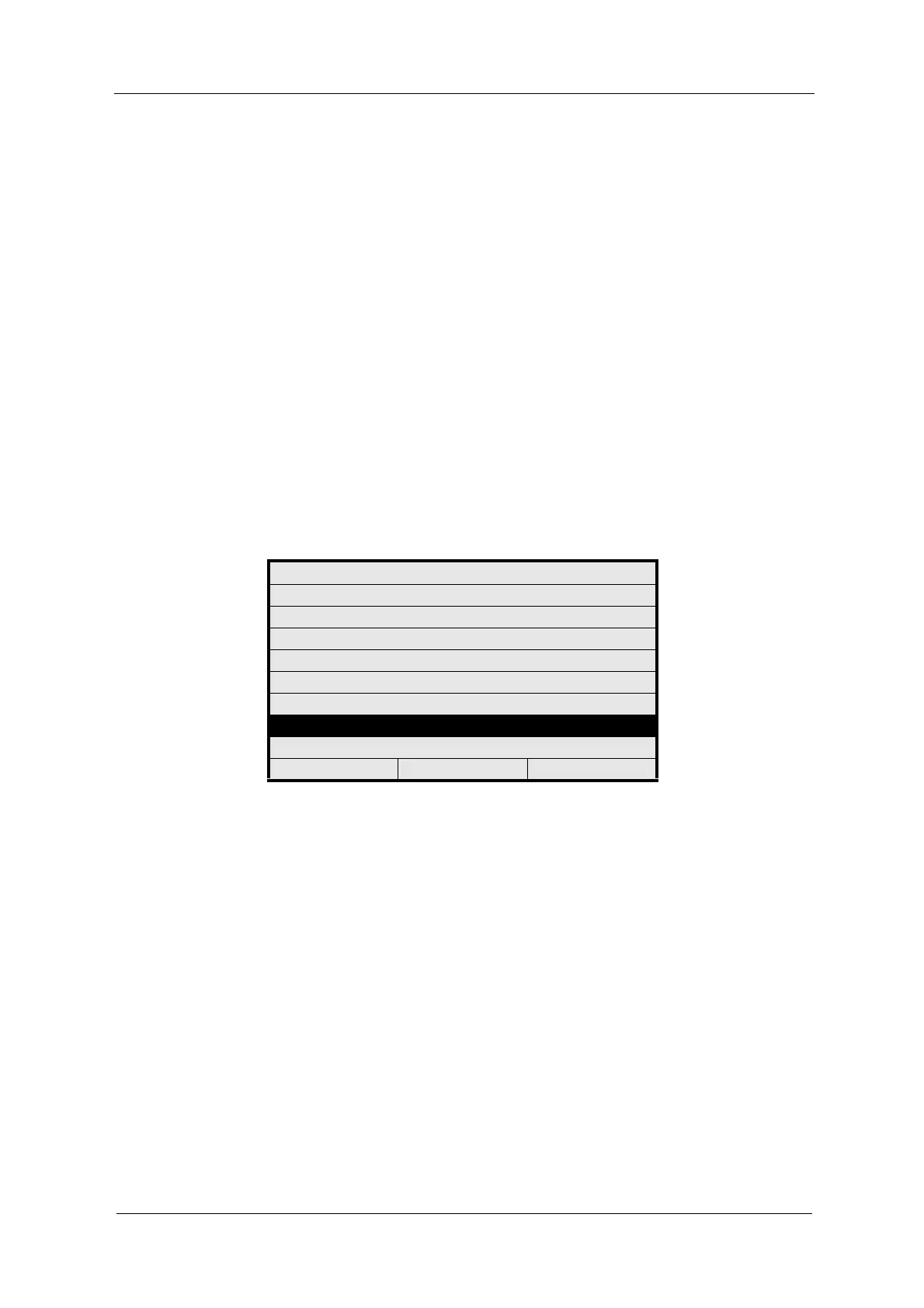
2. Select MAINTENANCE from the main menu and press [ENTER].
Fig. 143 Main menu, choosing maintenance
MAIN MENU
MEASUREMENT DISPLAY
DATA LOGGER DISPLAY
SYSTEM INFORMATION DISPLAY
PRODUCT CHANGE
PRODUCT CONFIGURATION
SYSTEM SETTINGS
MAINTENANCE
LANGUAGE / SPRACHE
20:05:2006 P01 11:26:55



 To Next Page