Software Version C
- 134 -
optek-converter C4101 Version 07.2009_1.2US, 23.07.2009
www.optek.com
2. Select HOLD MANUALLY and press [ENTER]. The definitions of the hold
function (chapter 9.10.12, page 119) appear on the display.
Note!
If you have chosen the HOLD 1 function in the SYSTEM SETTINGS menu, the
converter freezes displays and outputs; if you have chosen the HOLD 2 function,
the converter only freezes outputs.
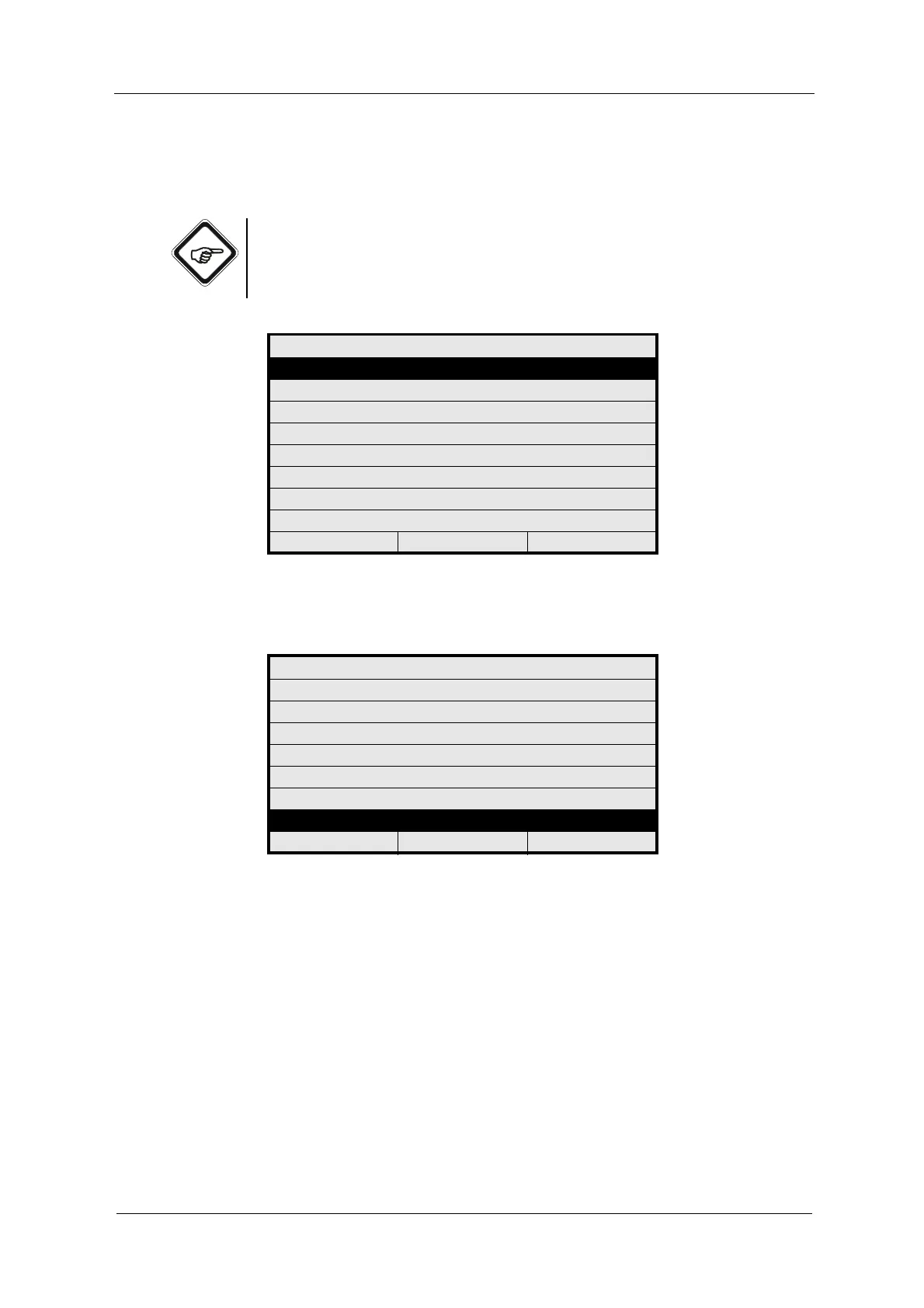
Fig. 141 Menu maintenance, choosing hold manually
3. The "Activate hold with enter" message pops up.
Fig. 142 Menu hold manually
4. Press [ENTER] to enable HOLD. A message with date and time appears.
5. Press [CLEAR] to acknowledge the message. The previous menu appears.
If HOLD is already enabled, the "Deactivate hold with enter" message appears.
Press [ENTER] to disable HOLD. The previous menu appears.
When HOLD is enabled, the "Hold" message in the status bar appears
alternately instead of date and time.
MAINTENANCE
HOLD MANUALLY
ZERO POINT SETTING MANUALLY
SYSTEM DIAGNOSTICS
SENSOR ADAPTATION
CALIBRATION SCATTERED LIGHT
CALIBRATION mA INPUTS
CALIBRATION mA OUTPUTS
SERVICE
20:05:2006 P01 11:26:55
HOLD MANUALLY
HOLD FREEZES
DISPLAY : NO
OUTPUTS : YES
HOLD MESSAGE ON MEASUREMENT
DISPLAY : YES
ACTIVATE HOLD WITH ENTER
20:05:2006 P01 11:26:55



 To Next Page