Software Version C
- 136 -
optek-converter C4101 Version 07.2009_1.2US, 23.07.2009
www.optek.com
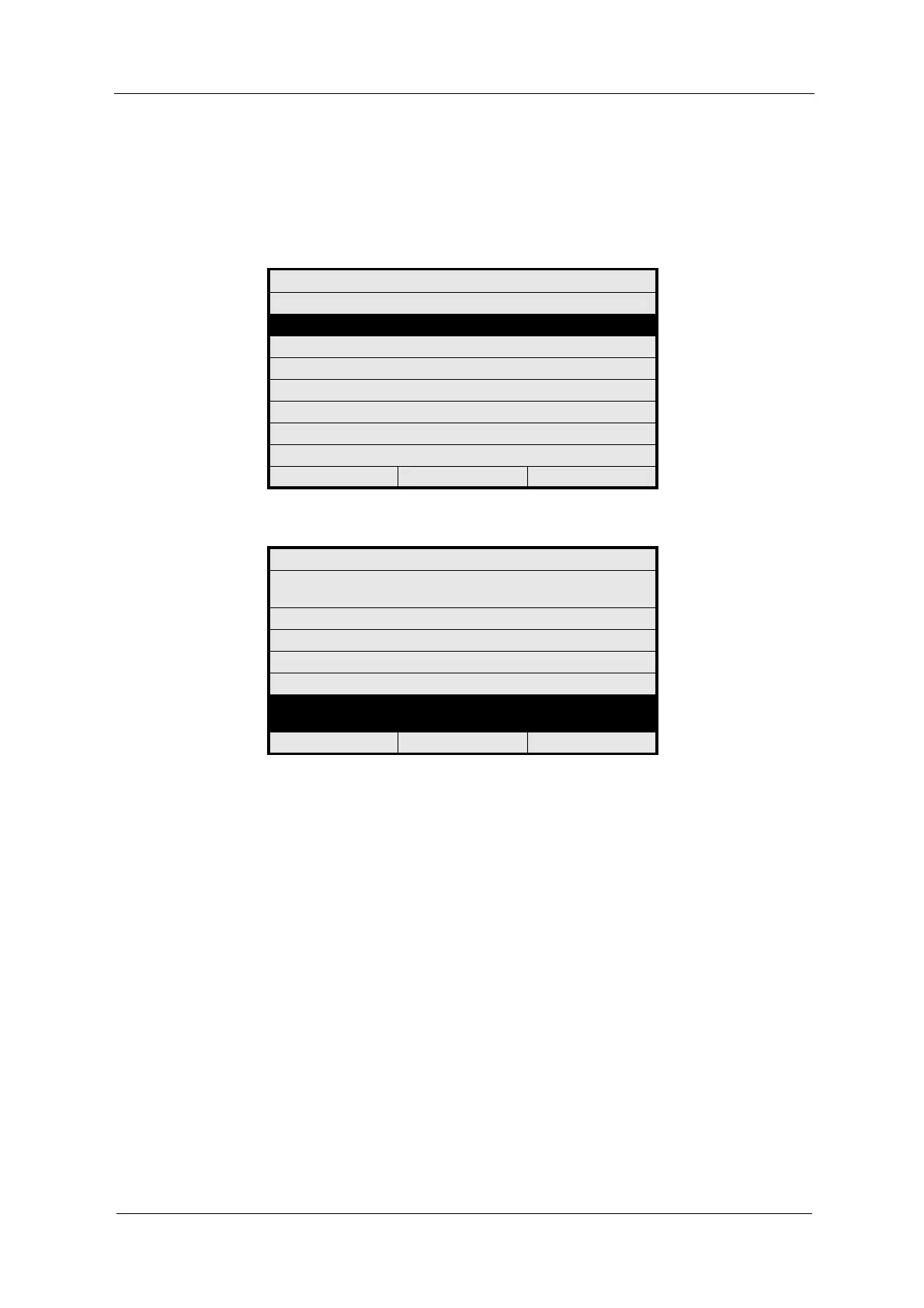
3. Select ZERO POINT SETTING MANUALLY and press [ENTER]. The
measuring results of the current product appear. If a faulty entry is used for
a measuring result, a "SIGNAL LOSS" message appears instead of the
measuring result. You cannot perform a zero point check for these inputs.
Fig. 144 Menu maintenance, choosing zero point setting manually
Fig. 145 Confirming zero point selection
4. Select a measuring result and press [ENTER]. Select YES if you want to
perform a zero point check for this measuring result, and NO if you do not
wish to do this.
5. If the NO option was selected for a measuring result, which is connected to
another measuring result, the "Check input assignment!" error message
appears. For checking, go to the MEASURING RESULT MONITOR menu
(see chapter 9.11.8.2.3, page 155).
6. Press [CLEAR].
7. After selecting all measuring results you want to zero, select the CONFIRM
SELECTION WITH ENTER menu item and press [ENTER].
8. The "TO SET NEW ZERO POINT PRESS ENTER" message pops up.
9. Press [ENTER].
MAINTENANCE
HOLD MANUALLY
ZERO POINT SETTING MANUALLY
SYSTEM DIAGNOSTICS
SENSOR ADAPTATION
CALIBRATION SCATTERED LIGHT
CALIBRATION mA INPUTS
CALIBRATION mA OUTPUTS
SERVICE
20:05:2006 P01 11:26:55
ZERO POINT SETTING
SELECT THE MEASURING RESULTS TO BE
ZEROED
M01 : 0.15 CU : YES
M02 : SIGNAL LOSS : YES
M03 : 0.08 CU : YES
M04 : 0.02 CU : YES
CONFIRM SELECTION WITH
ENTER
20:05:2006 P01 11:26:55



 To Next Page