Software Version C
- 141 -
optek-converter C4101 Version 07.2009_1.2US, 23.07.2009
www.optek.com
4. The cursor moves to the FACTOR menu item. Press [ENTER], type in a
factor within the range of 0.600 to 1.400 via the numerical keyboard and
press [ENTER].
The factor applies directly for the selected measuring function.
Consequently, all measuring results in all products which use this measuring
function are multiplied by this factor.
Note!
Proceed with caution!
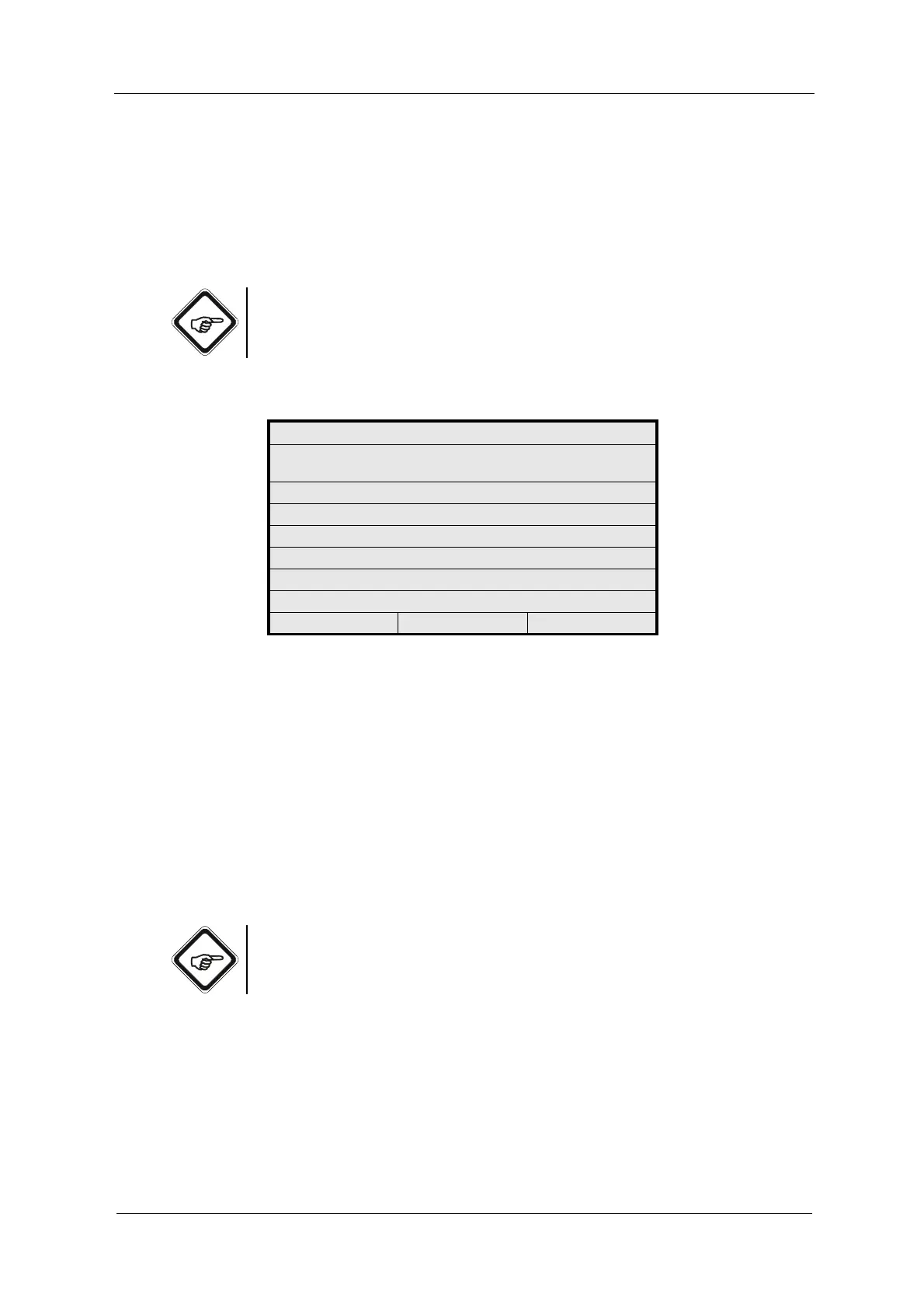
Fig. 151 Choosing the measuring function to be adapted
• Measuring functions such as ABS-CU (A-C) or %TRANSM (A/C) are
composed of the basic functions ABS-CU (A) and ABS-CU (C) or
%TRANSM (A) and %TRANSM (C). Thus, they can be adapted by
3 factors.
• With A-CU (A-C)-(B-D), up to 7 factors are possible.
• Measuring functions such as TURB (A/C)-(B/D) are composed of basic
functions TURB (A/C) and TURB (B/D). Thus, they can be adapted by
3 factors.
5. Save the setting. The MAINTENANCE menu appears.
Note!
You can enter the factors for various functions one after another. You can save
and use all factors for calculation at a time.
SENSOR ADAPTATION
APPLY FACTOR FOR ADAPTATION OF
FACTORY CALIBRATION
FUNCTION : ABS -CU (A)
FACTOR (0.6 - 1.4) : 1.000
FACTORY SETTING DONE WITH
FACTOR = 1.000
20:05:2006 P01 11:26:55



 To Next Page