Software Version C
- 38 -
optek-converter C4101 Version 07.2009_1.2US, 23.07.2009
www.optek.com
Fig. 25 Damping list
Entering figures
In some menus you can change parameters by entering figures via the
numerical keyboard next to the display on the right side:
• Select the menu item and press [ENTER]. The cursor is located in the
entry field, e. g. in the entry field SET DATE (fig. 26).
• Enter the new figure via the numerical keyboard, in this example the
current date.
• Press [ENTER] to enable the selected option.
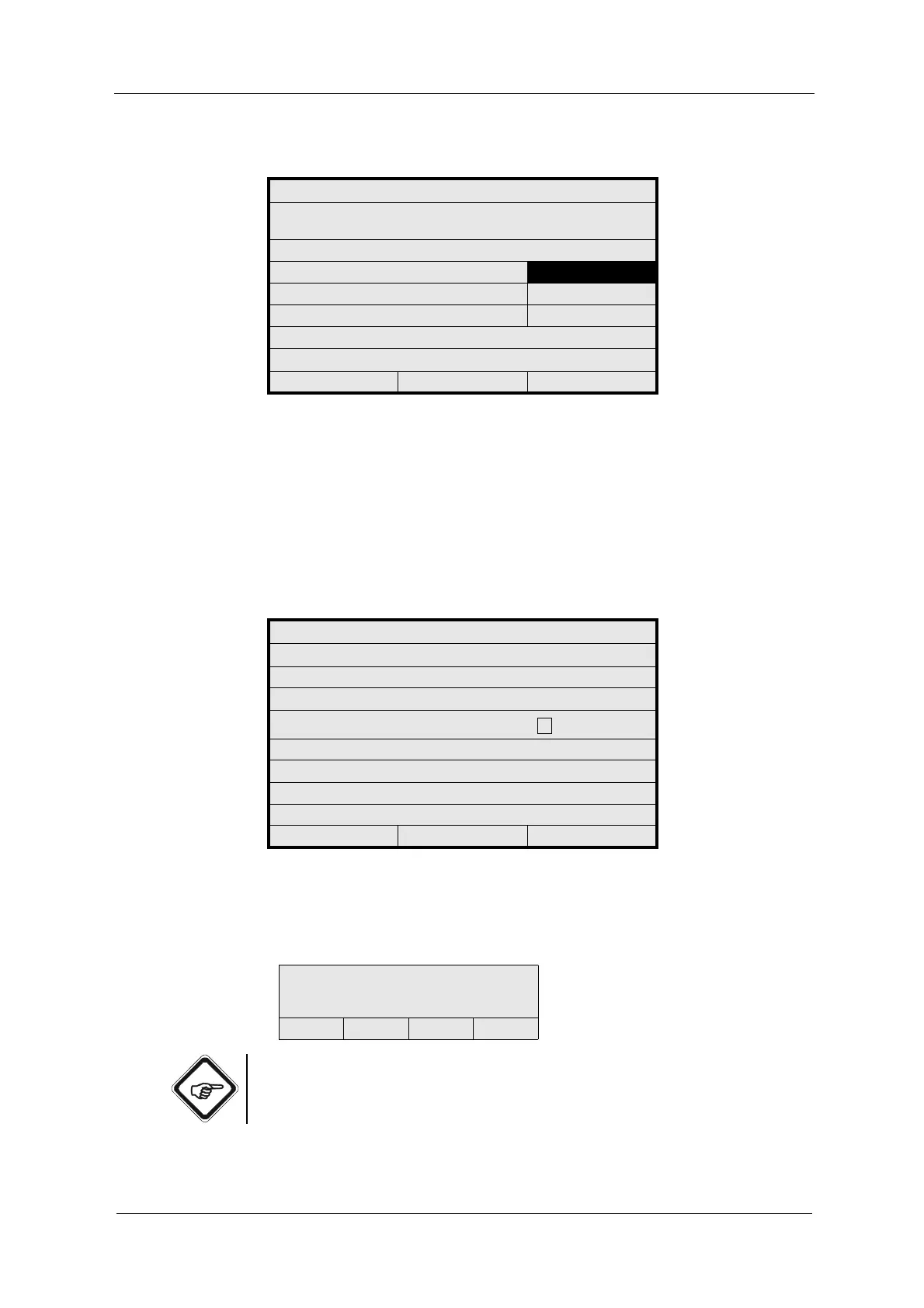
Fig. 26 Entering values / figures by means of the date example
Entering text
In some menu items you can enter text:
Note!
In the Russian menu navigation, an additional field for switching to Cyrillic
characters has been implemented underneath the control field.
SYSTEM SETTINGS
ALL MEASURING RESULTS ARE DAMPED AS
FOLLOWS:
DAMPING SYMMETRIC
ASYMMETRIC
DAMPING (SEC) 1.0
REJECT P01 SAVE
SYSTEM SETTINGS
DATE / TIME SETTINGS
FORMAT DATE: DD.MM.YYYY
SET DATE:
_._ _. _ _ _ _
FORMAT TIME: 23:59:59
SET TIME:
REJECT P01 SAVE
ABCDEFGHIJKLMNOPQ
RSTUVWXYZ()
+ - / *0123456789.%
<<< >>> DEL OK
<= alpha / numerical entry +
special characters
<= control field
(cursor, delete, entry)



 To Next Page