Software Version C
- 39 -
optek-converter C4101 Version 07.2009_1.2US, 23.07.2009
www.optek.com
• Select the menu item and press [ENTER]. A character field pops up with
letters, calculation operators, figures and brackets in which the letter A is
selected (fig. 27).
• Press the arrow keys or below the display to change between the
characters.
• Press [ENTER] to accept the selected character. The first character
appears in the entry field.
• Press the arrow keys or again.
• Press [ENTER] to accept the selected character as second character in
the entry field.
• If you have entered a wrong character, you can add a new one before the
wrong one:
• Go to the control field using the arrow key .
• Use the arrow key to go to <<<.
• Press [ENTER] several times. Each time you press [ENTER] the
cursor moves one character to the left.
• Use the arrow key to go to >>>.
• Press [ENTER] several times. Each time you press [ENTER] the
cursor moves one character to the right.
• If you have entered a wrong character, you can delete the character:
• Go to the control field using the arrow key .
• Use the arrow key to go to <<<.
• Press [ENTER] several times to place the cursor in front of the
character to be deleted.
• Use the arrow key to go to DEL. Press [ENTER] to delete the
character in the entry field.
• When the text is entered, use the arrow key to go to OK. Press
[ENTER] to close the character field.
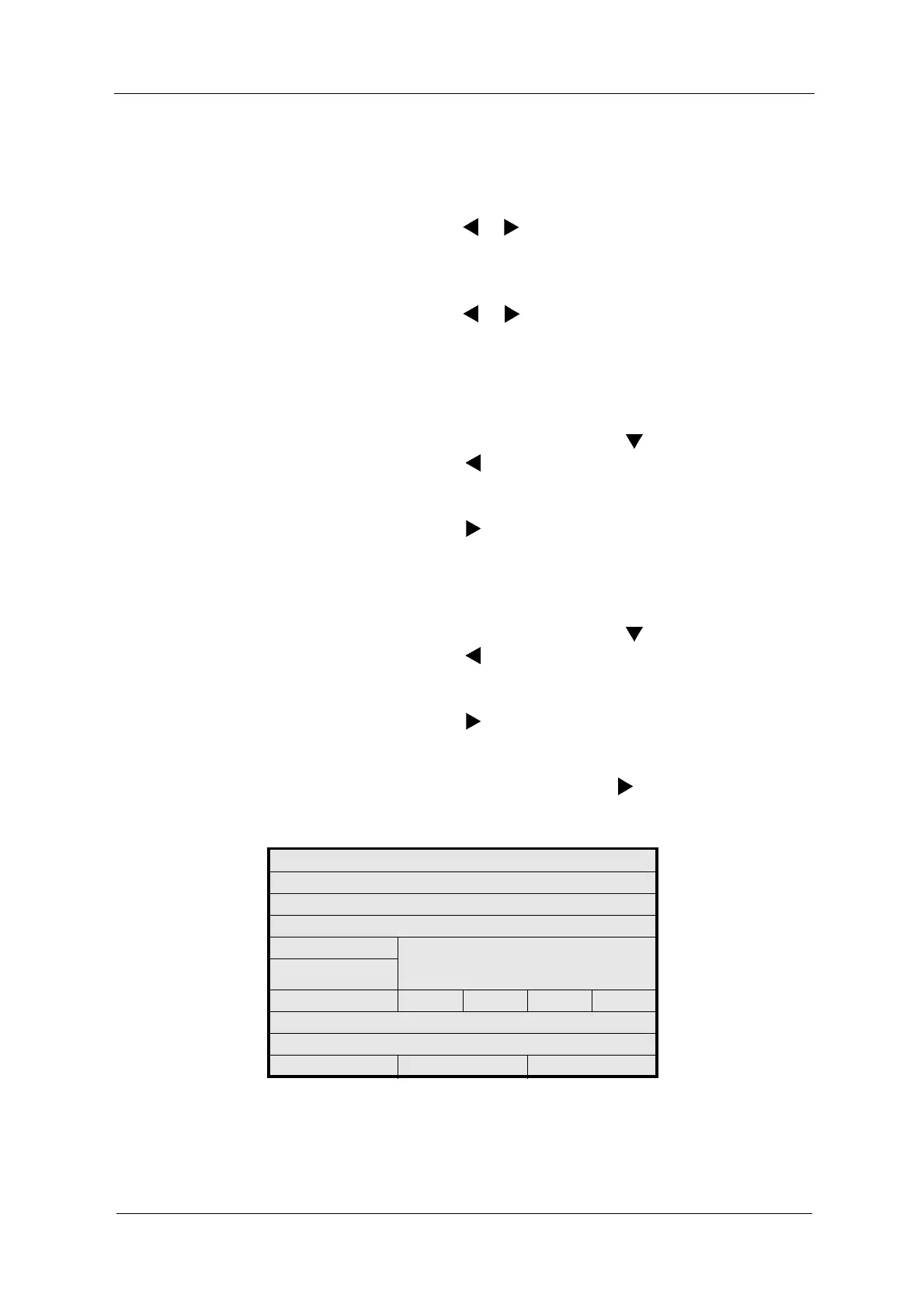
Fig. 27 Entering text by means of the system data sensor 2 example
SYSTEM SETTINGS
SYSTEM DATA SENSOR 2
MODEL
SERIAL NO
OPL ABCDEFGHIJKLMNOPQ
RSTUVWXYZ()
+ - / *0123456789.%
WAVELENGTHS
OPTEK INPUTS <<< >>> DEL OK
CABLE LENGTH
LAMP OUTPUT
REJECT P01 SAVE



 To Next Page