Software Version C
- 40 -
optek-converter C4101 Version 07.2009_1.2US, 23.07.2009
www.optek.com
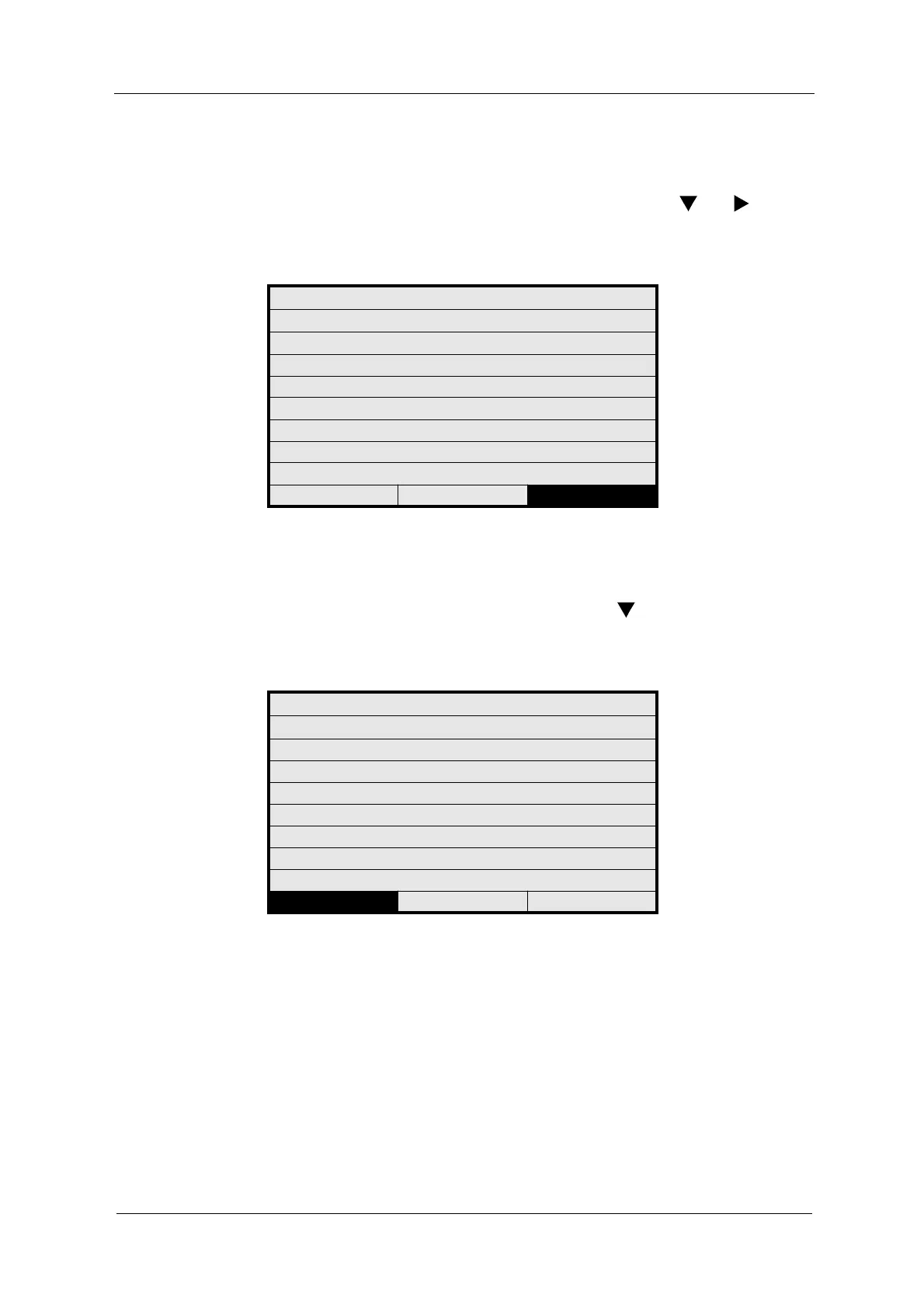
Saving entries To select and enable changed menu items and / or parameters you must first
save them.
• To do this, go to the SAVE field using the arrow keys and .
• Press [ENTER].
• The previous menu appears automatically.
Fig. 28 Saving entries by means of the date example
Rejecting entries
To reject a selected menu item and / or parameter proceed as follows:
• Go to the REJECT field using the arrow key .
• Press [ENTER].
• The previous menu appears automatically.
Fig. 29 Rejecting entries by means of the date example
SYSTEM SETTINGS
DATE / TIME SETTINGS
FORMAT DATE: DD.MM.YYYY
SET DATE: 25.07.2006
FORMAT TIME: 23:59:59
SET TIME: 16:17:32
REJECT P01 SAVE
SYSTEM SETTINGS
DATE / TIME SETTINGS
FORMAT DATE: DD.MM.YYYY
SET DATE: 25.07.2006
FORMAT TIME: 23:59:59
SET TIME: 16:17:32
REJECT P01 SAVE



 To Next Page