Software Version C
- 162 -
optek-converter C4101 Version 07.2009_1.2US, 23.07.2009
www.optek.com
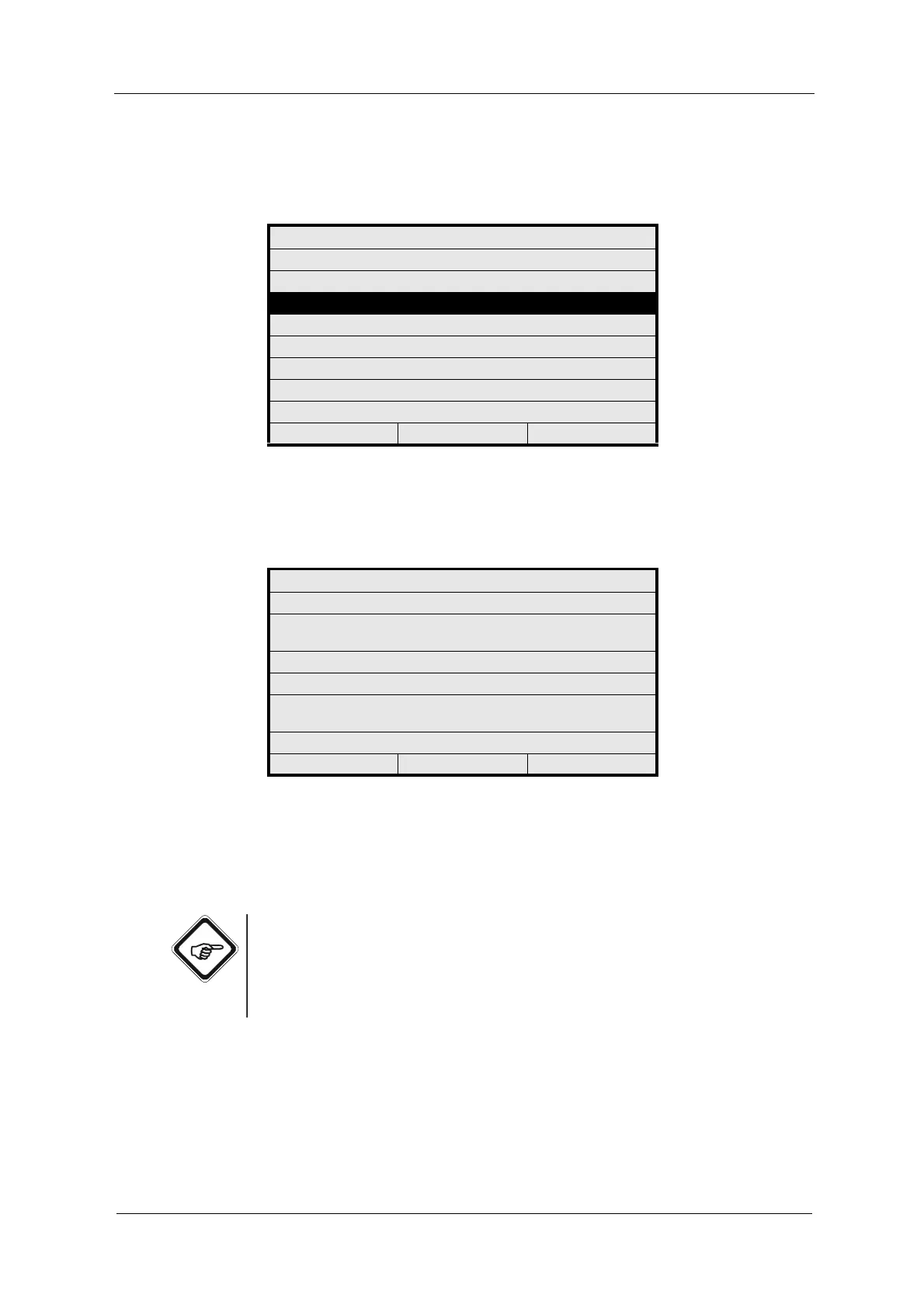
1. Select the PC TRANSFER function in the SERVICE menu and press
[ENTER].
Fig. 176 Service menu, choosing PC transfer
2. The PC TRANSFER menu appears. You are asked to select the desired
function from your PC.
Fig. 177 PC transfer menu
3. Prior to commissioning the system, check the parameters at the converter.
4. Press [CLEAR] to return to the previous menu.
Note!
• The transfer times for all functions except for the data logger amount to
only few seconds!
• Data transfer during read-out of the data logger amounts to 2-5 minutes
for all 10,000 data points at 115 Kbits/s depending on the PC system.
SERVICE
ENTER PASSWORD
MONITORS
PC TRANSFER
RESET CONVERTER
20:05:2006 P01 11:26:55
PC TRANSFER
SELECT FUNCTION FROM
PC
TERMINATE PC CONNECTION WITH
CLEAR
20:05:2006 P01 11:26:55



 To Next Page