Software Version C
- 44 -
optek-converter C4101 Version 07.2009_1.2US, 23.07.2009
www.optek.com
3. Select CONTRAST and press [ENTER].
4. Press or to set the contrast. Press [ENTER]. The cursor moves to
BRIGHTNESS.
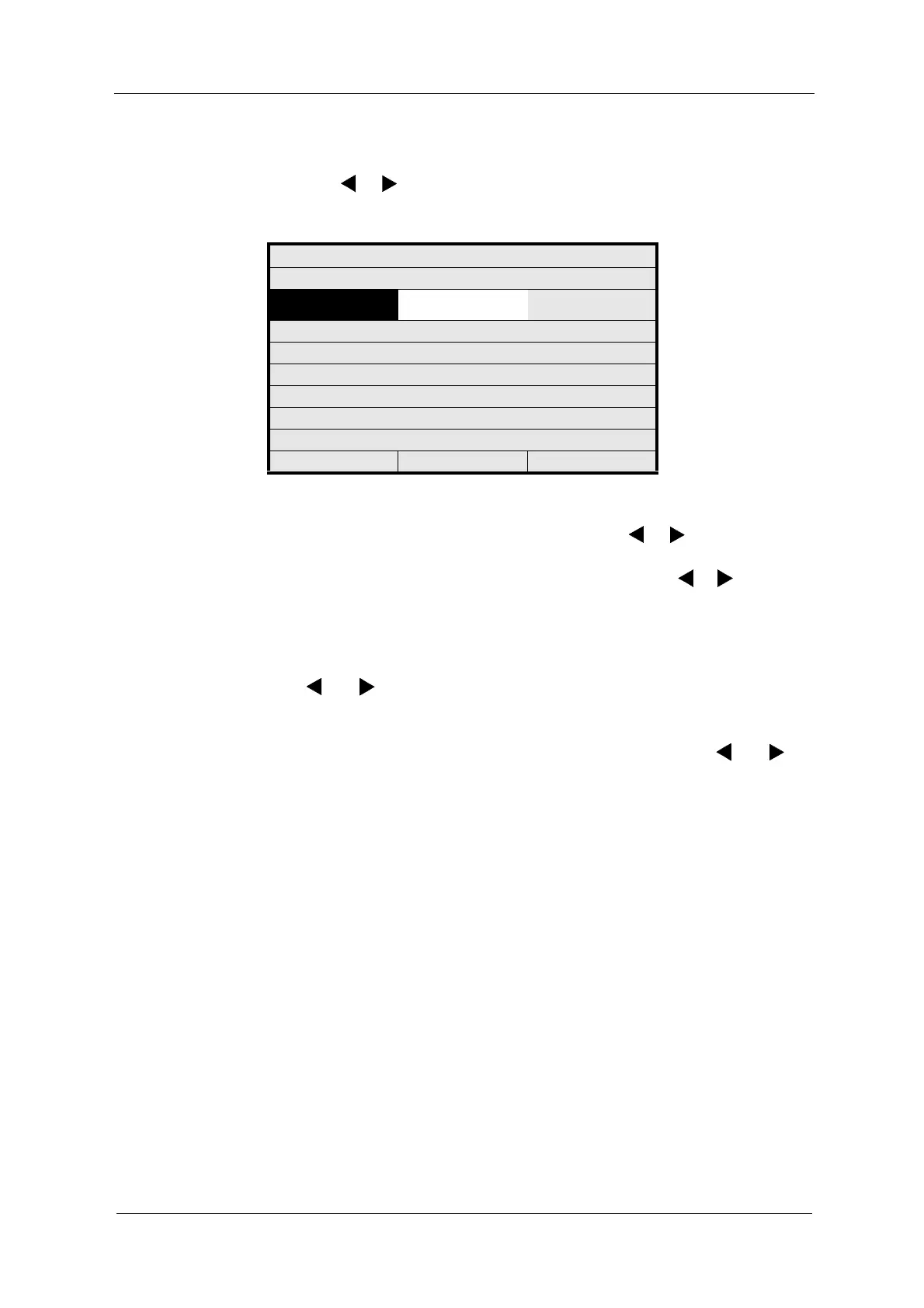
Fig. 33 Setting contrast
5. Press [ENTER]. You can set the brightness with or . Press [ENTER].
The cursor moves to T-COMPENSATION.
6. Press [ENTER]. Set the temperature compensation with or and press
[ENTER].
7. Save the entry. The SYSTEM SETTINGS menu appears.
Contrast and brightness can be set in a range of 0 to 40 units by using the arrow
keys and .
Temperature compensation for the contrast of the graphic display employed can
be optimally adjusted to the operating conditions. Temperature compensation
can be set in a range of -20 to +20 units by using the arrow keys and .
DISPLAY SETTINGS
CONTRAST
<<< 15 >>>
BRIGHTNESS
T-COMPENSATION
REJECT P01 SAVE



 To Next Page