Software Version C
- 114 -
optek-converter C4101 Version 07.2009_1.2US, 23.07.2009
www.optek.com
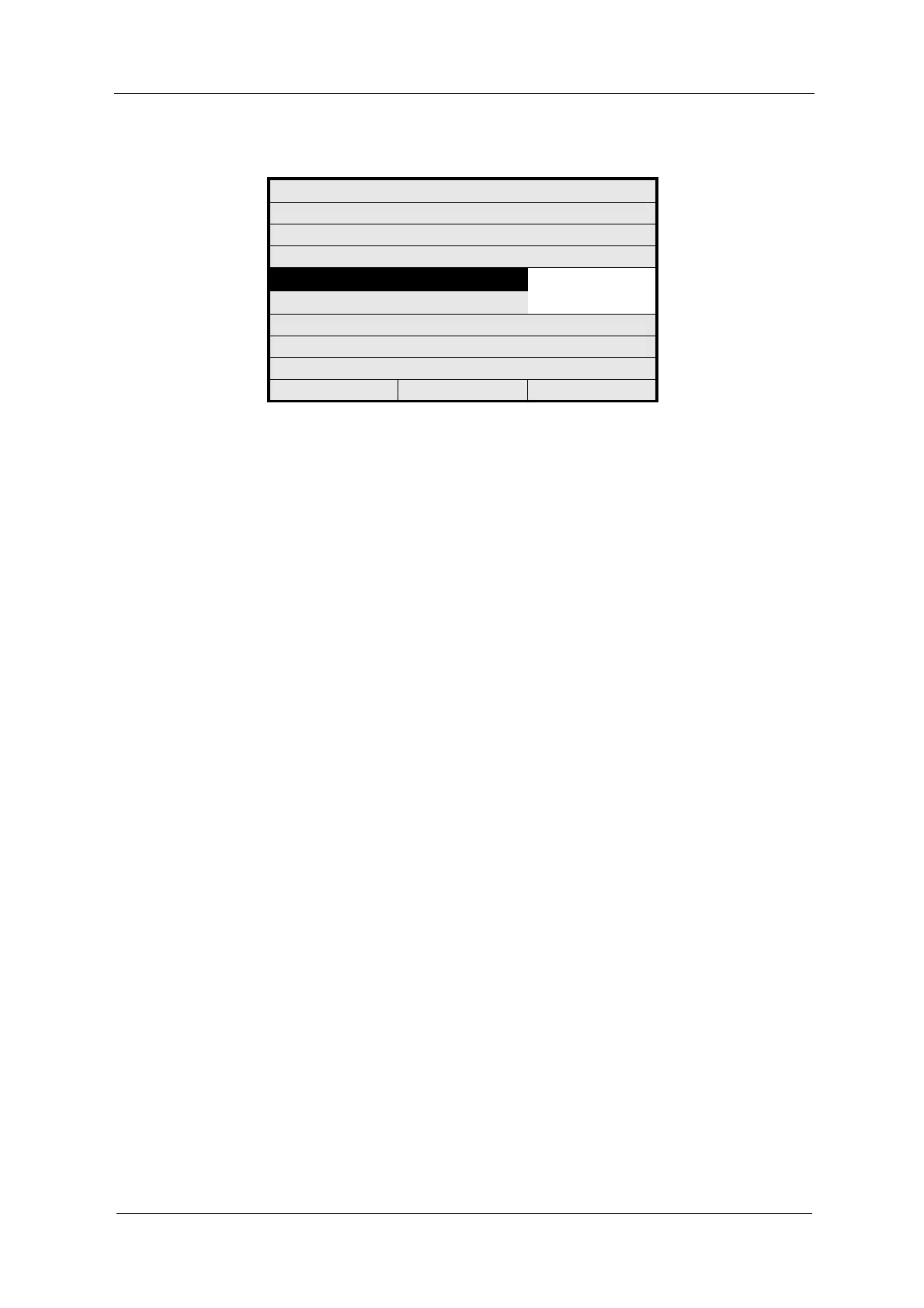
Fig. 117 Basic setting for mA-outputs
5. Save the setting. The SYSTEM SETTINGS menu appears.
Carry out mA-output calibration in the CALIBRATION mA OUTPUTS menu item
in the MAINTENANCE menu (see chapter 9.11.7, page 146).
SYSTEM SETTINGS
mA OUTPUTS
BASIC SETTING:
0 - 20 mA
4 - 20 mA
REJECT P01 SAVE



 To Next Page