Software Version C
- 116 -
optek-converter C4101 Version 07.2009_1.2US, 23.07.2009
www.optek.com
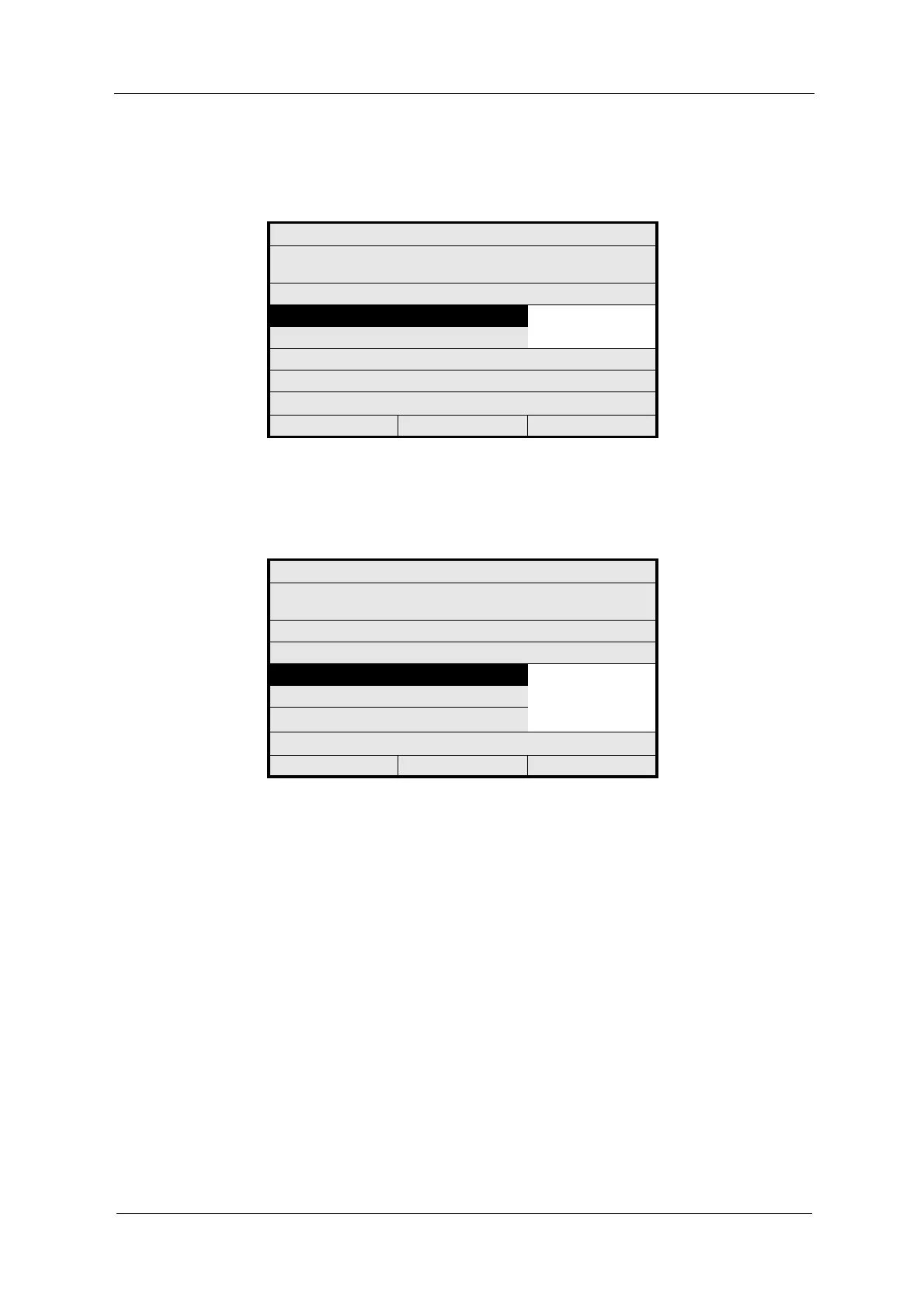
3. The cursor is located on the CONTACTS NORMAL menu item. Press
[ENTER]. A list appears. Select the desired setting.
Fig. 119 Choosing the initial state of relays (open / closed)
4. Press [ENTER]. The cursor moves to the OUTPUTS FOR menu item. Select
the desired setting and press [ENTER].
Fig. 120 Choosing the allocation of relay outputs
5. Save the setting. The SYSTEM SETTINGS menu appears.
Further information regarding Remote Out 1, Remote Out 2 and Remote Out 3
functions is given in chapter 9.12.2, page 169.
SYSTEM SETTINGS
HOW DO YOU WANT TO USE
RELAY 1 - 3?
CONTACTS NORMAL: OPEN
CLOSED
OUTPUTS FOR: ALARMS
SYSTEM RELAY 4 IS ALWAYS ACTIVE!
REJECT P01 SAVE
SYSTEM SETTINGS
HOW DO YOU WANT TO USE
RELAY 1 - 3?
CONTACTS NORMAL:
OUTPUTS FOR: ALARMS
REMOTE OUT 1
REMOTE OUT 2
REMOTE OUT 3
SYSTEM RELAY 4 IS ALWAYS ACTIVE!
REJECT P01 SAVE



 To Next Page