Software Version C
- 168 -
optek-converter C4101 Version 07.2009_1.2US, 23.07.2009
www.optek.com
Note!
If the signals for selective zeroing and for the hold function are simultaneously
triggered with R6 = R7 = HIGH, HOLD is enabled first. When HOLD is disabled,
the measuring results are calculated with the current zeroing.
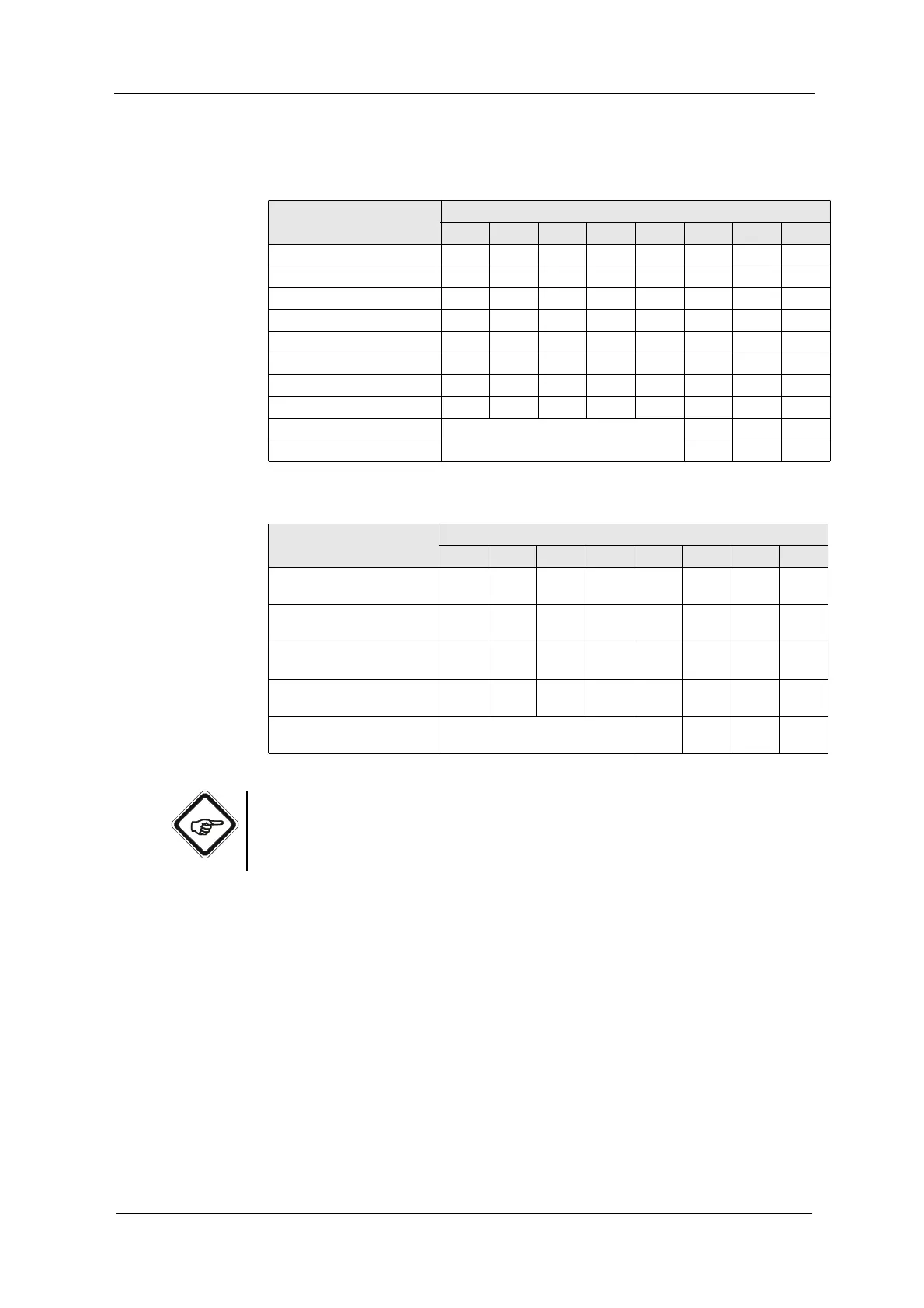
Tab. 12 Remote signals at Remote In 2 if R6 = low
Function
Remote input
R1 R2 R3 R4 R5 R6 R7 R8
Product change to product 1 low low low low low low low HIGH
Product change to product 2 low low HIGH low low low low HIGH
Product change to product 3 low HIGH low low low low low HIGH
Product change to product 4 low HIGH HIGH low low low low HIGH
Product change to product 5 HIGH low low low low low low HIGH
Product change to product 6 HIGH low HIGH low low low low HIGH
Product change to product 7 HIGH HIGH low low low low low HIGH
Product change to product 8 HIGH HIGH HIGH low low low low HIGH
Enables HOLD Current product (see above) low HIGH HIGH
Disable HOLD low low HIGH
Tab. 13 Remote signals at Remote In 2 when R6 = HIGH
Function
Remote input
R1 R2 R3 R4 R5 R6 R7 R8
Enable selective zeroing for
M01
HIGH low low low low HIGH low HIGH
Enable selective zeroing for
M02
low HIGH low low low HIGH low HIGH
Enable selective zeroing for
M03
low low HIGH low low HIGH low HIGH
Enable selective zeroing for
M04
low low low HIGH low HIGH low HIGH
Enable selective zeroing for
all products
measuring results selection M01 -
M04 (see above)
low HIGH low HIGH



 To Next Page