Software Version C
- 47 -
optek-converter C4101 Version 07.2009_1.2US, 23.07.2009
www.optek.com
6. Press [ENTER] in the NUMBER OF SENSORS AT E menu item.
7. Type in the number of sensors at output E via the menu and press [ENTER].
The cursor automatically moves to the next menu item in the last line.
8. For converters C4202, C4222, C4322, C4422, C4252, C4352 and C4452,
type in the number of sensors at output F and press [ENTER]. The cursor
automatically moves to the last line.
9. Save the entry. The SYSTEM SETTINGS menu appears.
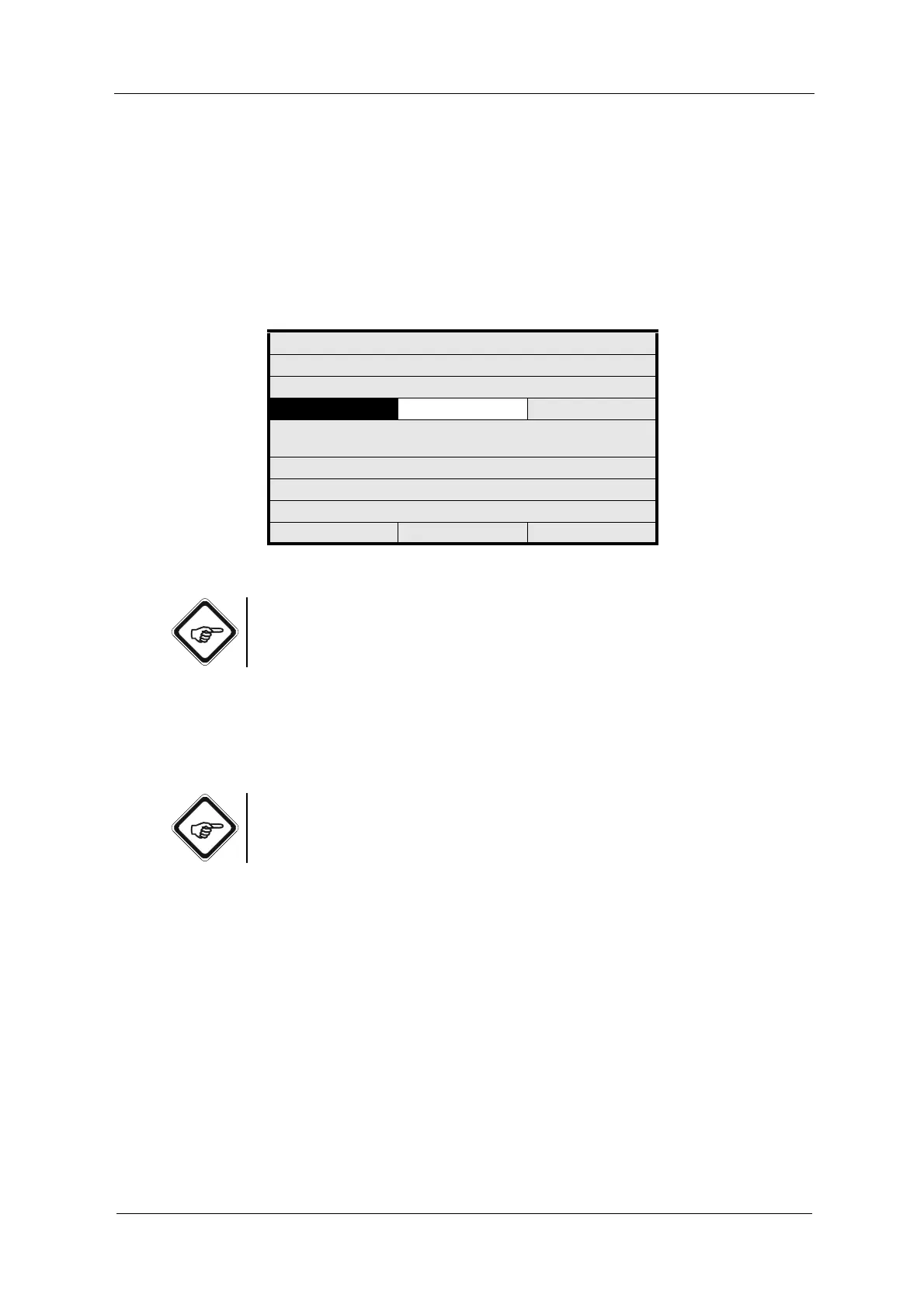
Fig. 37 Entering lamp voltage
Note!
The lamp voltage measurement is carried out at the backplate of the measuring
amplifier at the clamps 6 and 7.
To switch off the lamp outputs without changing the lamp voltage set here,
proceed as described in chapter 9.11.8.2.1, page 151.
You can check the lamp voltage and the lamp current in the LAMP MONITOR
menu.
Note!
In case of overload, the lamp outputs are switched off after a short while to
minimize thermal damage.
After correcting a possible error, you must switch on the lamp outputs in the lamp
monitor again (see chapter 9.11.8.2.1, page 151).
SYSTEM SETTINGS
ADJUST LAMP VOLTAGE:
LAMP E (VDC):
LAMP F (VDC):C): 7.00
SWITCH LAMP OFF WITH
INPUT< 4.5 (VDC)
NUMBER OF SENSORS AT E: 1
NUMBER OF SENSORS AT F: 1
REJECT P01 SAVE



 To Next Page