2: Paper
Tray
Priority
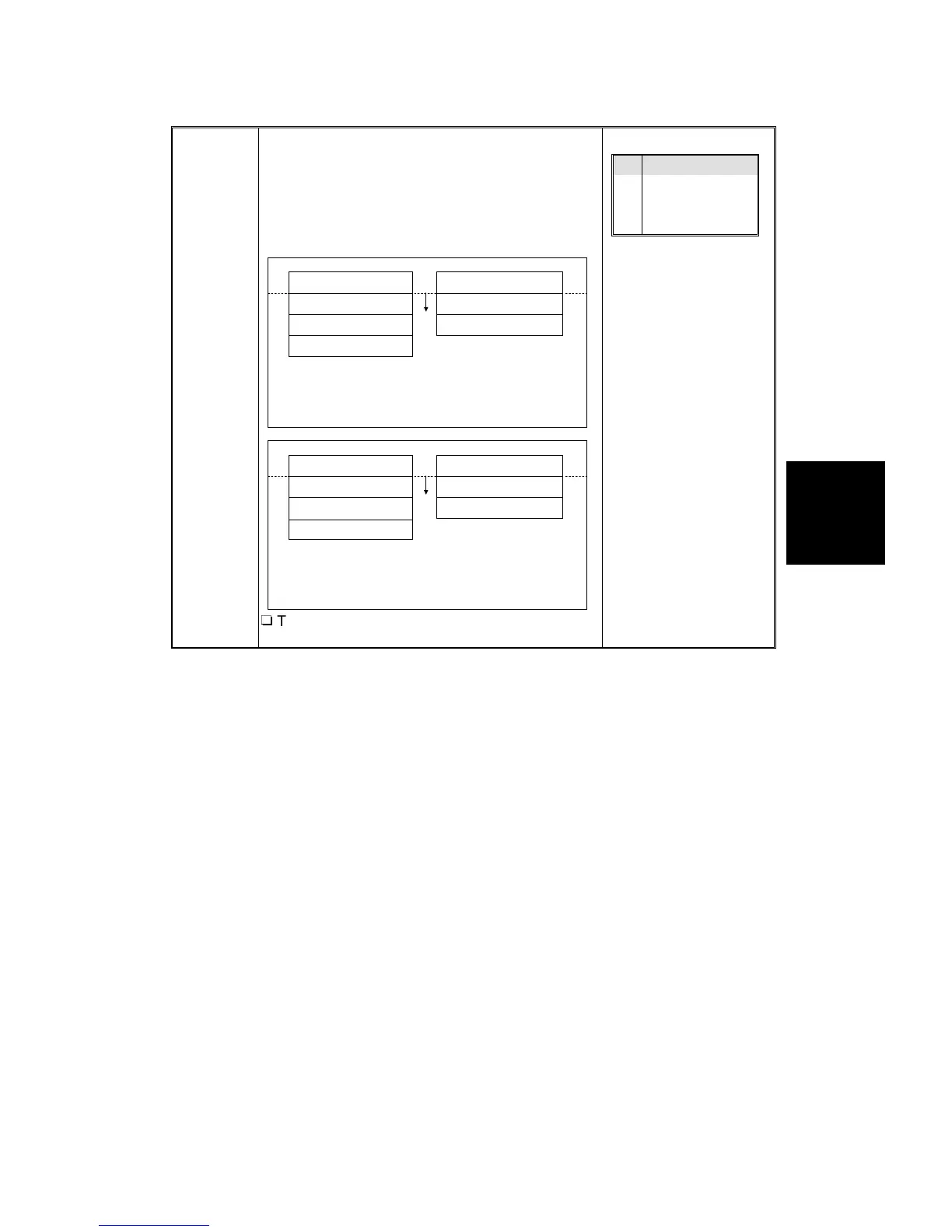
This function selects the default paper tray. This
function also changes the paper tray which is
selected preferentially when the Auto Paper Select
mode is specified.
Select from trays 1 to 4.
R
This function cannot be used if the copier has no
optional paper tray unit.
1 (Copier's 250-sheet tray)
2
3
4
2
3
1 (Copier's 250-sheet tray)
1500-sheet paper tray unit
1000-sheet paper tray unit
Trays 2 to 4 are optional
Duplex tray
1
2
1
2
Duplex tray
1500-sheet paper tray unit 1000-sheet paper tray unit
Trays 1 to 3 are optional
3
1 Tray 1
2 Tray 2
3 Tray 3
4 Tray 4
Service
Tables
USER PROGRAM MODES
SM 4-21 A166/A187/A189


 To Next Page
 Loading...









