OfficeServ 7100 PROGRAMMING
TECHNICAL MANUAL PART 2 APRIL 2007
MMC: 805
ACTION DISPLAY
1. Press TRANSFER 805.
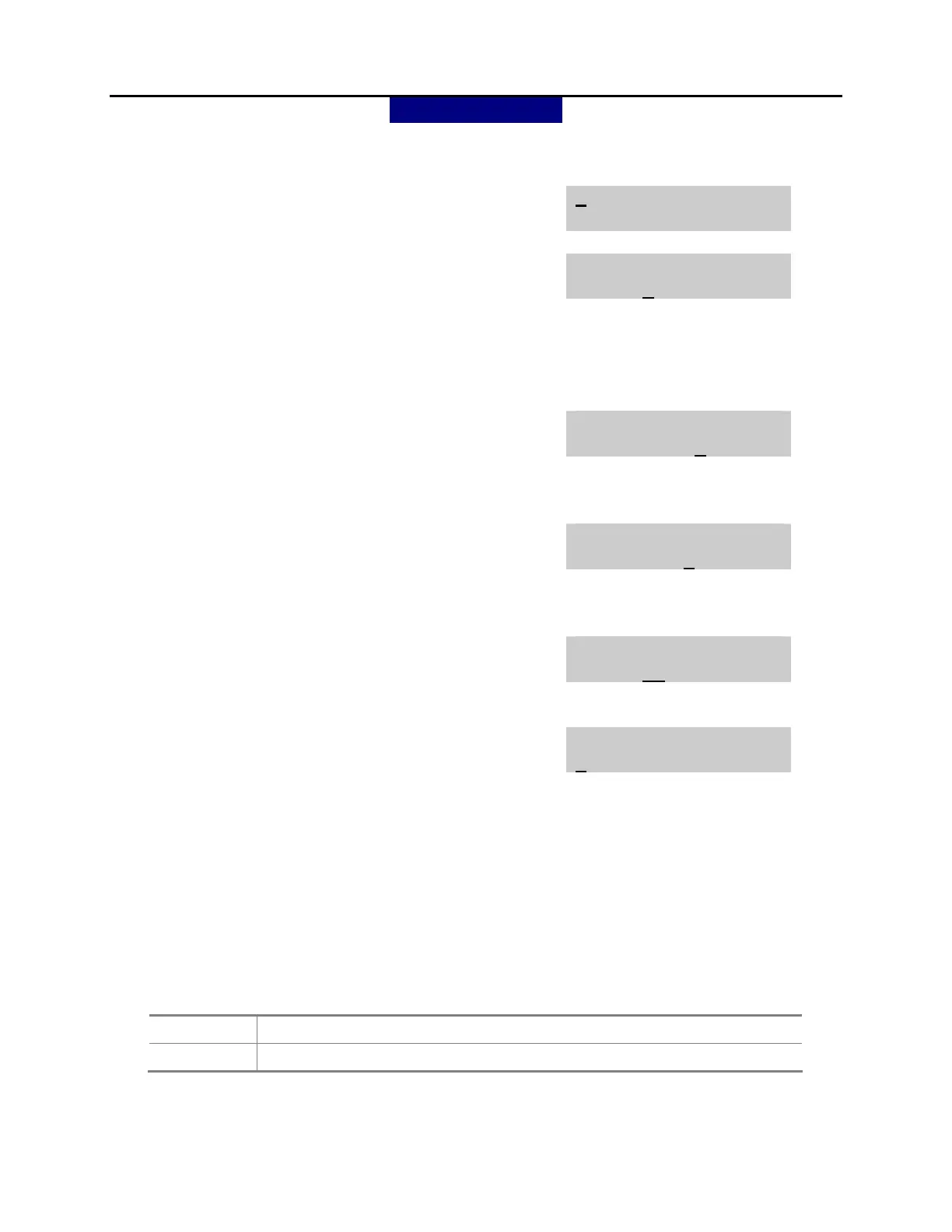
Display shows.
TX LEVEL CONTROL
LEVEL 0 → 0
2. Press UP or DOWN key to make selection
(TX LEVEL CONTROL, MISC TSW GAIN
TX LEVEL CONTROL
LEVEL 0 → 1
or TSW GAIN CONTROL).
After selection is made, press RIGHT soft key
to move cursor to volume level or tsw connect
type option.
3.a. Press RIGHT soft key to go to the volume level
OR
TX LEVEL CONTROL
LEVEL 1 → 2
Use UP or DOWN key to go to the next volume
level.
3.b. Press RIGHT soft key to go to the tsw connect
type
TSW GAIN CONTROL
SLT→ATRK:0 dB
OR
Use UP or DOWN key to go to the next tsw
connect type.
4.a. Enter desired volume data via dial pad
OR
TX LEVEL CONTROL
LEVEL 1 → 3
Use UP or DOWN key to scroll data (0-9).
4.b. Press UP or DOWN key to make selection tsw
gain control data and press RIGHT soft key to
TSW GAIN CONTROL
SLT→ATRK:+2dB
go to 3.b.
5. Press TRANSFER to store and exit
OR
Press SPEAKER to store and advance to next
MMC.
DEFAULT DATA:
TX LEVEL CONTROL
INDEX 0 1 2 3 4 5 6 7
LEVEL 0 1 2 4 3 5 6 7
MISC TSW GAIN















 To Next Page