OfficeServ 7100 PROGRAMMING
TECHNICAL MANUAL PART 2 APRIL 2007
MMC: 832
9. Using the keypad enter the digits to insert.
Press RIGHT soft key to enter data and move
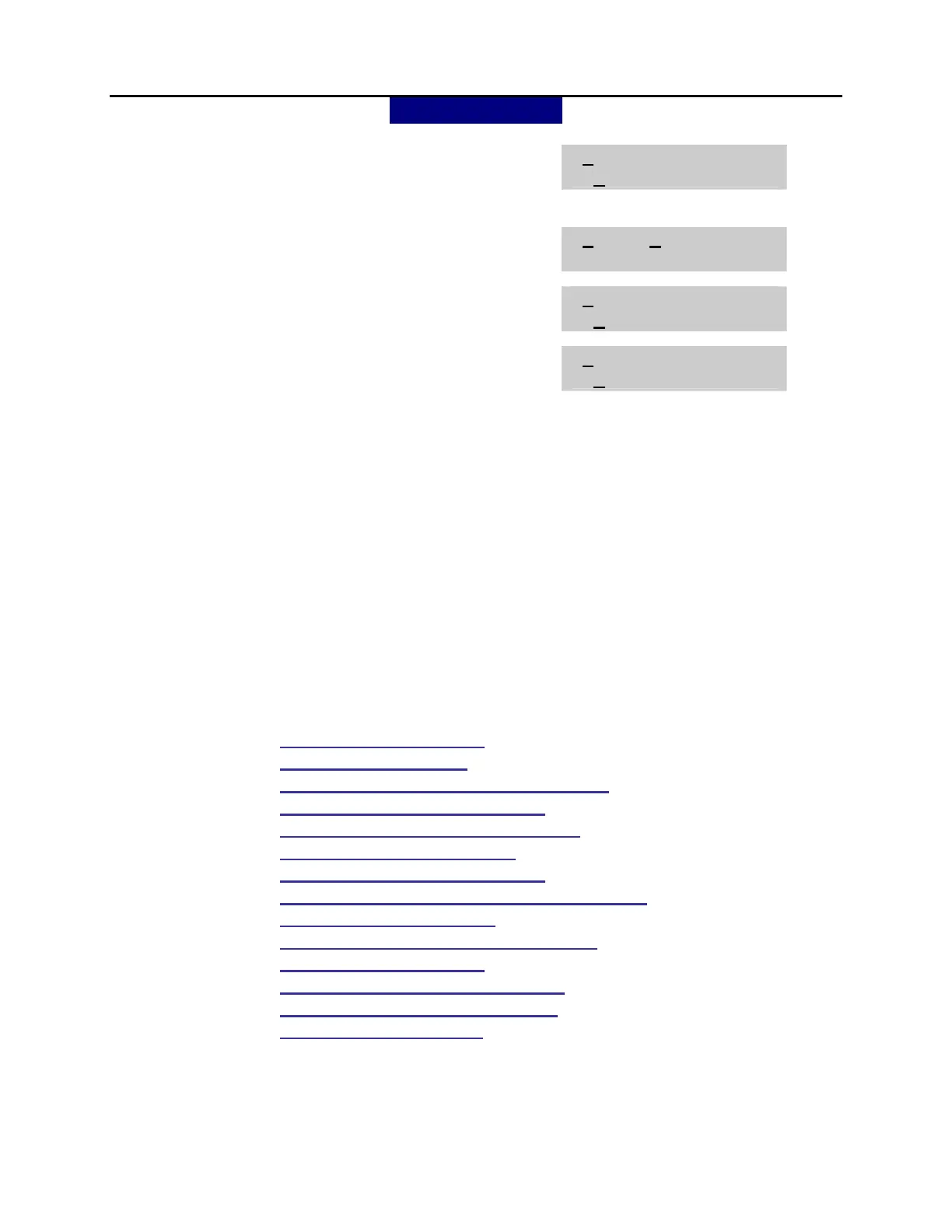
[0:00] INSERT DGT
9
cursor.
10. Press UP or DOWN key to make selection.
Press RIGHT soft key to move cursor.
[0:00] IP TABLE 1
00
11. Using the keypad enter two digit IP table to
translate dialed numbers to IP address.
[0:00] IP TABLE 1
01
13. Press RIGHT soft key to move cursor. Using
the keypad enter two digit IP translation start
[0:00] IP START
00
location to search for an IP address
OR
14. Press TRANSFER to store and exit
OR
Press SPEAKER to store and advance to next
MMC.
DEFAULT DATA: ACCESS DGT: 00~09 (digits 0~9) ,10~62 NONE
DGT LENGTH: 1 (digits 0~9), 10~62 NONE
DEL.LENGTH: 0
INSERT DGT: NONE
IP TABLE 1: 00
IP START: NONE
GK USE: NO
RELATED ITEMS: MMC 615: MGI GROUP
MMC 616: MGI USER
MMC 830: ETHERNET PARAMETERS
MMC 831: MGI PARAMETERS
MMC 833: VOIP ADDRESS TABLE
MMC 834: H.323 OPTIONS
MMC 835: MGI DSP OPTIONS
MMC 836: H.323 GATEKEEPER OPTIONS
MMC 837: SIP OPTIONS
MMC 838: PRIVATE IP ADDRESSES
MMC 840: IP SET INFO
MMC 841: SYSTEM IP OPTIONS
MMC 714: DID TRANSLATIONS
MMC 321: CLIP TABLE


 To Next Page
 Loading...













