11.9
Date Code 20080213 Instruction Manual SEL-351A Relay
Front-Panel Interface (Only on Models With LCD)
Functions Unique to the Front-Panel Interface
Local control switches are created by making corresponding switch position
label settings. These text label settings are set with the SET T command or
viewed with the SHO T command via the serial port [see Section 9: Setting
the Relay and SHO Command (Show/View Settings) on page 10.25]. See Local
Control Switches (Only on Models With LCD) on page 7.5 for more
information on local control.
View Local Control (With Factory Settings)
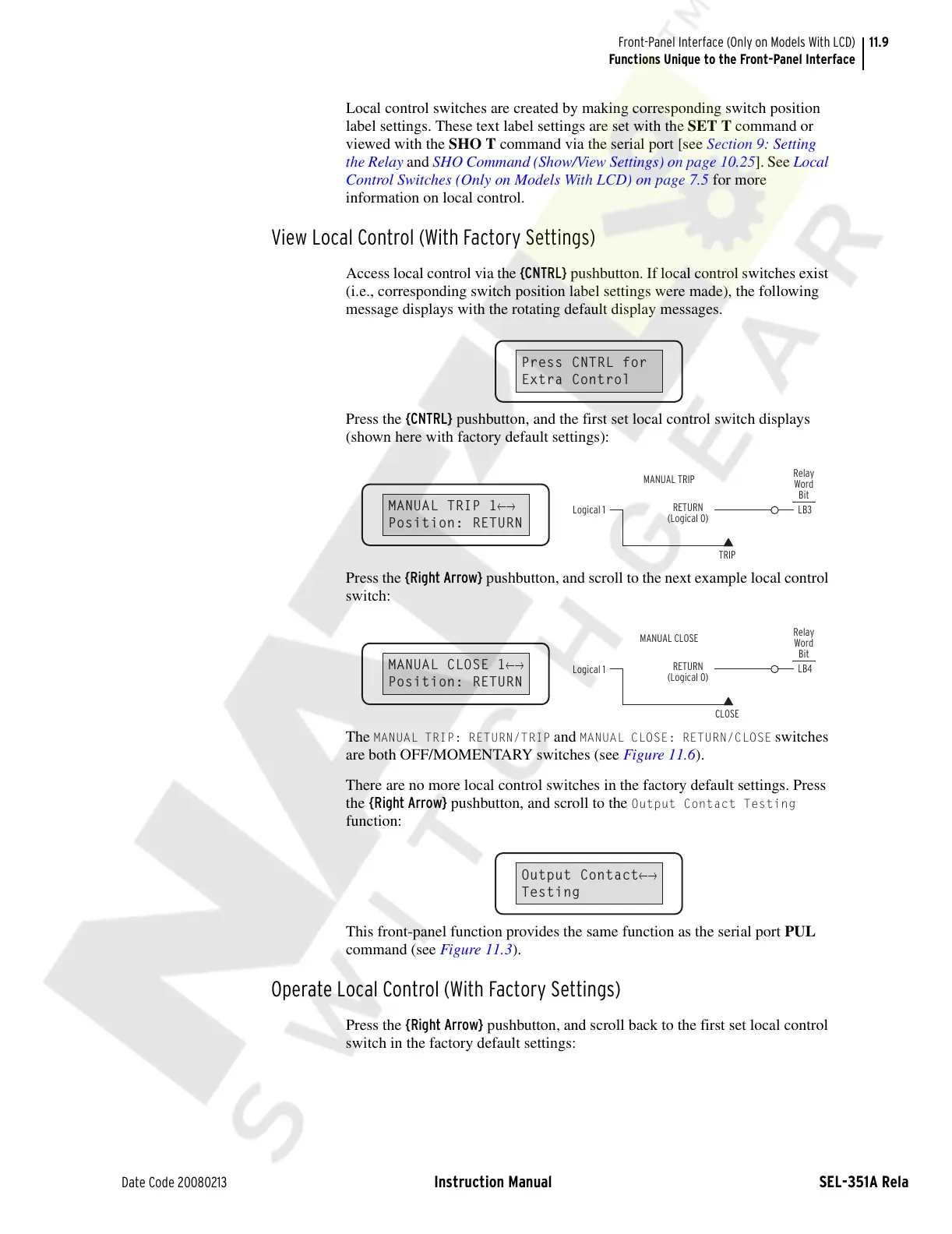
Access local control via the {CNTRL} pushbutton. If local control switches exist
(i.e., corresponding switch position label settings were made), the following
message displays with the rotating default display messages.
Press the {CNTRL} pushbutton, and the first set local control switch displays
(shown here with factory default settings):
Press the {Right Arrow} pushbutton, and scroll to the next example local control
switch:
The
MANUAL TRIP: RETURN/TRIP and MANUAL CLOSE: RETURN/CLOSE switches
are both OFF/MOMENTARY switches (see Figure 11.6).
There are no more local control switches in the factory default settings. Press
the {Right Arrow} pushbutton, and scroll to the
Output Contact Testing
function:
This front-panel function provides the same function as the serial port PUL
command (see Figure 11.3).
Operate Local Control (With Factory Settings)
Press the {Right Arrow} pushbutton, and scroll back to the first set local control
switch in the factory default settings:
Press CNTRL for
Extra Control
MANUAL TRIP 1
←→
Position: RETURN
Logical 1
LB3
RETURN
(Logical 0)
TRIP
Relay
Word
Bit
MANUAL TRIP
MANUAL CLOSE 1
←→
Position: RETURN
Logical 1
LB4
RETURN
(Logical 0)
CLOSE
Relay
Word
Bit
MANUAL CLOSE
Output Contact
←→
Testing
Courtesy of NationalSwitchgear.com



 To Next Page