11.16
SEL-351A Relay Instruction Manual Date Code 20080213
Front-Panel Interface (Only on Models With LCD)
Rotating Default Display
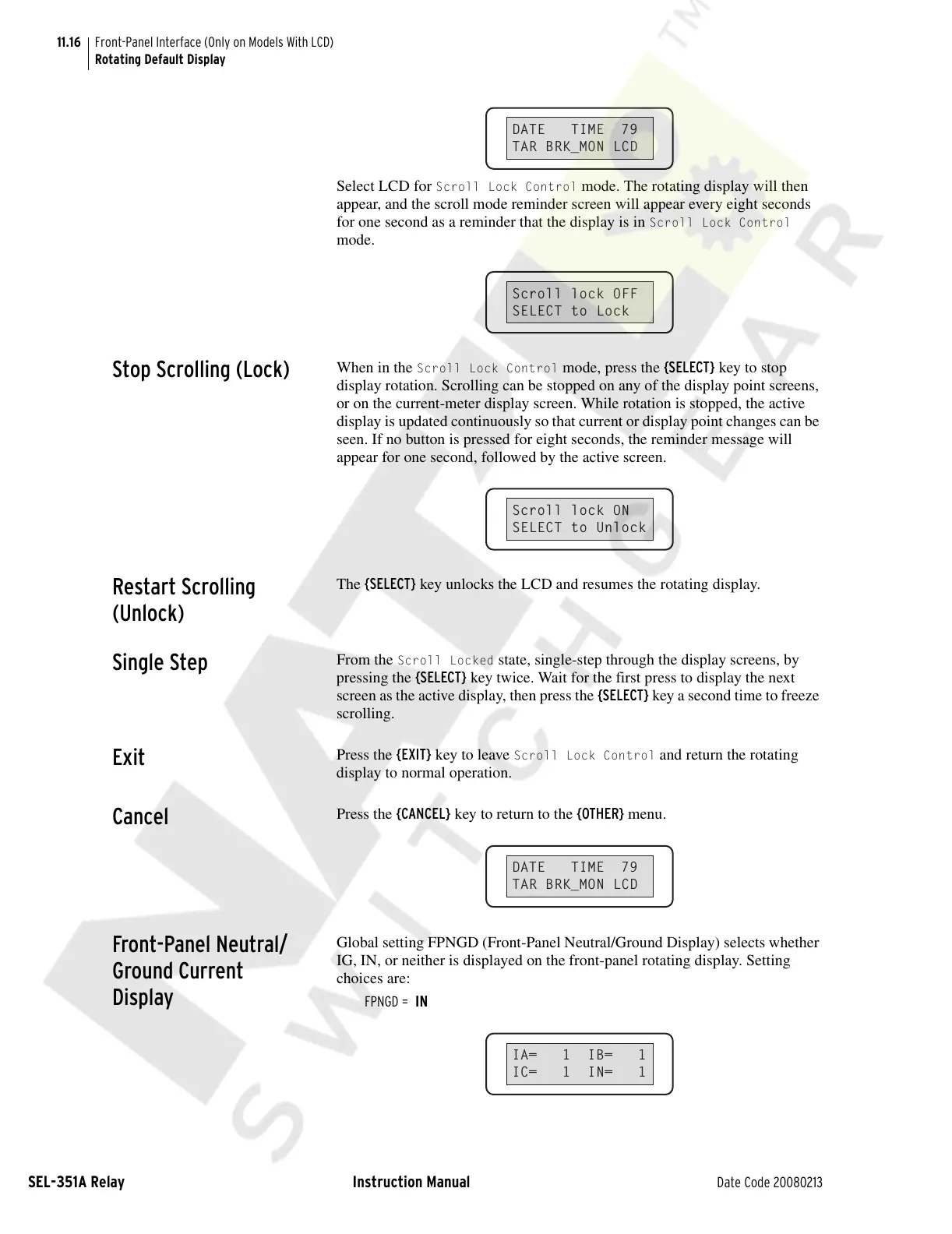
Select LCD for Scroll Lock Control mode. The rotating display will then
appear, and the scroll mode reminder screen will appear every eight seconds
for one second as a reminder that the display is in
Scroll Lock Control
mode.
Stop Scrolling (Lock)
When in the Scroll Lock Control mode, press the {SELECT} key to stop
display rotation. Scrolling can be stopped on any of the display point screens,
or on the current-meter display screen. While rotation is stopped, the active
display is updated continuously so that current or display point changes can be
seen. If no button is pressed for eight seconds, the reminder message will
appear for one second, followed by the active screen.
Restart Scrolling
(Unlock)
The {SELECT} key unlocks the LCD and resumes the rotating display.
Single Step
From the Scroll Locked state, single-step through the display screens, by
pressing the {SELECT} key twice. Wait for the first press to display the next
screen as the active display, then press the {SELECT} key a second time to freeze
scrolling.
Exit
Press the {EXIT} key to leave Scroll Lock Control and return the rotating
display to normal operation.
Cancel
Press the {CANCEL} key to return to the {OTHER} menu.
Front-Panel Neutral/
Ground Current
Display
Global setting FPNGD (Front-Panel Neutral/Ground Display) selects whether
IG, IN, or neither is displayed on the front-panel rotating display. Setting
choices are:
FPNGD = IN
DATE TIME 79
TAR BRK_MON LCD
Scroll lock OFF
SELECT to Lock
Scroll lock ON
SELECT to Unlock
DATE TIME 79
TAR BRK_MON LCD
IA= 1 IB= 1
IC= 1 IN= 1
Courtesy of NationalSwitchgear.com


 To Next Page
 Loading...