Removing the Second Internal Hard Drive in an RM7000class workstation
007-4486-001 87
13. To check that the system recognizes the new hard disk drive, from the Toolchest
select System > System Manager > Hardware and Devices > Disk Manager. The
system disk and the second disk are displayed.
For information on how to manage your disk space, see “Setting Up a New Hard Disk”
in the online Personal System Administration Guide.
Removing the Second Internal Hard Drive in an RM7000class workstation
Before removing the second drive, read “Remove a Disk from the System” in the online
Personal System Administration Guide to find out how to unmount the filesystem(s) on the
drive you are removing.
Note: If you do not unmount the necessary filesystem(s) before removing the disk, you
will not compromise any data, but your system may start more slowly as it spends time
looking for missing filesystems.
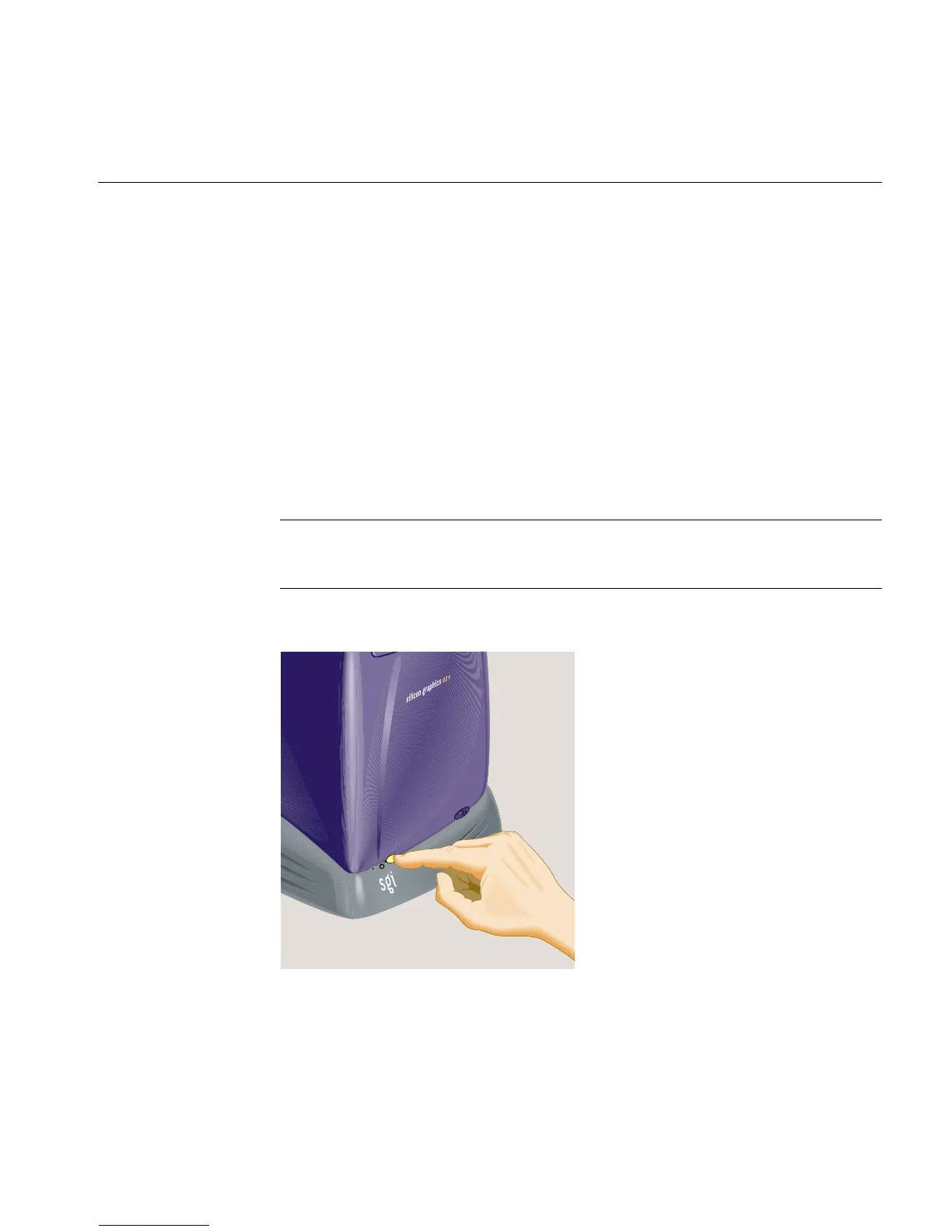
1. Turn off the workstation by pressing the power button on the front (Figure 3-13).
Figure 3-13 Turning Off the Workstation



 To Next Page