Setting Up the O2+ Workstation
007-4486-001 7
Setting Up the O2+ Workstation
Follow these steps to set up your workstation. The setup card that comes with the
workstation also contains this information.
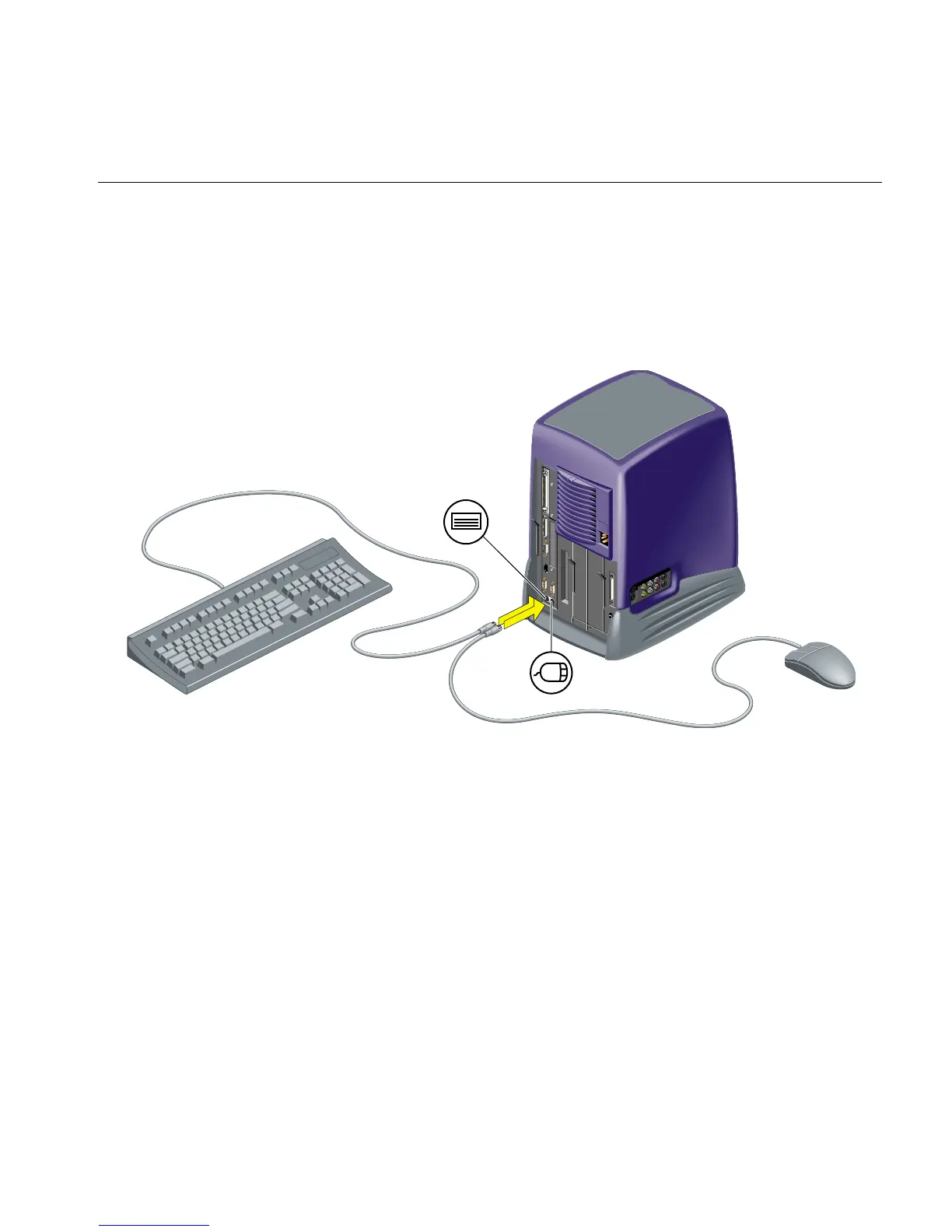
1. Connect the keyboard and the mouse to the workstation (Figure 1-6).
Figure 1-6 Connecting the Keyboard and Mouse to the Workstation
2. Connect the Ethernet 10-Base T or 100-Base T network cable to the Ethernet RJ45
connector on the rear of the workstation (Figure 1-7). If you do not have an Ethernet
connection in your office, check with your system administrator.
The O2+ workstation supports Ethernet 10-Base T and 100-Base T. For optional
networking PCI solutions supported on your workstation, contact your SGI service
provider.



 To Next Page