Verifying the Hardware Installation
007-4486-001 73
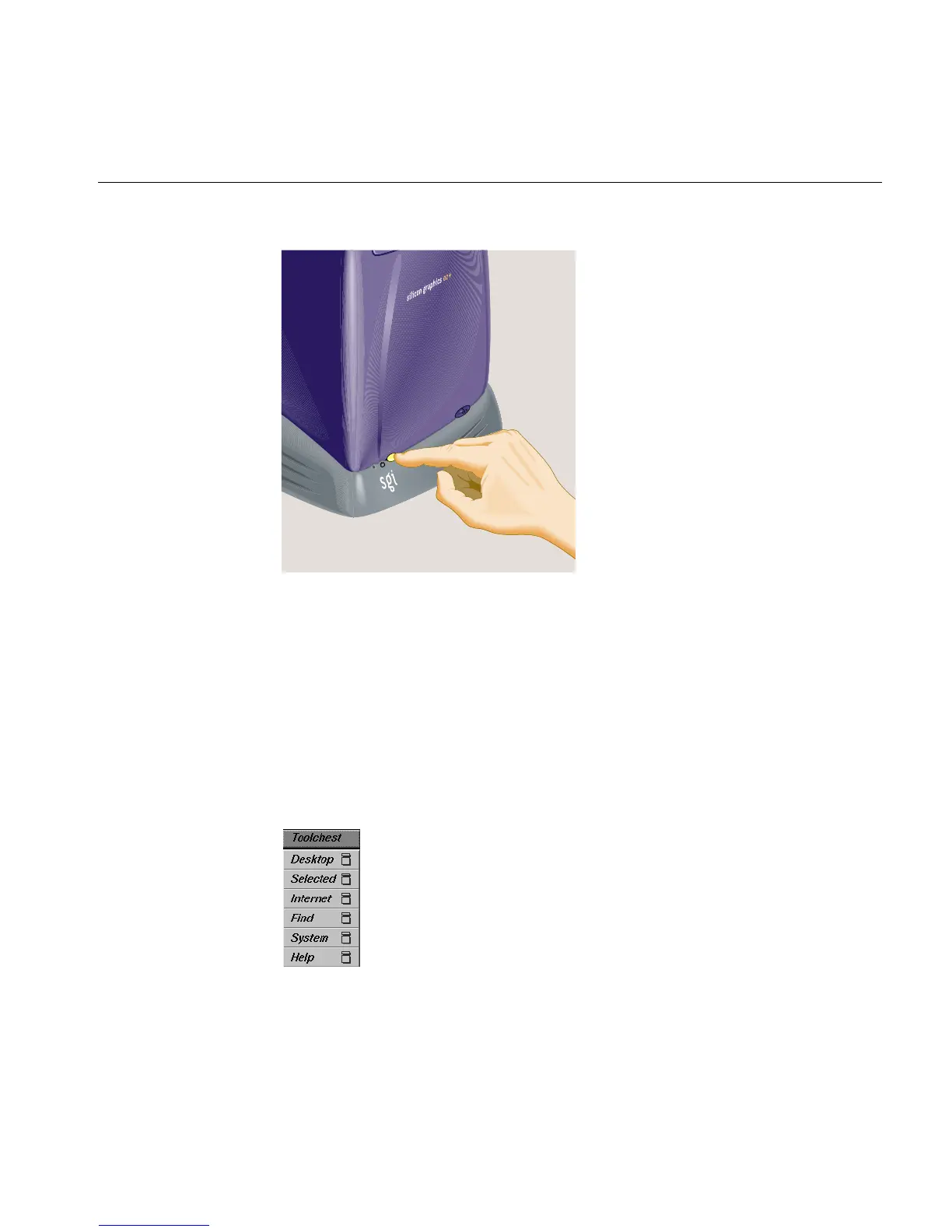
Figure 2-54 Turning On the Workstation
Verifying the Hardware Installation
Once you have installed memory modules or an option board, you should verify that the
system recognizes the new hardware, as follows:
1. Log in to your account.
2. From the Toolchest (Figure 2-55), select System > System Manager > About This
System.
Figure 2-55 The Toolchest



 To Next Page