Removing a PCI Board in an RM7000class Workstation
007-4486-001 45
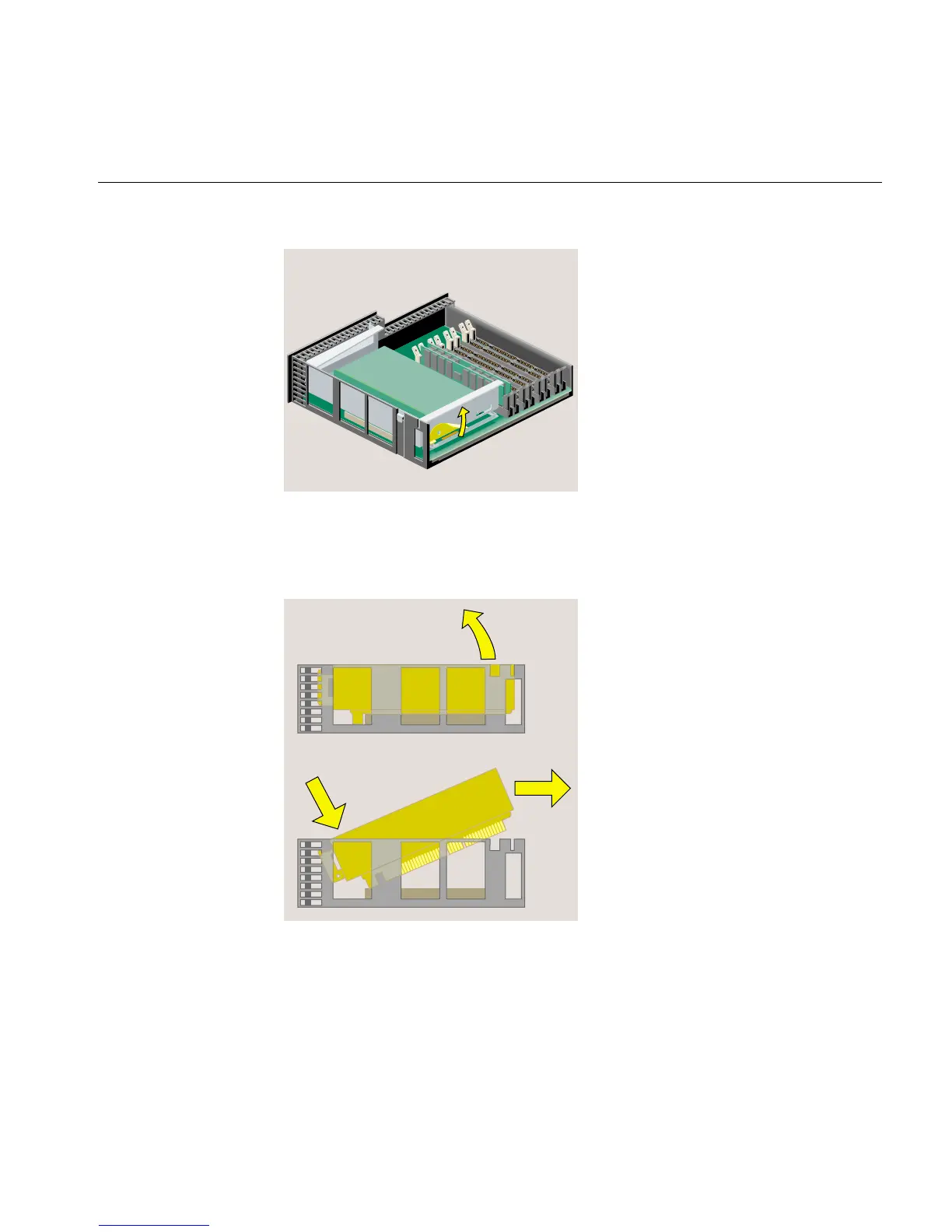
Figure 2-20 Releasing the PCI Tray
3. Push down slightly on the rear of the PCI tray and remove it from the system
module (Figure 2-21).
Figure 2-21 Removing the PCI Tray
4. Remove the screw that secures the board (Figure 2-22). Disconnect the PCI board
and slide it out of the tray. (It may be a little difficult to remove.)



 To Next Page