68 007-4486-001
Chapter 2: Installing or Removing Memory and Option Boards
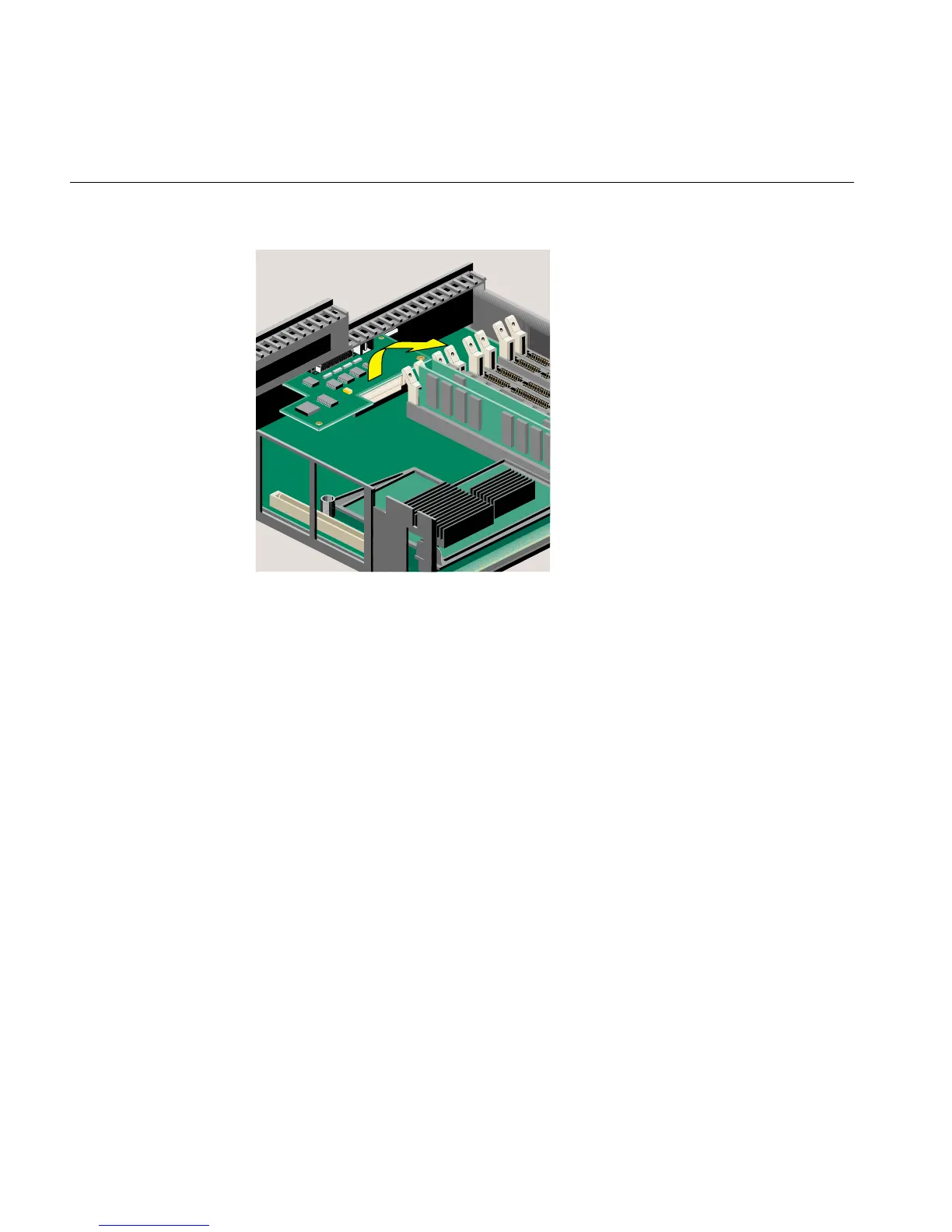
Figure 2-49 Removing the Option Board
5. If you want to install another option board, see “Installing an Option Board.” If not,
replace the filler panel that you removed when you installed the first option board.
6. Remove the wrist strap.
7. Reinstall the PCI tray, as follows:
• If you have an RM7000class workstation, see “Reinstalling the PCI Tray in an
RM7000class Workstation.”
• If you have an R12000class workstation, see “Reinstalling the PCI Tray in an
R12000class Workstation.”



 To Next Page