Connecting Serial Devices
007-4486-001 99
Connecting Serial Devices
Examples of serial devices you can connect to your O2+ workstation include: dial and
button boxes, digitizer tablets, console terminals, modems, optical mice, MIDI (Musical
Instrument Digital Interface) devices, Spaceball, and the Logitech Magellan 3D input
device.
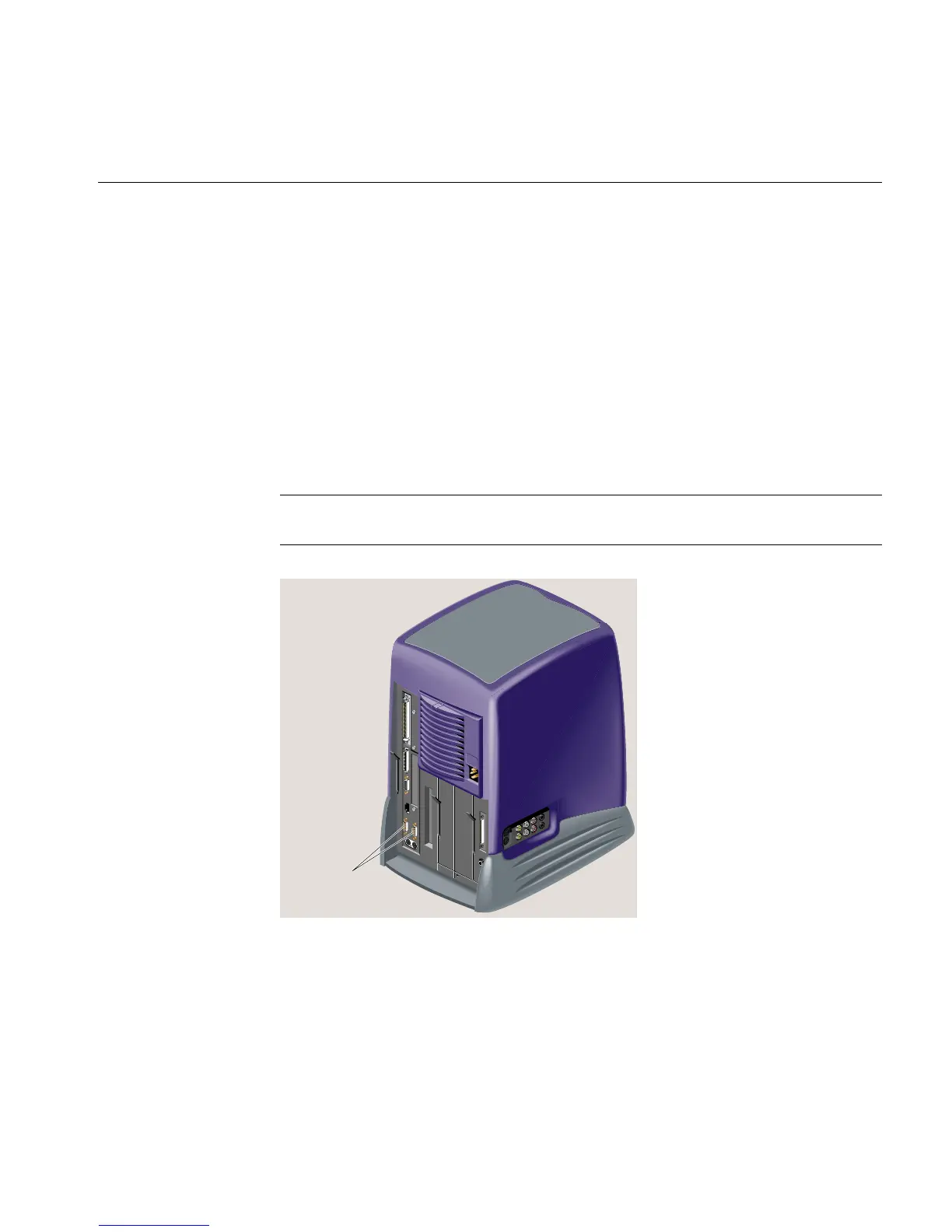
Figure 3-22 shows the location of the serial ports on the rear of the workstation. The serial
ports are labeled 1 and 2 and are DB9 connectors. To view the serial port cable pinouts,
and for information on Silicon Graphics serial cables and converters, see Hardware
Central. (If your Web browser is not loaded, it takes a few seconds to load.) Or, if you are
viewing this on a remote server, see Appendix A, “Technical Specifications”.
Note: The illustration shows an RM7000class workstation. The process of connecting
serial devices is the same on an R12000class workstation.
Figure 3-22 Locating the Serial Ports
Serial ports



 To Next Page