Installing a PCI Board in an RM7000class Workstation
007-4486-001 43
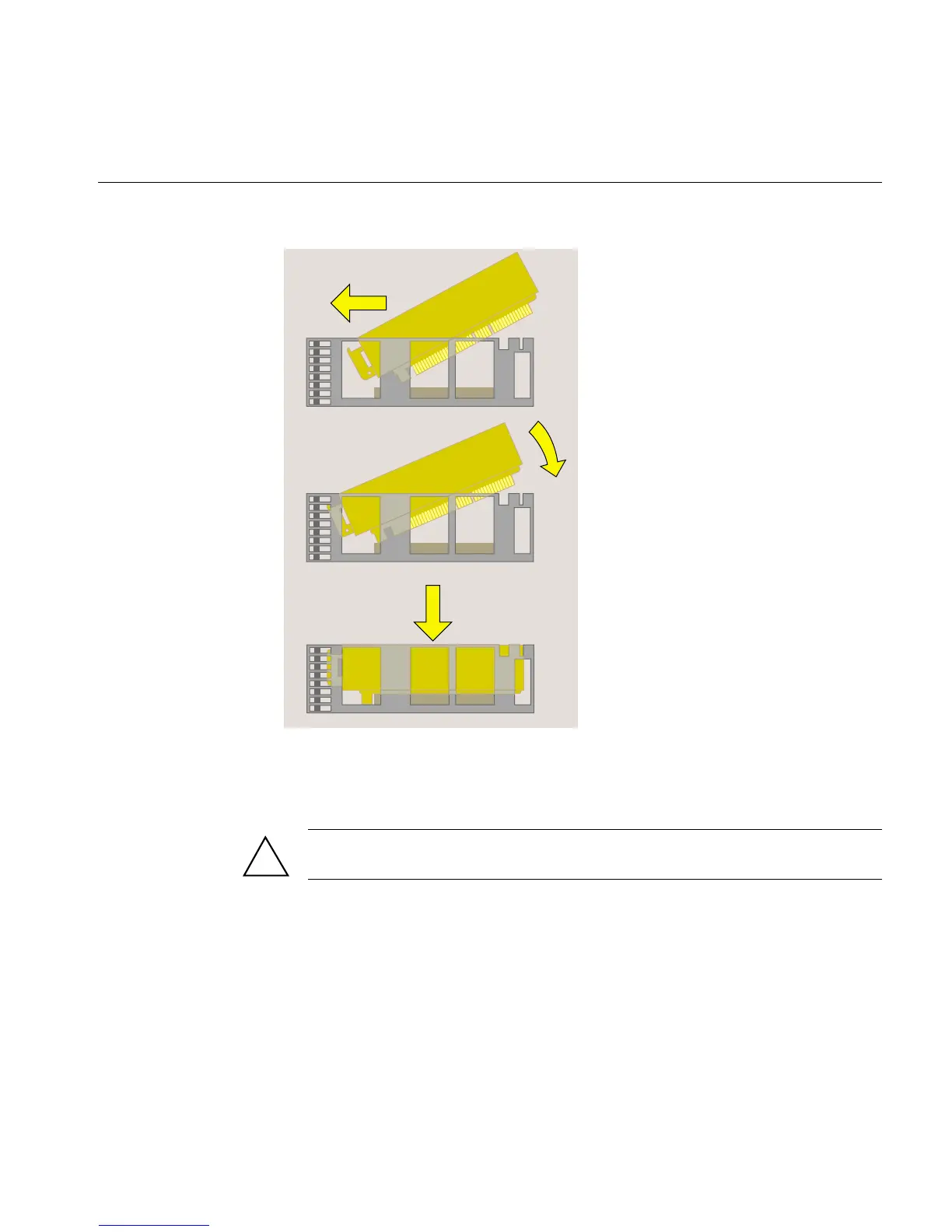
Figure 2-18 Replacing the PCI Tray in the System Module
9. Push the tray down firmly until it is completely seated. You hear a click as it seats.
Check that the lever returns to its starting position (Figure 2-19).
Caution: If the PCI tray is not completely seated, the system module will not slide
back into the chassis.
!



 To Next Page