130 007-4486-001
Chapter 5: Ordering, Removing, Upgrading, Installing Replacement Parts
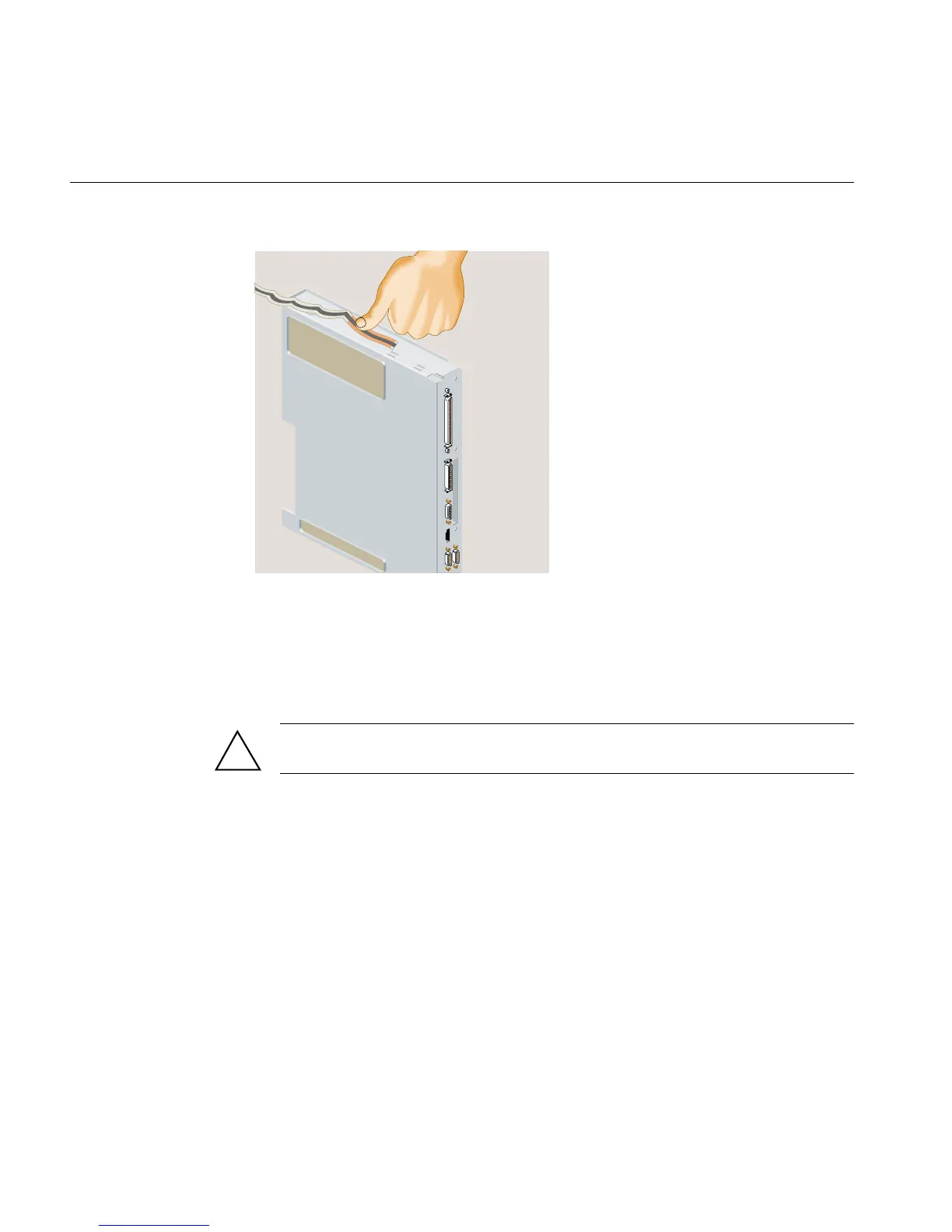
Figure 5-12 Attaching the Wrist Strap
6. Locate the R12000class CPU module. It is protected by a metal heat sink
(Figure 5-13). Do not remove the heat sink.
7. Use a Phillips screwdriver to remove four screws from the locations shown
(Figure 5-13).
Caution: Do not remove the four hex screws. Do not remove the two screws that
secure the fan.
!



 To Next Page