140 007-4486-001
Chapter 5: Ordering, Removing, Upgrading, Installing Replacement Parts
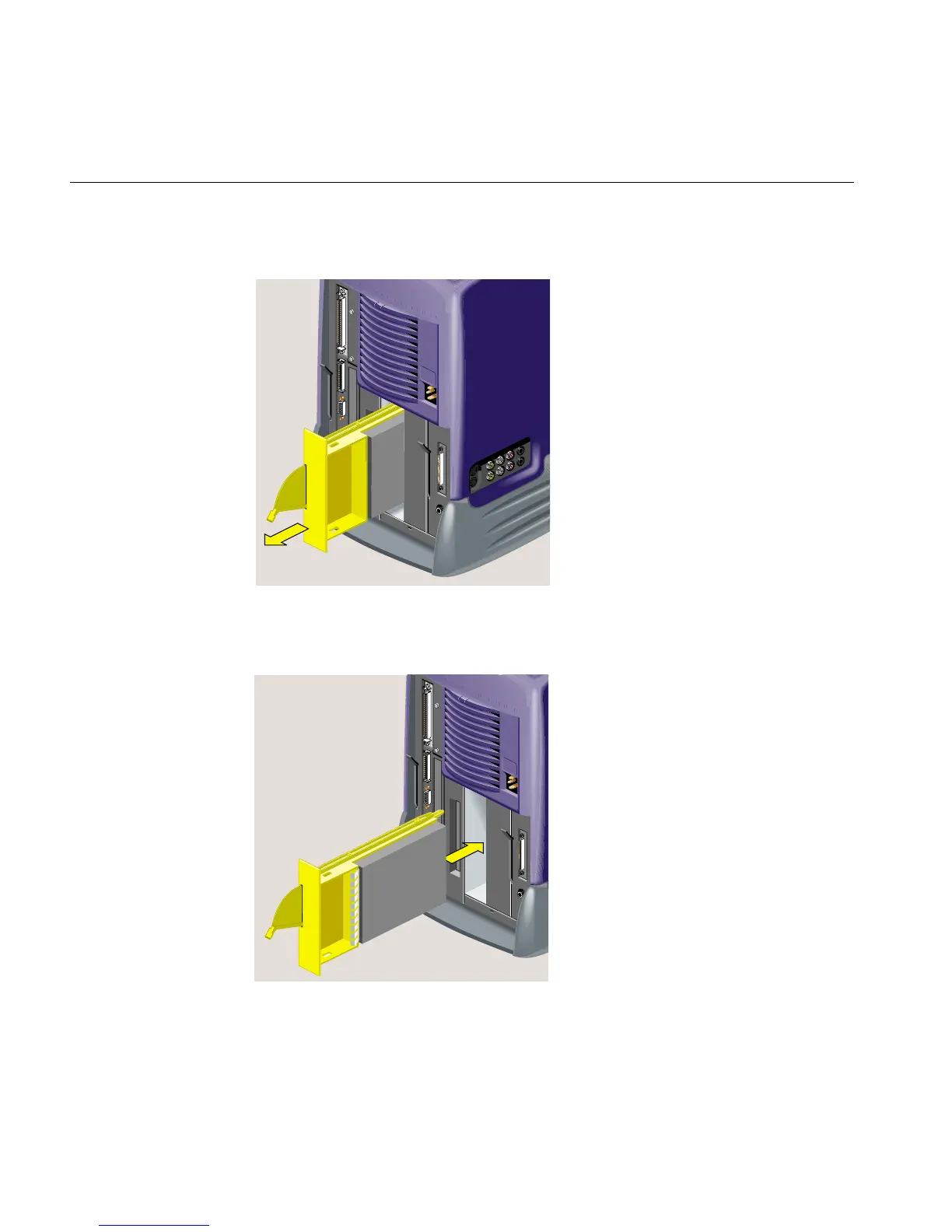
4. Pull the system drive module out of the chassis (Figure 5-23).
Figure 5-23 Removing the System Drive Module from the Chassis
5. Slide the replacement system drive module into the system drive bay (Figure 5-24).
Figure 5-24 Installing the Replacement System Drive Module



 To Next Page