118 007-4486-001
Chapter 5: Ordering, Removing, Upgrading, Installing Replacement Parts
• Description of the problem.
2. Remove the faulty part if instructed by your service provider to do so, as follows:
• To remove memory modules, see “Removing Memory Modules” in Chapter 2.
• To remove a PCI board, see “Removing a PCI Board in an RM7000class
Workstation” in Chapter 2 or “Removing a PCI Board in an R12000class
Workstation” in Chapter 2.
• To remove an adapter board such as the Dual Channel Display Board (DCD),
see “Removing an Option Board” in Chapter 2.
• To remove the second optional hard drive, see “Removing the Second Internal
Hard Drive in an RM7000class workstation” in Chapter 3.
• To replace the system module, see “Replacing the System Module.”
• To replace the CPU module, see “Replacing the RM7000class CPU Module” or
“Replacing the R12000class CPU Module.”
• To replace the system drive, see “Replacing the System Drive.”
• To replace the audio-visual module, see “Replacing the Audio-visual Module.”
• To replace the power supply, see “Replacing the Power Supply.”
• To replace the CD-ROM drive, see “Replacing the CD-ROM Drive.”
• To replace the chassis, see “Replacing the Chassis.”
• To replace the PCB an the PCI tray, see “Replacing the PCB on the PCI Tray.”
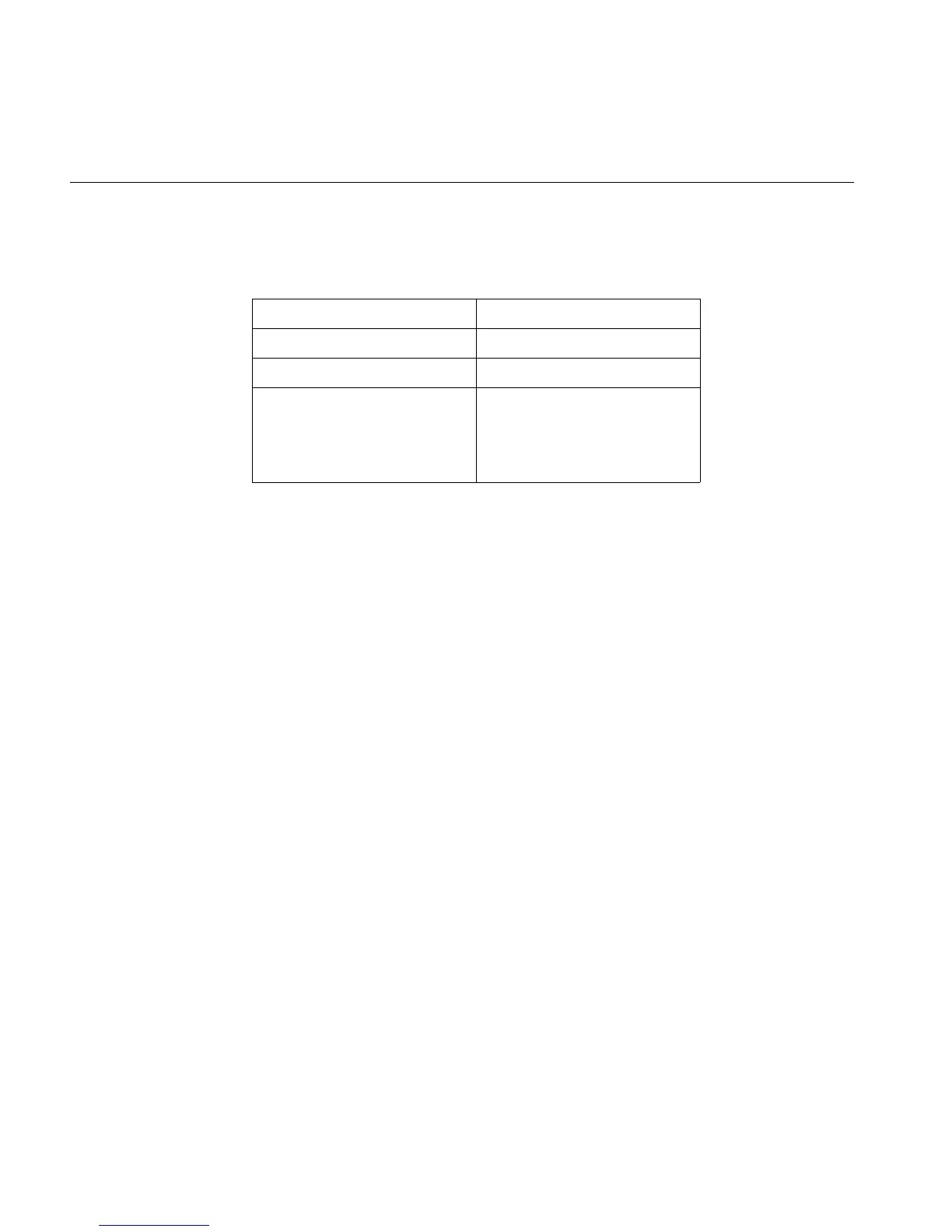
Table 5-1 Information Needed for Support Call
System Serial Number
Model Number
IRIX Version
Description of Problem



 To Next Page